Introduction
Google Sheets is a spreadsheet application used for organizing, calculating, and analyzing information.
It is useful for students, business owners, freelancers, and professionals who need to manage structured data.
Step 1: Create a Spreadsheet
Open Google Sheets and create a blank spreadsheet.
Give it a descriptive title so you can find it later.
Step 2: Understand Rows and Columns
Rows run horizontally, while columns run vertically.
Each cell is identified by a reference such as A1 or B2.
Step 3: Enter and Format Data
Create column headings and enter information consistently.
Use appropriate formats for dates, currency, and percentages.
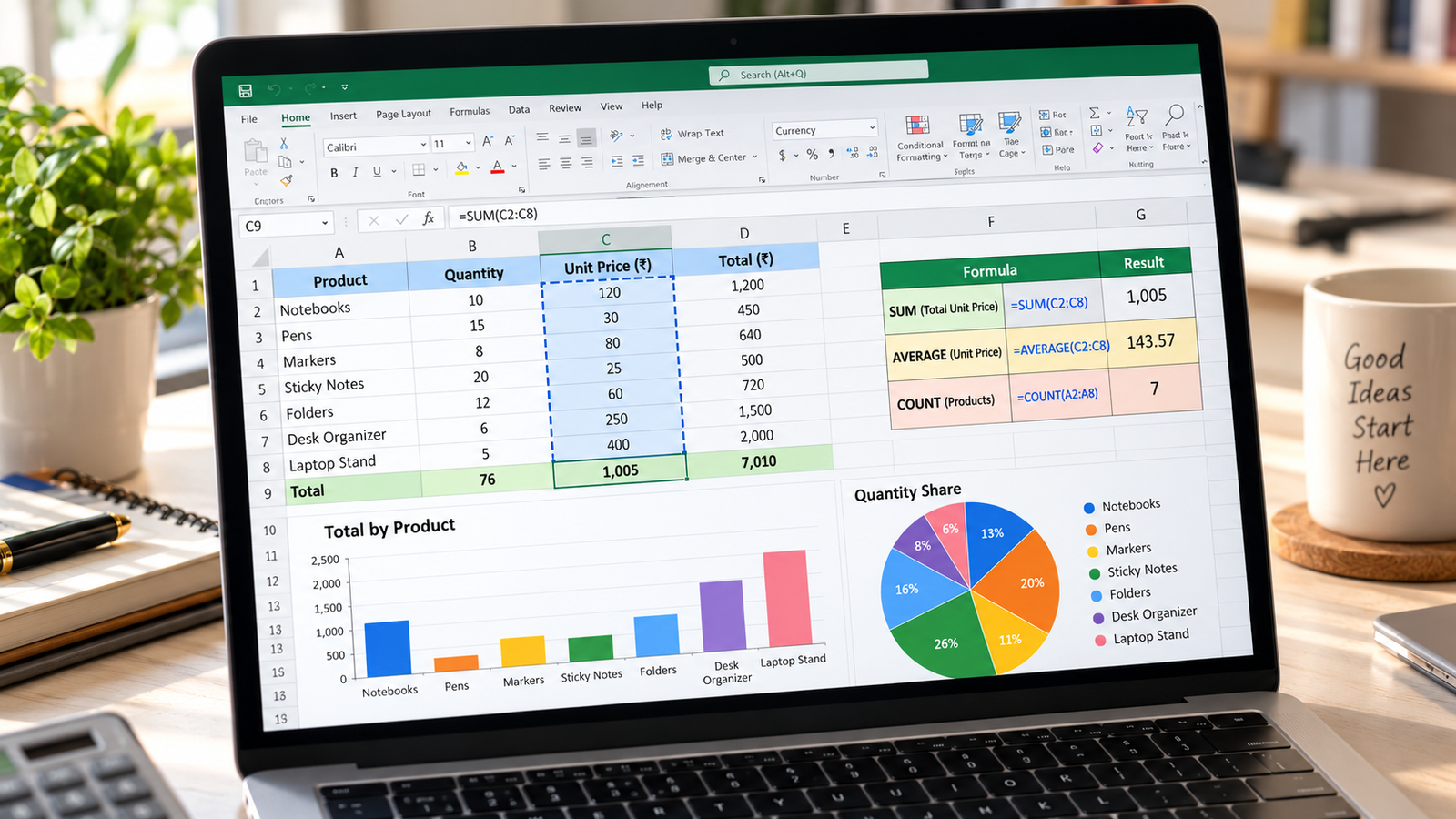
Step 4: Learn Basic Formulas
Formula | Purpose |
|---|
=SUM(B2:B10)
| Adds values |
=AVERAGE(B2:B10)
| Calculates average |
=COUNT(B2:B10)
| Counts numeric cells |
=MAX(B2:B10)
| Finds the largest value |
Step 5: Sort and Filter Data
Use sorting and filtering tools to organize information and display relevant records.
Step 6: Create Charts
Select a suitable data range and insert a chart.
Choose the chart type based on the information you want to communicate.
Step 7: Share Your Spreadsheet
Use sharing permissions carefully and give editing access only to people who need it.
Conclusion
Google Sheets is a valuable tool for everyday data management. Learning basic formulas, formatting, and charts creates a foundation for more advanced spreadsheet skills.