

A technical SEO audit checks whether search engines can find, crawl, render and index your website without problems. Even great content will struggle to rank if Google cannot access it properly or if pages load slowly on mobile. In this guide you will learn a practical, repeatable process to audit any website, find the issues that matter most and turn them into a clear action plan.
Quick answer: To perform a technical SEO audit, crawl your site with a tool like Screaming Frog, check indexing in Google Search Console, review robots.txt and XML sitemaps, test Core Web Vitals and mobile usability, fix broken links, redirects and duplicate content, validate structured data, and then prioritise fixes by impact.
Why It Matters
Technical issues silently block growth. A misconfigured robots.txt can hide an entire section of your site, redirect chains waste crawl budget, and slow pages push visitors away before they read a word. Regular audits catch these problems early, protect existing rankings after updates or redesigns, and make every piece of content you publish more likely to perform.
Step-by-Step: How to Perform a Complete Technical SEO Audit for Your Website
Step 1: Crawl your website
Use a crawler such as Screaming Frog, Sitebulb or the free tier of Ahrefs Webmaster Tools to scan every URL. Export the list of pages with their status codes, titles, meta descriptions, canonical tags and word counts. This crawl becomes the base dataset for the rest of your audit.
Step 2: Check indexing in Google Search Console
Open the Pages report in Search Console to see which URLs are indexed and why others are excluded. Look for important pages marked as “Crawled – currently not indexed”, “Duplicate without user-selected canonical” or blocked by noindex. Compare the indexed count with the number of pages you actually want in Google.
Step 3: Review robots.txt and XML sitemaps
Make sure robots.txt does not block important folders, CSS or JavaScript files. Your XML sitemap should list only canonical, indexable URLs that return a 200 status code. Remove redirected, noindexed or deleted pages from the sitemap and submit the clean version in Search Console.
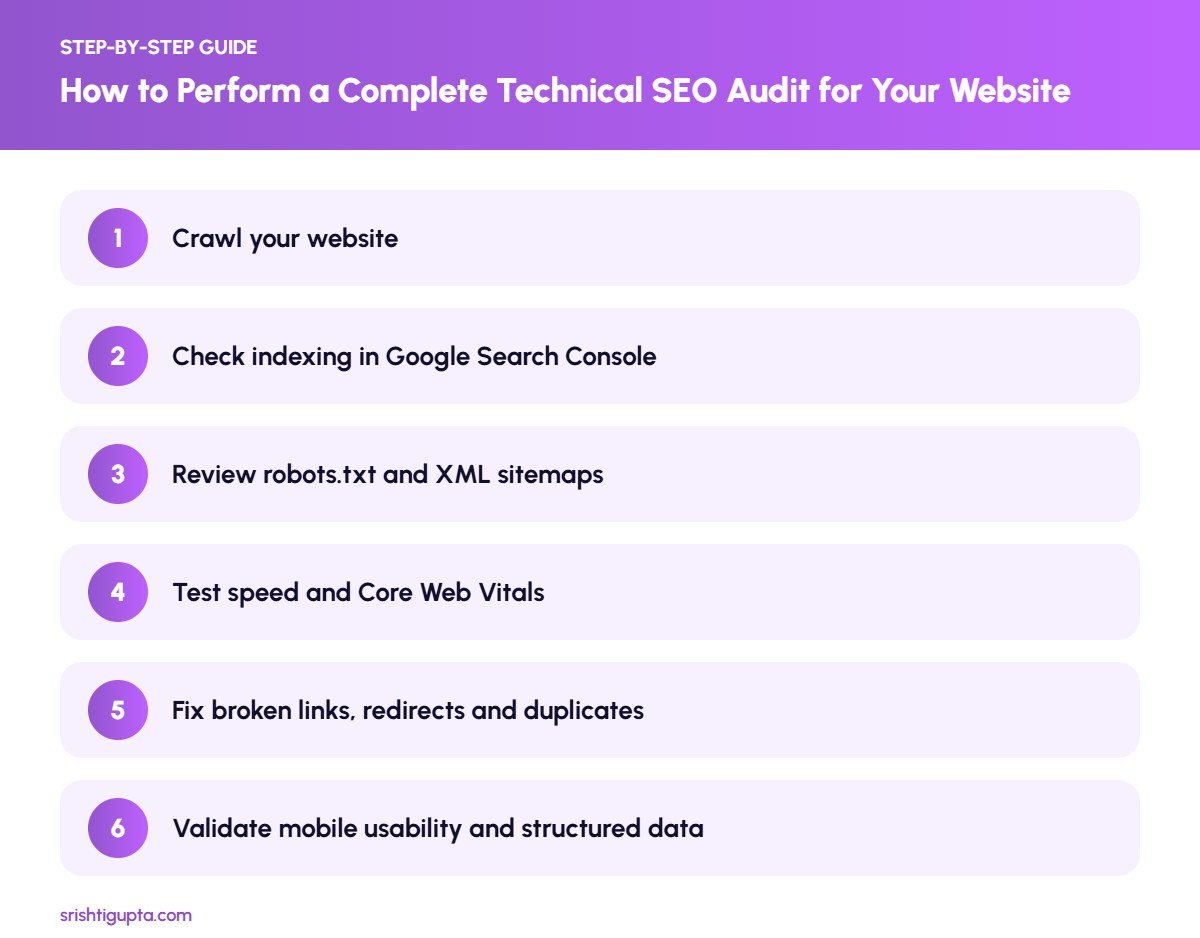
Step 4: Test speed and Core Web Vitals
Run key templates such as the homepage, a service page and a blog post through PageSpeed Insights. Focus on Largest Contentful Paint, Interaction to Next Paint and Cumulative Layout Shift. Common fixes include compressing images, lazy loading, reducing unused JavaScript and using good hosting with caching.
Step 5: Fix broken links, redirects and duplicates
From your crawl, list all 404 pages, redirect chains and pages with duplicate titles or content. Update internal links to point directly at the final URL, add 301 redirects for removed pages that still get traffic, and use canonical tags where similar pages must exist.
Step 6: Validate mobile usability and structured data
Check pages on a real phone as well as with Lighthouse to ensure text is readable and buttons are easy to tap. Then test schema markup with the Rich Results Test and fix errors in Organization, Article, FAQ, Product or LocalBusiness markup.
Pro Tips
- Audit your most important templates first instead of every single URL.
- Keep a spreadsheet with issue, affected URLs, priority and owner so fixes actually happen.
- Re-crawl after making changes to confirm problems are solved.
- Schedule a light audit every quarter and a full audit after any redesign or migration.
Common Mistakes to Avoid
- Blocking CSS or JavaScript in robots.txt, which stops Google rendering pages correctly.
- Leaving redirected or noindexed URLs inside the XML sitemap.
- Chasing a perfect PageSpeed score instead of improving real user experience.
- Fixing low-impact warnings while ignoring indexing problems on key pages.
Frequently Asked Questions
How often should I do a technical SEO audit?
A full audit every six months is a good baseline, with quick monthly checks in Google Search Console. Always run an audit after a redesign, migration or major plugin change.
Can I do a technical SEO audit for free?
Yes. Google Search Console, PageSpeed Insights, the Rich Results Test and the free version of Screaming Frog (up to 500 URLs) cover most of what a small website needs.
What is the most important part of a technical audit?
Indexing. If important pages are not indexed, nothing else matters, so always start by confirming that your key pages can be crawled and are in Google’s index.
Final Thoughts
A technical SEO audit is not a one-time task but a health check that keeps your website strong. Start with crawling and indexing, fix the issues that affect your most valuable pages, and build the habit of reviewing Search Console regularly. Over time, these improvements make it much easier for both search engines and AI assistants to understand and recommend your content.
Need expert help? Srishti Gupta is a digital marketing expert in Ludhiana. Explore her SEO services or get in touch to discuss your project.