

Perplexity AI is an answer engine that searches the web and gives you a summarised answer with linked sources. For marketers, students and business owners it can cut research time dramatically, as long as you know how to ask good questions and verify what it finds.
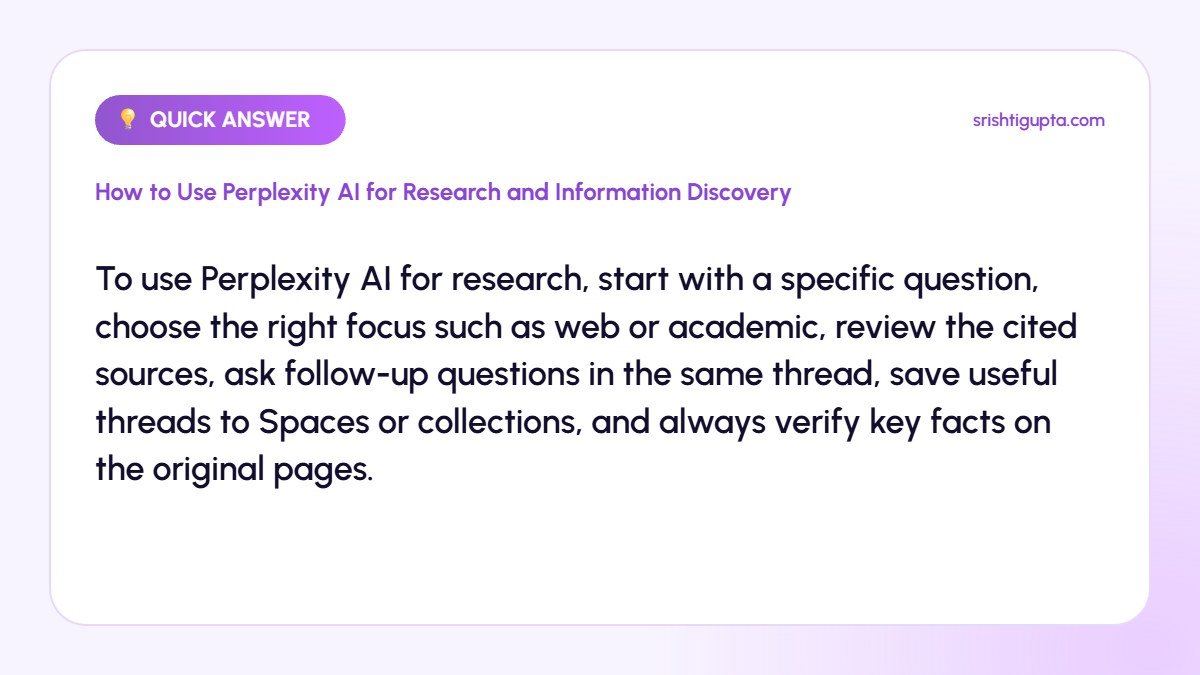
Quick answer: To use Perplexity AI for research, start with a specific question, choose the right focus such as web or academic, review the cited sources, ask follow-up questions in the same thread, save useful threads to Spaces or collections, and always verify key facts on the original pages.
Why It Matters
Traditional searching means opening many tabs and piecing information together. Perplexity summarises multiple sources at once and shows where each point comes from, which makes it ideal for market research, competitor analysis, content outlines and learning new topics quickly.
Step-by-Step: How to Use Perplexity AI for Research and Information Discovery
Step 1: Ask a clear, specific question
Instead of typing a keyword, ask a full question with context, such as the audience, location or time period you care about. Specific prompts produce more relevant answers and better sources.
Step 2: Choose the right focus
Use focus modes to limit results to the web, academic papers, discussions or other source types where available. Academic focus is useful for studies, while discussion sources reveal real user opinions.
Step 3: Review the sources
Each answer includes numbered citations. Open the most important ones to confirm the claim, check the date and judge the credibility of the website before using the information.
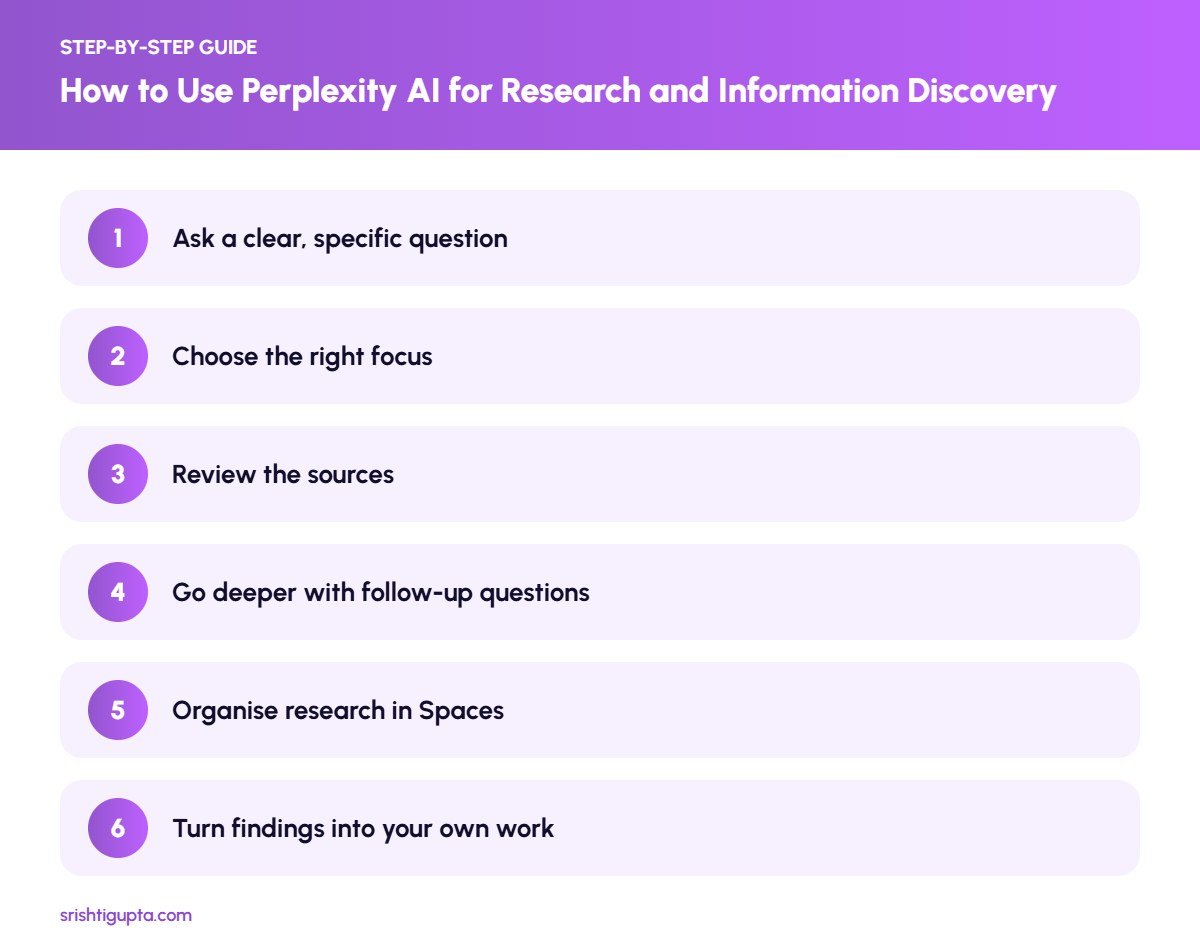
Step 4: Go deeper with follow-up questions
Keep asking in the same thread to narrow down the topic, compare options or request examples. Perplexity keeps context, so you can build a complete picture step by step.
Step 5: Organise research in Spaces
Group related threads into Spaces or collections for projects such as a client audit or blog series. You can add instructions so future answers follow the same style or focus.
Step 6: Turn findings into your own work
Use the research to build outlines, briefs or reports, but write the final content in your own words with your experience and examples. Link to the original sources where facts are used.
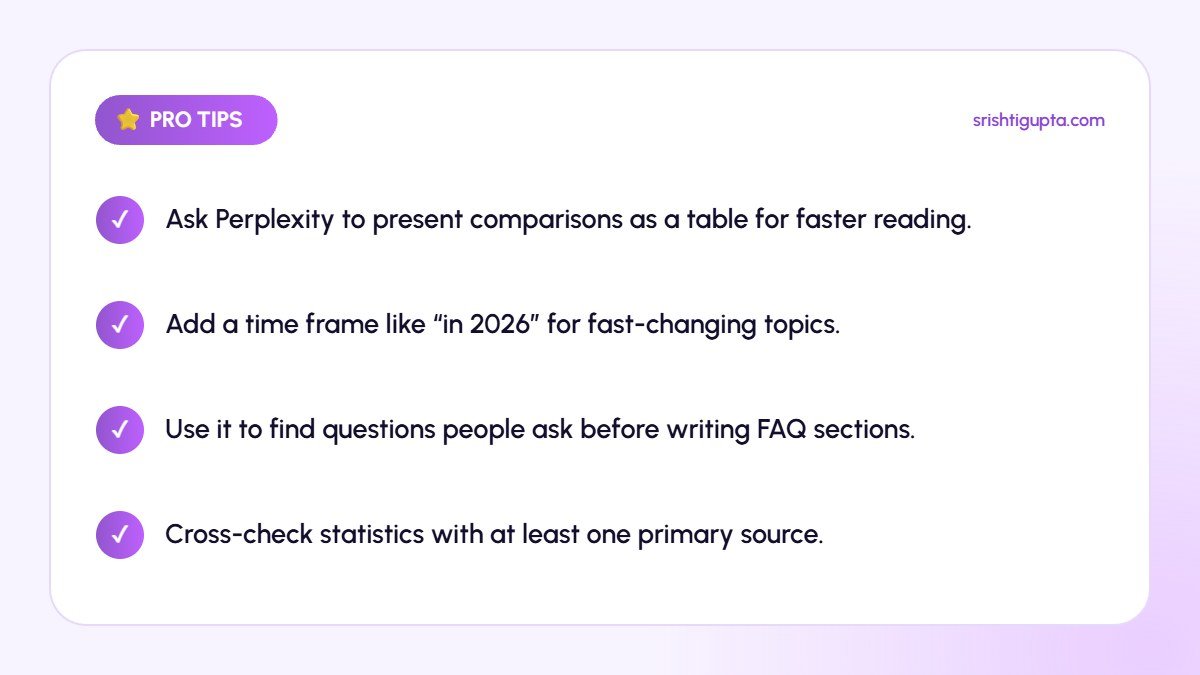
Pro Tips
- Ask Perplexity to present comparisons as a table for faster reading.
- Add a time frame like “in 2026” for fast-changing topics.
- Use it to find questions people ask before writing FAQ sections.
- Cross-check statistics with at least one primary source.
Common Mistakes to Avoid
- Copying answers directly into published content.
- Trusting a single source without checking its date or credibility.
- Asking vague one-word questions.
- Ignoring conflicting information between sources.
Frequently Asked Questions
Is Perplexity AI free?
Perplexity has a free plan with standard searches and a paid Pro plan with more advanced models, more file uploads and additional features.
Is Perplexity better than Google for research?
It is faster for summarising and comparing information, while Google is better for browsing many results, local searches and navigating to specific websites. Many researchers use both.
Can I trust Perplexity’s answers?
Treat answers as a starting point. The citations make verification easy, but you should always check important facts on the original source.
Final Thoughts
Perplexity AI is a powerful research assistant when used thoughtfully. Ask precise questions, follow the sources and organise your threads, and you will spend less time searching and more time creating useful work.
Need expert help? Srishti Gupta is a digital marketing expert in Ludhiana. Explore her AI-powered digital marketing or get in touch to discuss your project.