
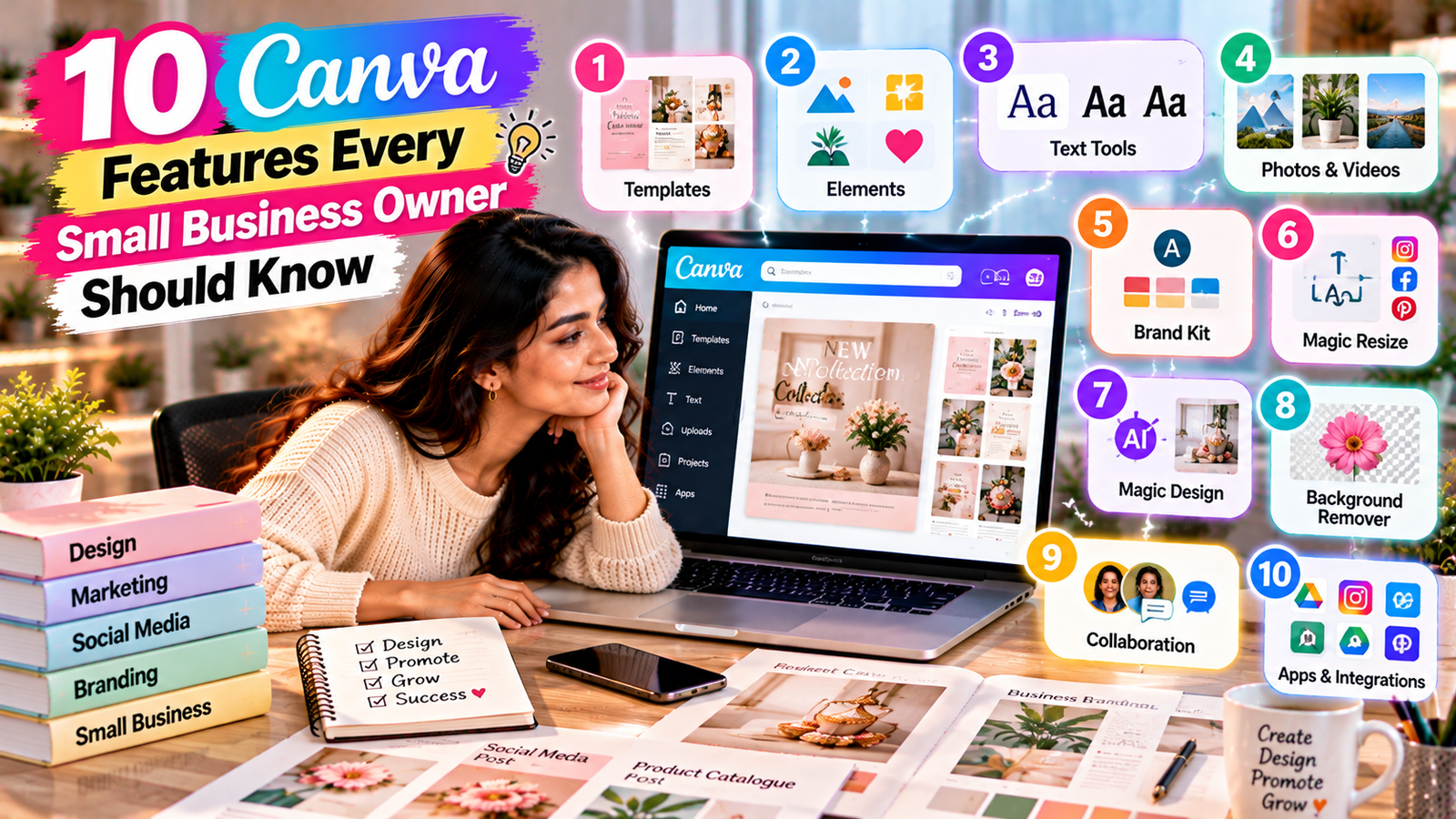
10 Canva Features Every Small Business Owner Should Know
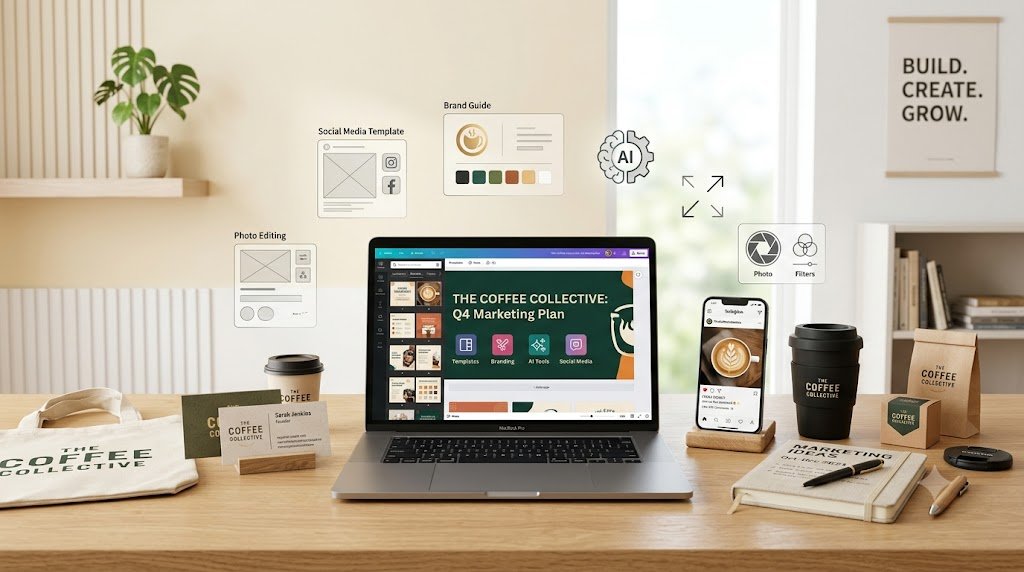
Running a small business means wearing many hats. One day you’re answering customers, the next you’re creating an Instagram post, designing a flyer, preparing a presentation, or updating your marketing materials.
Hiring a designer for every small task isn’t always practical. That’s where Canva can become a useful part of your business workflow.
With templates, branding tools, social media features, AI-powered capabilities, photo editing tools, and more, Canva can help small business owners create professional-looking marketing content without needing advanced graphic design skills.
In this guide, we’ll explore 10 Canva features every small business owner should know and how you can use them to save time and create more consistent business content.
Professional Templates

One of the most useful Canva features for small businesses is its large collection of templates.
Instead of starting with a blank page, you can choose a design template and customize it for your business.
Templates can help you create:
- Instagram posts
- Flyers
- Business cards
- Presentations
- Posters
- Brochures
- Social media graphics
- YouTube thumbnails
- Pinterest graphics
Why it matters for small businesses
Templates can reduce the time spent figuring out layouts and give you a starting point for your design. The key is to customize the template instead of simply using it unchanged. Add your own branding, images, messaging, and visual style.
Brand Kit and Brand Consistency
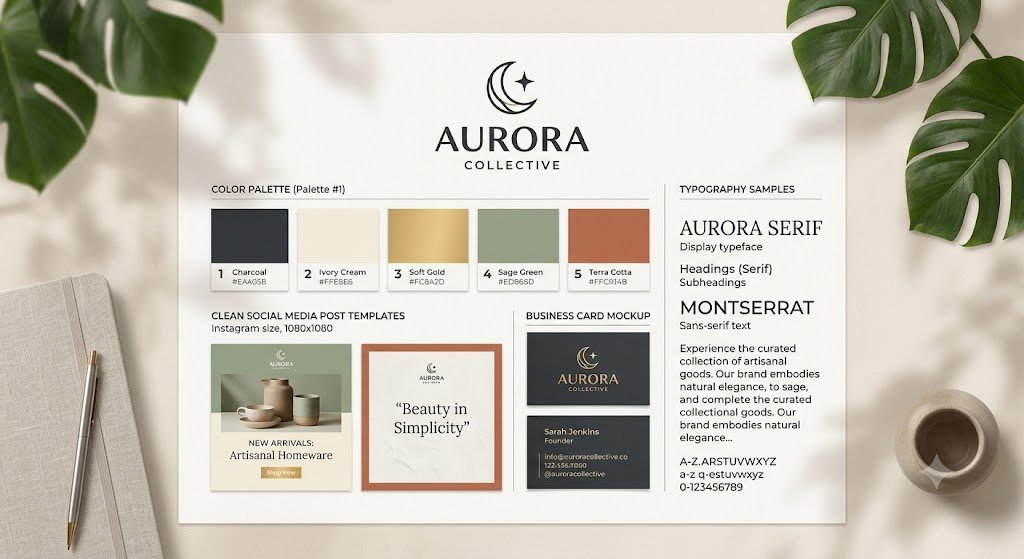
A recognizable brand needs consistency.
Canva’s branding features can help businesses organize important visual elements such as brand colors, fonts, and logos, depending on the Canva plan and features available to the account.
Instead of choosing a different font or color every time you create a post, you can establish a consistent visual identity.
Use it for:
- Social media posts
- Promotional graphics
- Presentations
- Marketing materials
- Digital advertisements
- Business documents
SEO Tip
Consistent branding can make your online content easier for customers to recognize across different platforms.
Magic Resize and Design Resizing
Creating the same marketing idea in multiple dimensions can be time-consuming.
Canva’s resizing features can help adapt designs for different formats, depending on the features available in your plan.
For example, one design concept may need versions for:
- Stories
- Presentations
- Other marketing formats
Instead of recreating everything from scratch, resizing tools can help you adapt the design more efficiently.
Canva's AI-Powered Features

AI has become an important part of modern content creation, and Canva includes AI-powered features within its design ecosystem.
Depending on the current Canva plan and available features, AI can assist with tasks such as generating or transforming visual content, writing or rewriting text, and exploring design ideas.
How small businesses can use AI
You could use AI assistance to:
- Brainstorm content ideas
- Generate initial copy
- Create visual concepts
- Experiment with layouts
- Modify images
- Develop social media content ideas
AI should be treated as a creative assistant rather than a replacement for human review.
Always check generated text, images, facts, and brand messaging before publishing.
Background Remover
Product photography is extremely important for many small businesses.
A distracting background can make an otherwise good product image look less professional.
Canva’s background-removal feature can help isolate a subject from its original background, where supported by the account and plan.
This can be particularly useful for:
- Product photos
- Social media graphics
- Promotional banners
- Catalog images
- Website graphics
You can then place the subject against a cleaner background or incorporate it into a promotional design.
Social Media Content Creation

Small businesses often need to publish content consistently across multiple platforms. Canva provides templates and design tools specifically useful for social media content.
You can create designs for:
- Instagram posts
- Instagram Stories
- Facebook posts
- Pinterest pins
- YouTube thumbnails
- Promotional graphics
Create a content system
Instead of designing every post from scratch, create a few reusable design styles.
For example:
Monday: Educational post
Wednesday: Product/service post
Friday: Customer-focused content
Weekend: Promotional or inspirational content
This can make your content creation process more organized.
Photo Editing Tools
You don’t always need advanced photo-editing software for basic marketing work. Canva provides a range of image-editing capabilities that can be useful for everyday business content.
Depending on the feature and plan, you can make adjustments such as:
- Cropping
- Resizing
- Adjusting visual appearance
- Applying effects
- Removing backgrounds
- Making creative edits
This can be especially useful when preparing product photos or social media graphics.
Presentations and Business Documents
Canva isn’t limited to social media. Small business owners can also use it to create presentations and other visual business materials.
For example:
- Company presentations
- Service presentations
- Proposals
- Marketing presentations
- Reports
- Educational materials
A well-designed presentation can make information easier for customers, clients, or business partners to understand.
Content Planner and Publishing Workflows
Creating content is only one part of social media marketing.
You also need to organize and publish it. Canva offers content planning and publishing-related capabilities that can help streamline parts of the social media workflow, depending on the connected platforms, account type, and current Canva features.
A simple workflow can look like:
Create → Review → Schedule → Publish → Analyze
This can reduce the need to switch between multiple tools during content preparation.
Canva Collaboration Features
Business content often involves more than one person.
You may work with:
- Employees
- Marketing teams
- Freelancers
- Business partners
- Clients
- Content creators
Canva’s collaboration features can allow teams to work on designs, provide feedback, and manage shared creative work, depending on the plan. This can be useful when several people need to review content before it goes live.
Final Thoughts
A small business doesn’t need to create complicated designs to look professional.
What matters is having a clear message, consistent branding, good visual hierarchy, and content that is useful to your audience.
The right Canva features can help you spend less time fighting with design software and more time focusing on your business.
Start with the features that solve your biggest problem today — whether that’s social media content, branding, product photography, presentations, or marketing materials.
Then build a simple, repeatable design workflow around them.