How to Use Pinterest to Drive Traffic to Your Blog
Introduction
Pinterest is a visual discovery platform where people explore ideas related to travel, fashion, home décor, food, education, business, and many other interests.
For bloggers, Pinterest can provide an additional channel for attracting visitors to useful content.
Step 1: Set Up a Pinterest Business Account
A business account provides access to relevant analytics and promotional features.
Complete your profile with a clear description and a recognizable image.
Step 2: Understand Pinterest Search
Pinterest users often search for specific ideas, tutorials, and inspiration.
Research phrases related to your blog categories using Pinterest’s search suggestions and available trend tools.
Step 3: Create High-Quality Pins
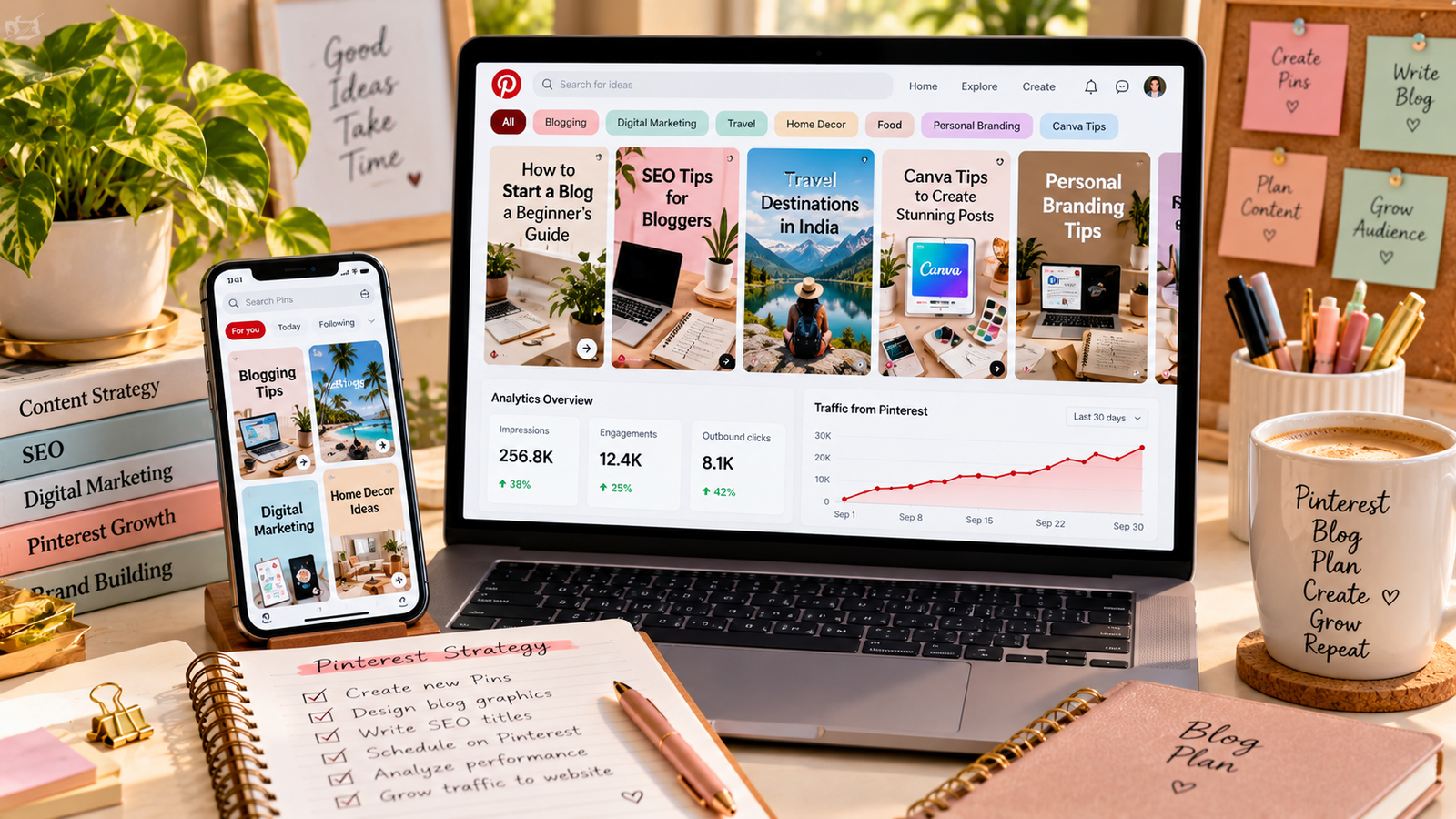
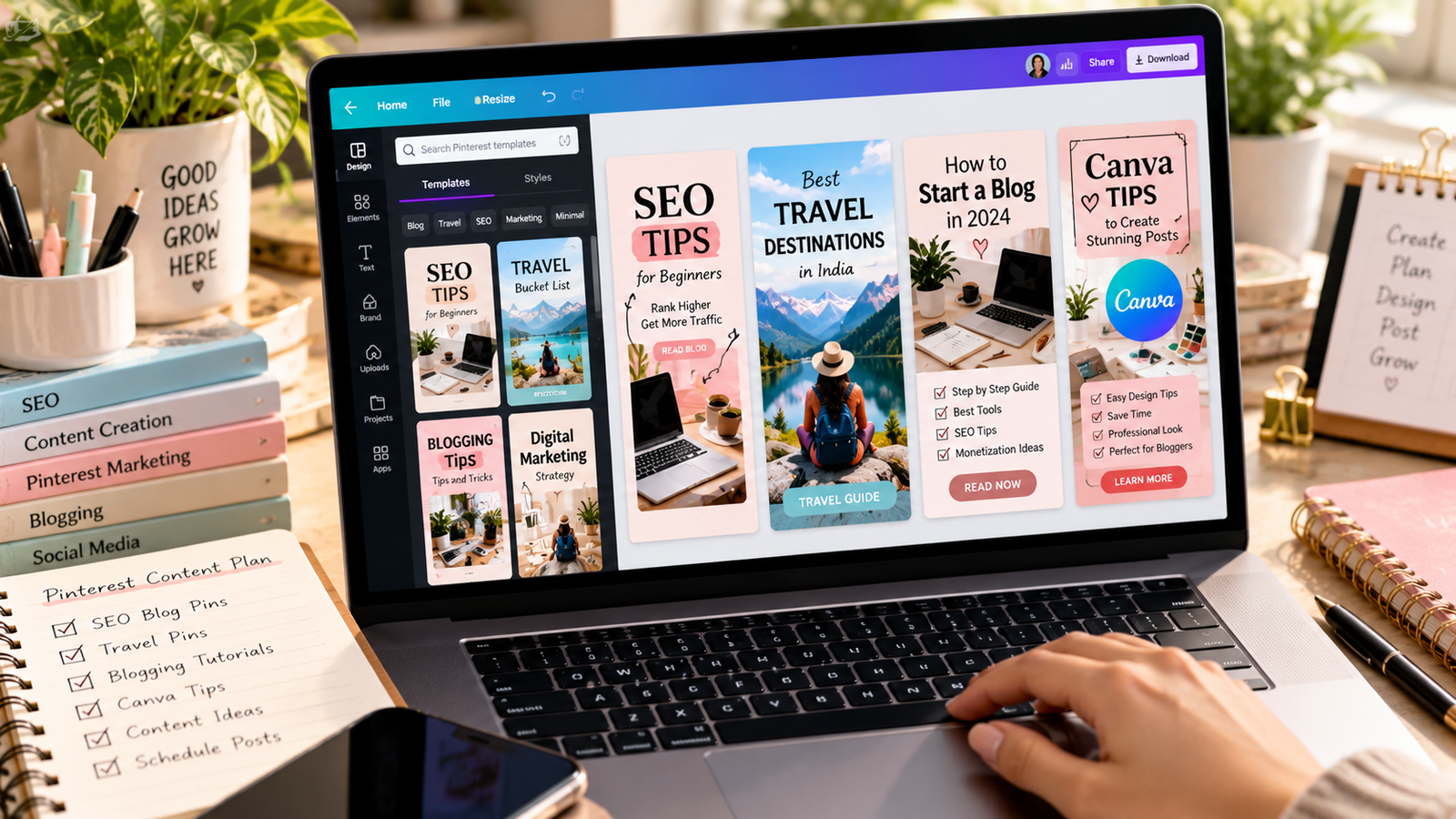
Design vertical images with clear visuals and readable text.
A 2:3 aspect ratio, such as 1000 × 1500 pixels, is a common format for standard Pins.
Step 4: Write Descriptive Pin Titles
Use titles that explain what users will discover.
For example, “Beginner SEO Checklist for New Bloggers” is more informative than “Amazing Blogging Tips.”
Step 5: Link to Relevant Blog Articles
Ensure each Pin links to a page that matches its content.
Avoid misleading images or linking unrelated Pins to the same article.
Step 6: Organize Relevant Boards
Create focused boards around your content categories.
For a digital marketing blog, examples could include SEO tutorials, blogging tips, Canva design, and social media marketing.
Step 7: Publish Original Pin Designs
Create useful visual variations for relevant articles.
Avoid excessive repetitive posting or near-duplicate content designed only to manipulate visibility.
Step 8: Monitor Pinterest Analytics
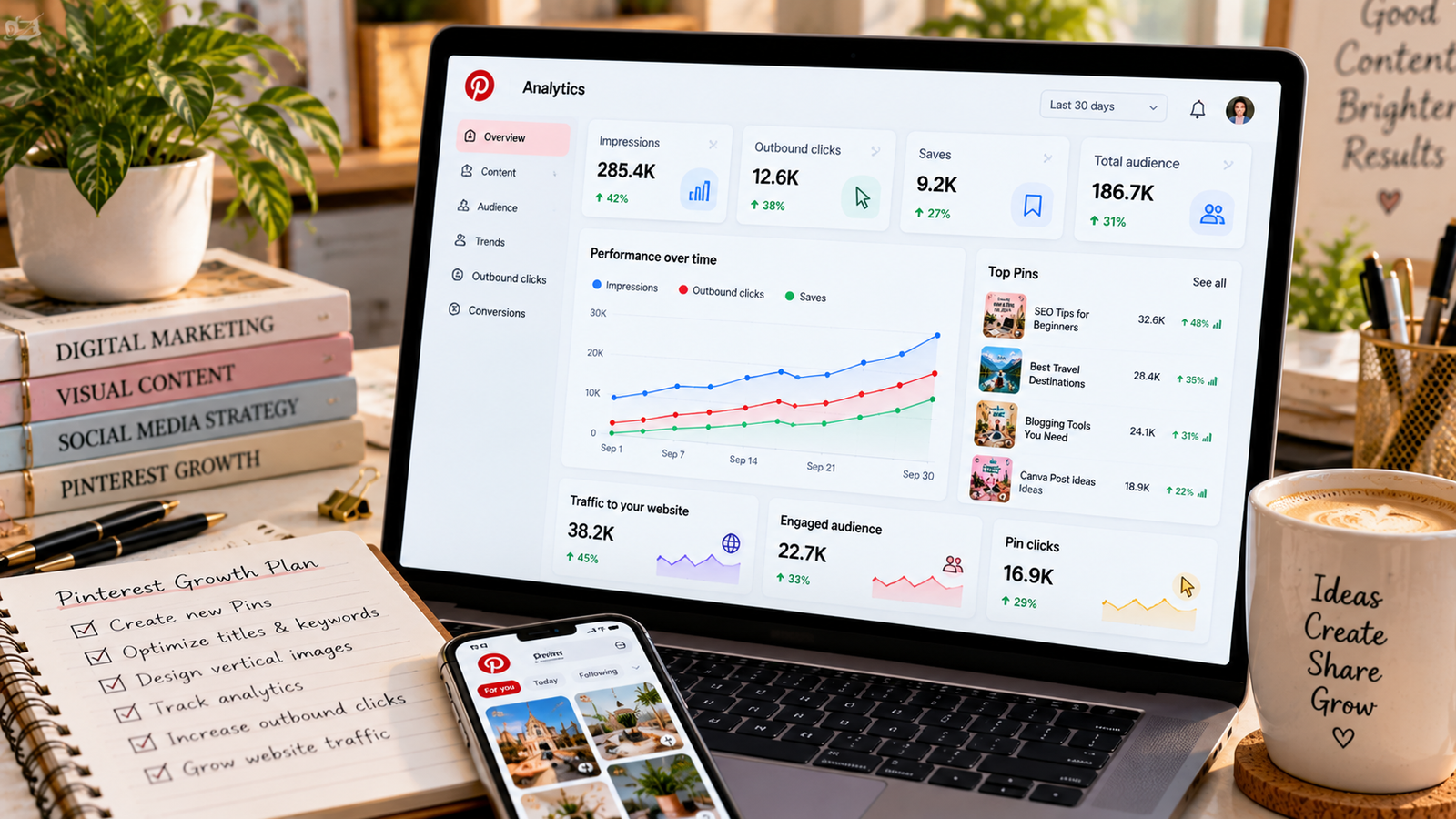
Review impressions, outbound clicks, saves, and other available performance indicators.
Compare which topics and creative styles attract relevant website visitors.
Conclusion
Pinterest can support long-term content discovery when Pins are useful, visually appealing, and connected to relevant articles. Focus on search intent and original design rather than expecting instant traffic.