How to Protect Your Instagram Account From Hackers
Introduction
Instagram accounts can contain personal photographs, private messages, business conversations, and important professional contacts.
Account security is especially important for creators and businesses that rely on Instagram to communicate with customers.
Step 1: Create a Strong Password
Use a long, unique password that is not shared with other accounts.
A trusted password manager can help generate and store secure passwords.
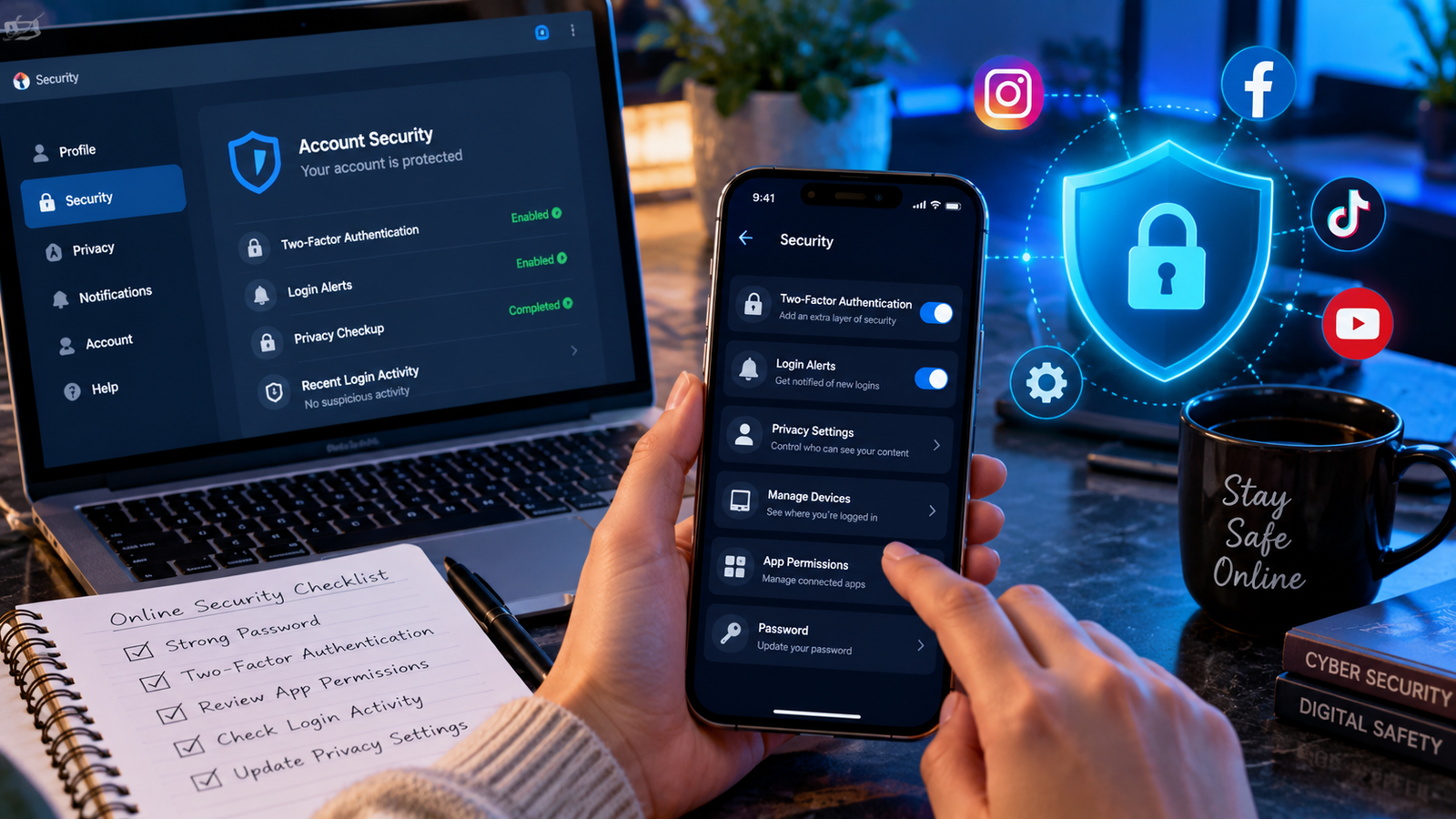
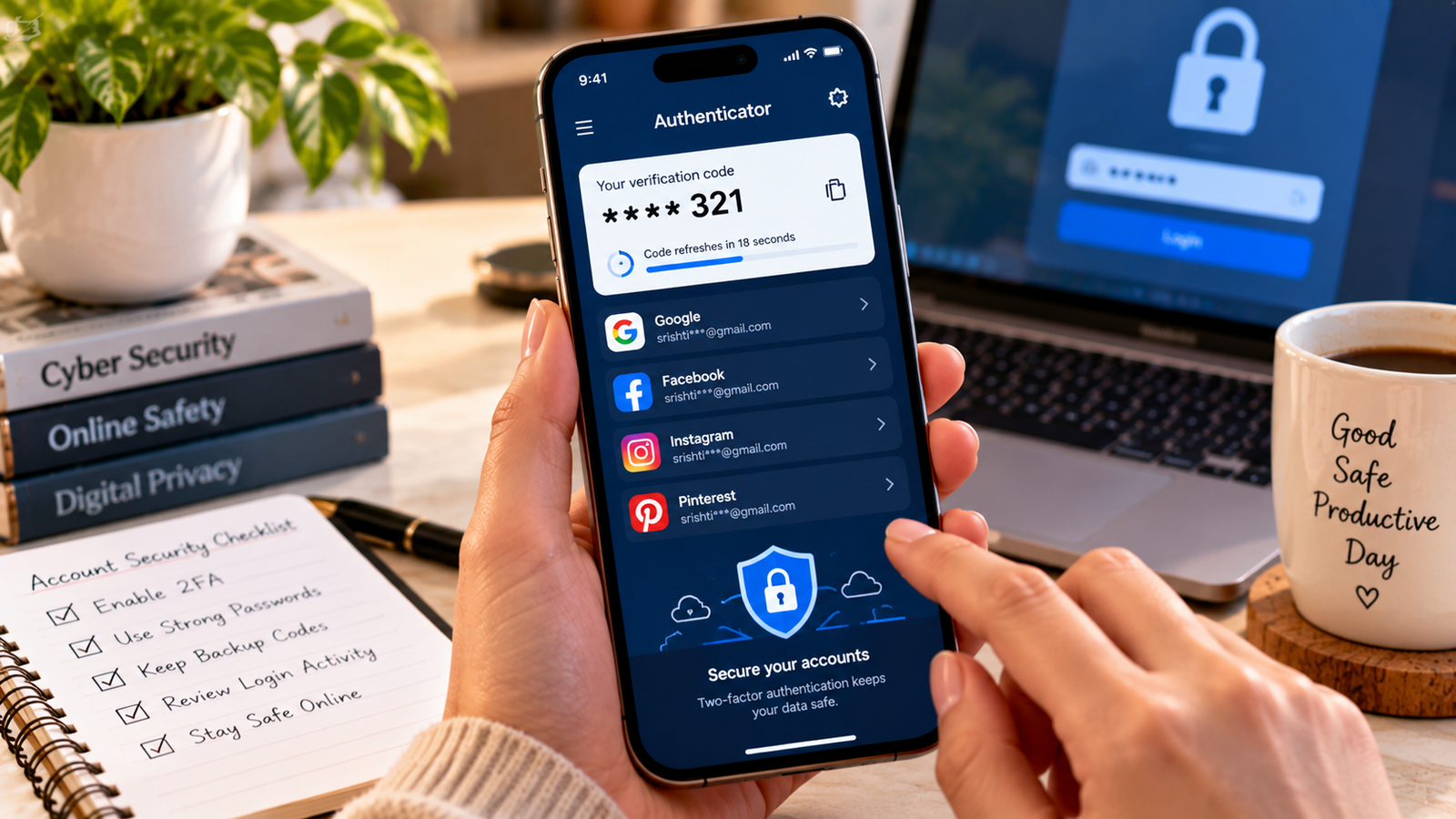
Step 2: Enable Two-Factor Authentication
Open Instagram’s security settings and locate the two-factor authentication options, which may be available through Accounts Center.
An authenticator app is generally a strong option where supported.
Store recovery codes securely.
Step 3: Review Login Activity
Check which devices are signed into your account.
Sign out of unfamiliar sessions and investigate suspicious activity.
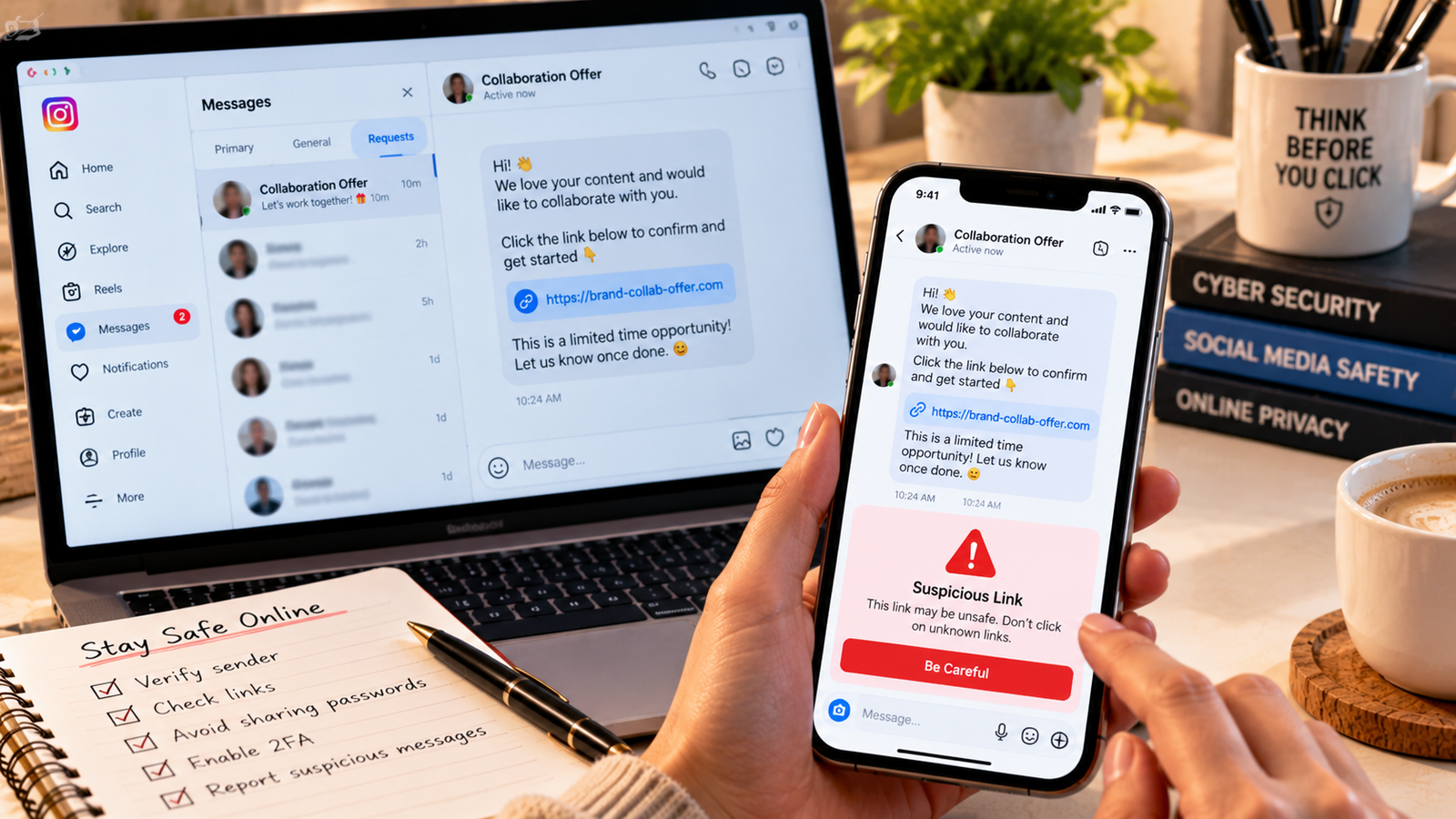
Step 4: Beware of Phishing Messages
Scammers may send messages claiming that your account will be suspended or that you have won a prize.
Avoid clicking suspicious links or entering passwords into unfamiliar websites.
Step 5: Secure Your Email Account
Your email account may be used for password recovery.
Protect it with a strong password and two-factor authentication.
Step 6: Review Connected Applications
Remove access for unfamiliar or unnecessary third-party services.
Avoid apps promising guaranteed followers, likes, or account growth.
Step 7: Keep Your Devices Updated
Install operating system and app updates from trusted sources.
Avoid sharing your login credentials with other people.
Step 8: Know How to Recover an Account
If your account is compromised, use Instagram’s official recovery process and secure your associated email.
Do not pay strangers claiming they can recover your account.
Conclusion
Instagram security depends on multiple protective habits. Strong passwords, two-factor authentication, careful link handling, and regular account reviews can reduce the risk of unauthorized access.