Introduction
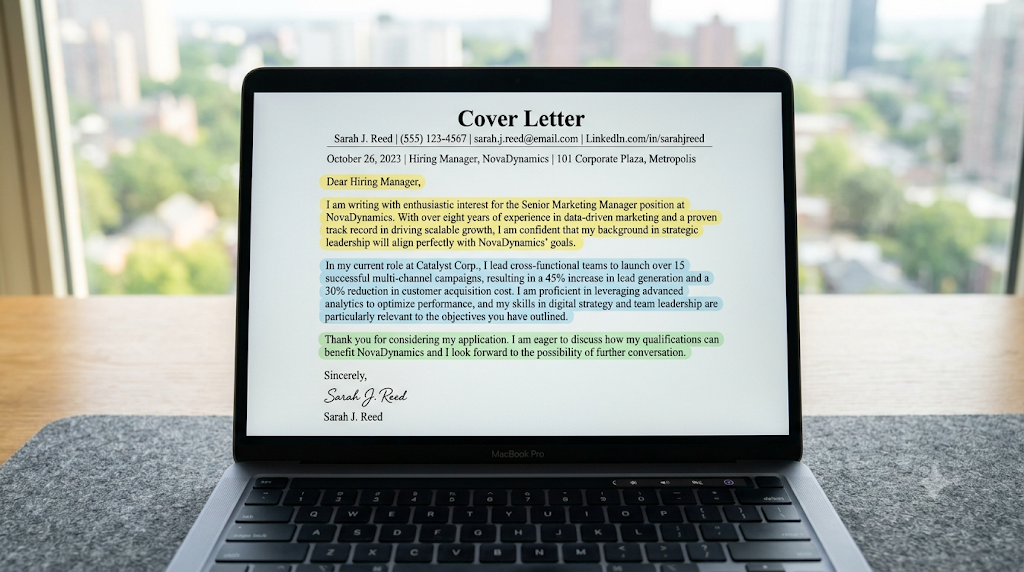
A cover letter introduces your qualifications and explains why you are interested in a particular position.
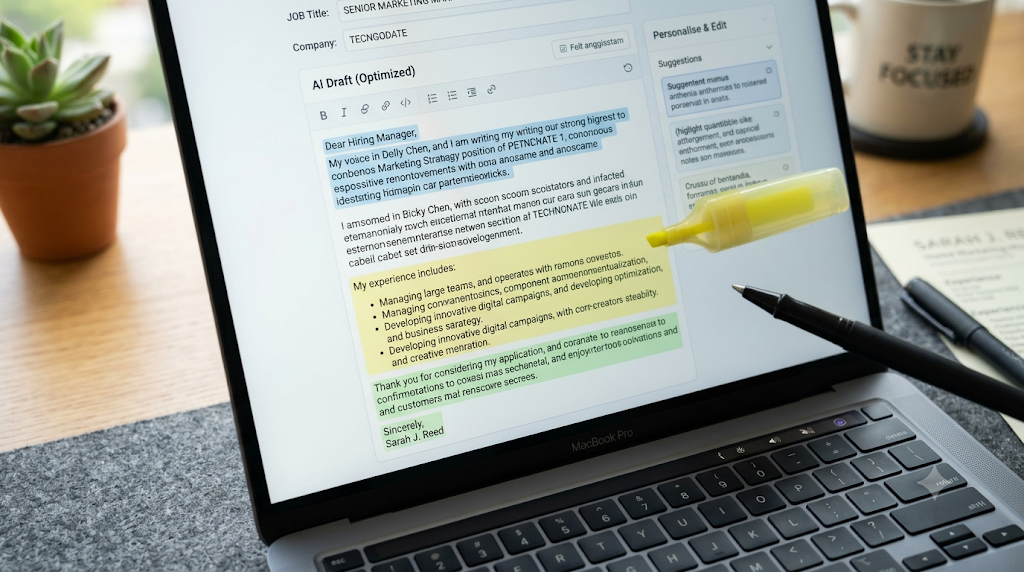
AI tools can help organize your ideas and improve the clarity of your writing.
Step 1: Read the Job Description
Identify the employer’s expectations, responsibilities, and relevant skills.
Step 2: Collect Your Experience
Prepare details about your education, work experience, projects, and achievements.
Step 3: Write an AI Prompt
Provide accurate information and clear instructions.
Example prompt:
Write a professional cover letter for an entry-level digital marketing role using the experience I provide. Highlight relevant SEO and content marketing skills. Do not invent qualifications or achievements.
Step 4: Personalize the Introduction
Explain why you are interested in the company and position.
Avoid generic statements that could apply to every employer.
Step 5: Highlight Relevant Examples
Choose one or two experiences that demonstrate your suitability.
Explain what you contributed and what you learned.
Step 6: Keep the Letter Concise
Use short paragraphs and avoid repeating your entire resume.
Step 7: Proofread Carefully
Check names, job titles, grammar, and factual accuracy.
Conclusion
AI can simplify cover letter writing, but personalization remains important. A strong cover letter should reflect your real experience and explain your interest in the opportunity.