
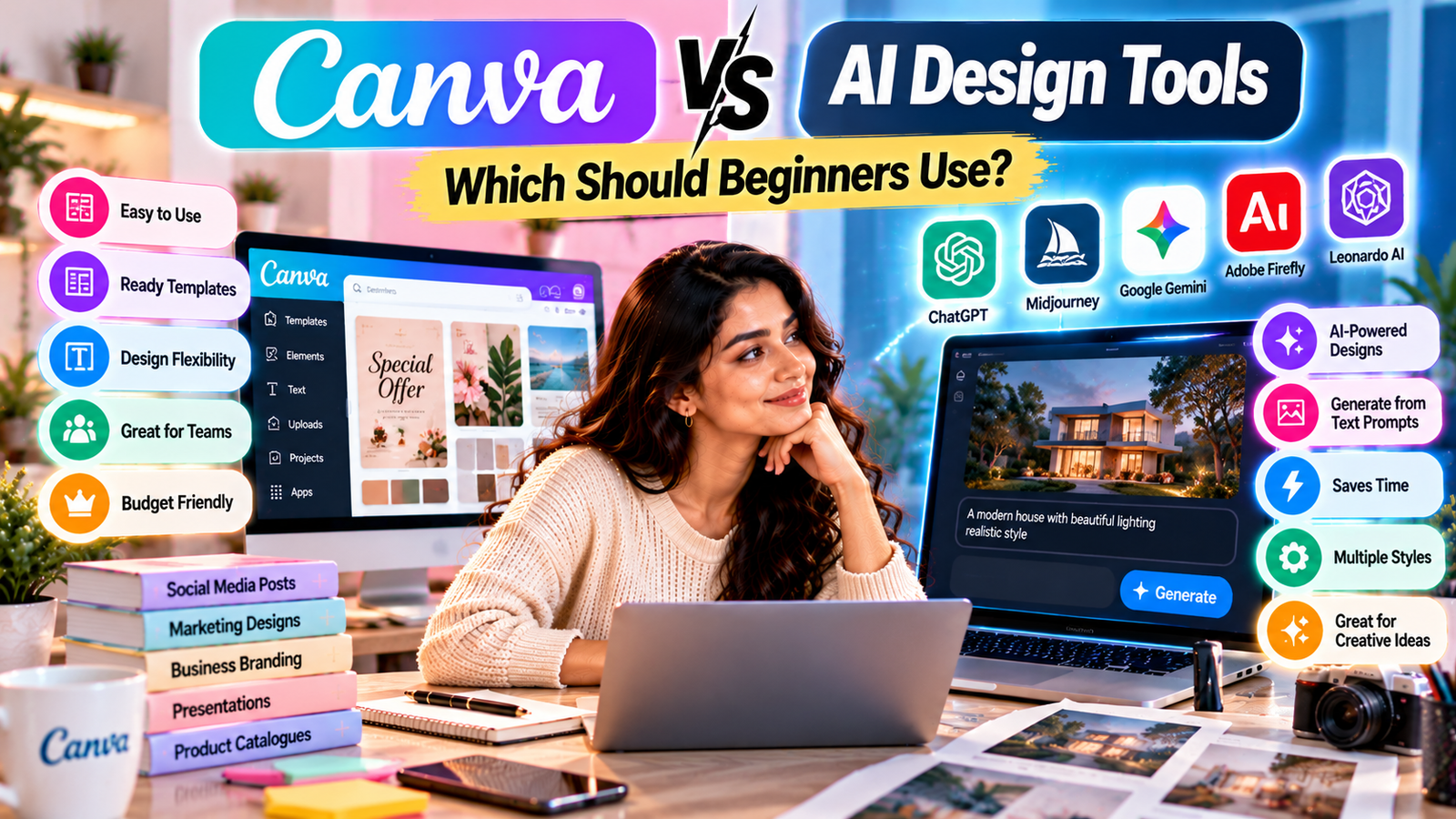
Canva vs AI Design Tools: Which Should Beginners Use?
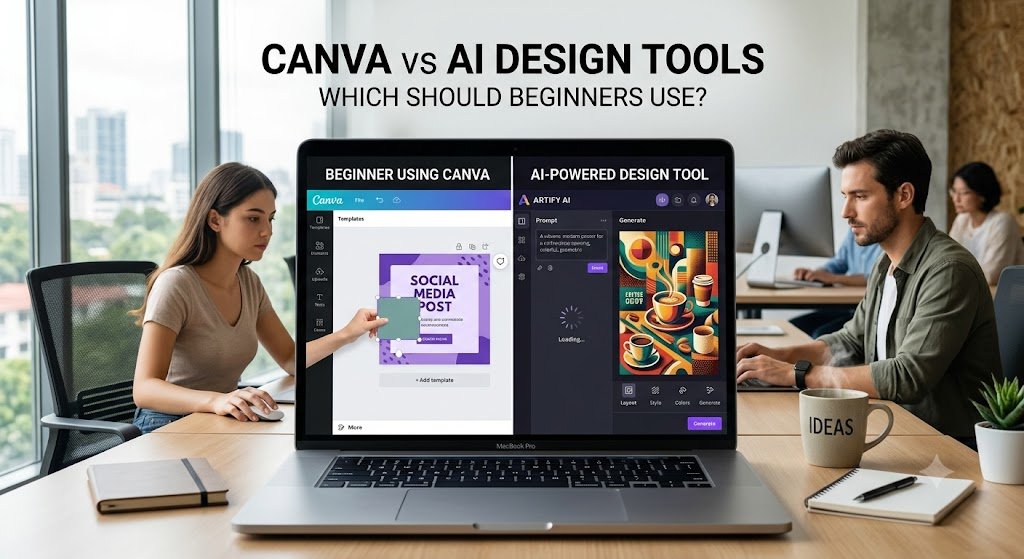
Designing professional-looking graphics used to require expensive software, technical skills, and plenty of practice. Today, beginners have a much easier choice: use a simple design platform like Canva, experiment with AI-powered design tools, or combine both.
But this creates an important question:
Canva vs AI design tools — which is better for beginners?
The answer depends on what you want to create, how much control you need, and how comfortable you are with learning new technology.
In this guide, we’ll compare Canva and AI design tools based on ease of use, customization, speed, creativity, learning curve, and practical uses so beginners can make an informed choice.
What Is Canva?
Canva is a visual design platform designed to make graphic design accessible to people without professional design experience.
Instead of creating every element from scratch, beginners can start with templates and customize text, images, colors, layouts, and other design elements.
Canva can be useful for creating:
- Instagram posts
- YouTube thumbnails
- Presentations
- Posters
- Flyers
- Business graphics
- Pinterest pins
- Invitations
- Social media banners
- Marketing materials
Its template-based approach makes it particularly approachable for someone creating their first design.
What Are AI Design Tools?
AI design tools use artificial intelligence to assist with parts of the creative process.
Depending on the tool, AI can help generate images, layouts, text, design ideas, variations, backgrounds, or other visual assets from simple instructions.
For example, instead of manually designing an image, a beginner might describe what they want and let an AI tool generate an initial concept.
This can make AI design tools particularly useful when you need to move quickly from an idea to a visual.
Canva vs AI Design Tools: Comparison
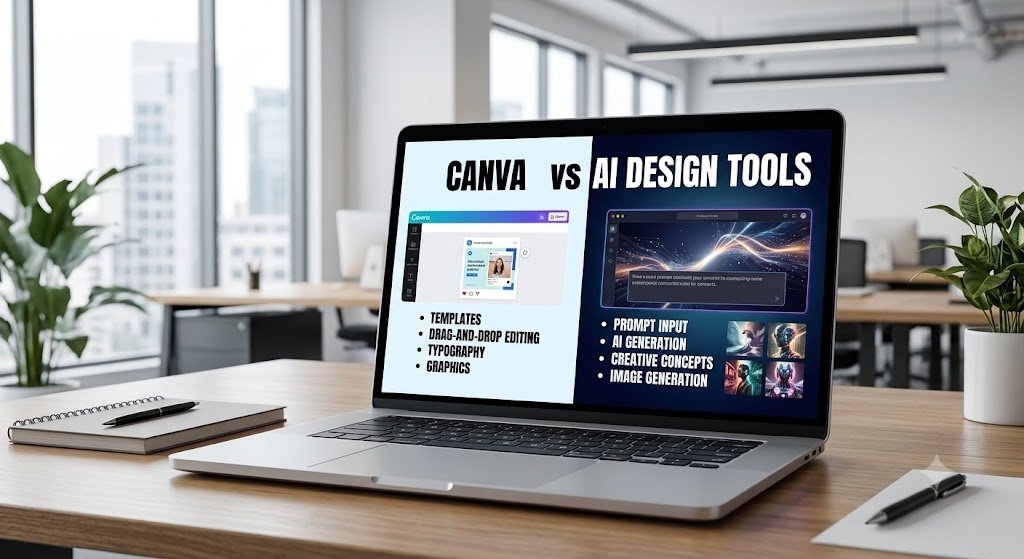
| Feature | Canva | AI Design Tools |
|---|---|---|
| Ease of starting | Very accessible | Varies by tool |
| Templates | Extensive | Depends on tool |
| Manual customization | Strong | Varies |
| AI generation | Available through Canva’s AI features | Core feature |
| Learning curve | Generally low | Beginner to advanced |
| Design control | High | Depends on tool |
| Speed | Fast | Often very fast |
| Best for | Templates and editable designs | Generating ideas and visual assets |
| Brand consistency | Easy to manage | Depends on workflow |
| Creative experimentation | Good | Often very high |
Features and capabilities vary between individual tools and change
Why Canva Is Good for Beginners
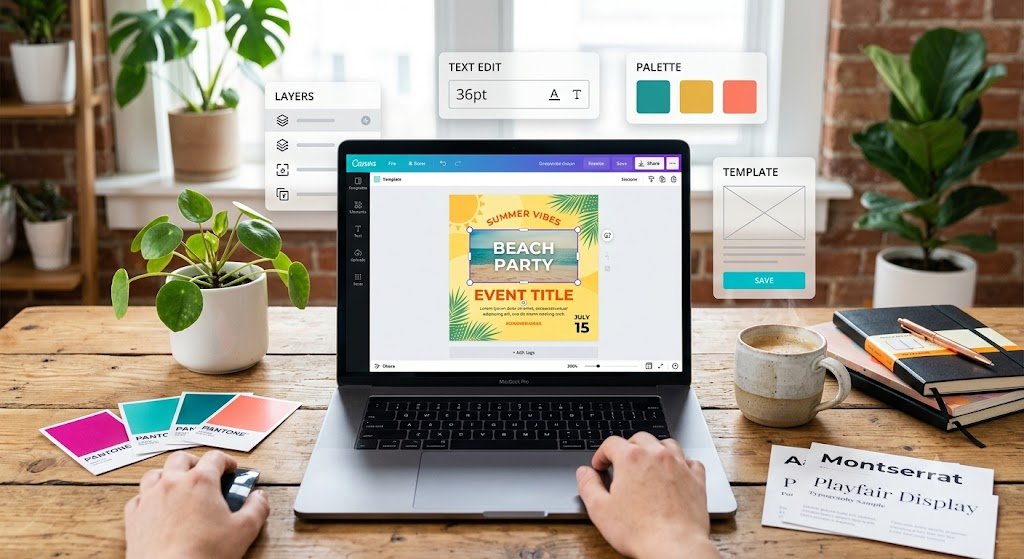
1. You Don’t Need Advanced Design Skills
One of Canva’s biggest advantages for beginners is its visual interface. You can start with a template instead of facing a completely blank canvas. This reduces the initial learning curve and lets you focus on the content and appearance of your design.
2. Templates Save Time
Templates can provide a starting point for your project. Rather than deciding everything from scratch, you can select a suitable layout and modify it to match your requirements. This is especially useful for beginners creating social media content regularly.
3. You Have Direct Control
Canva allows you to manually adjust many aspects of a design.
You can change:
- Fonts
- Colors
- Images
- Spacing
- Layouts
- Shapes
- Graphics
- Text placement
This makes Canva useful when you want your final design to closely match a specific idea.
4. It’s Useful for Everyday Content
If your goal is to create practical marketing materials, social media graphics, presentations, or promotional designs, a template-based platform can be easier to learn than professional-level design software.
Can Beginners Use Canva and AI Together?
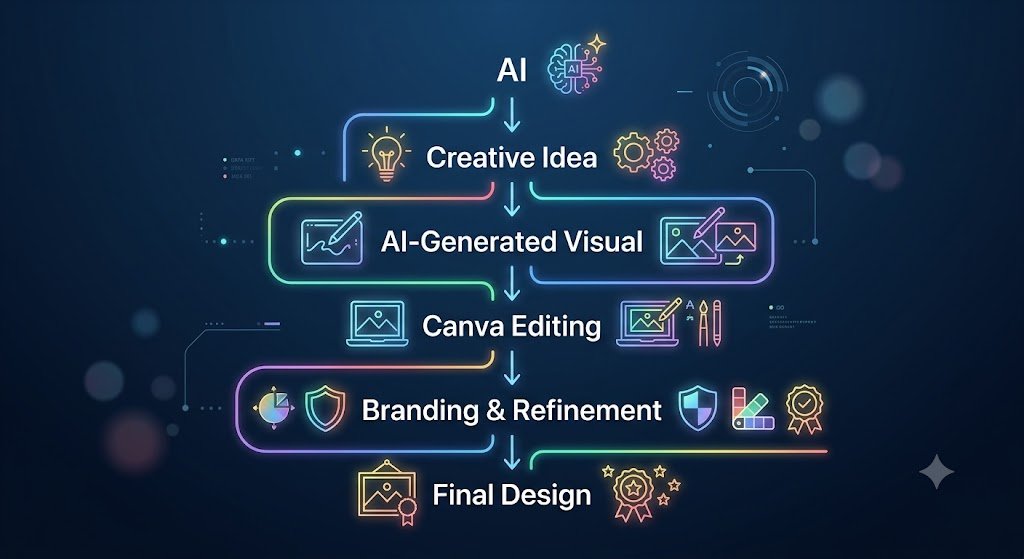
Yes — and this can be one of the most practical workflows.
You don’t necessarily have to choose between Canva and AI. A beginner could use AI to generate ideas or visual assets and then use Canva to assemble, edit, and brand the final design.
For example:
Step 1: Use AI to brainstorm a design concept.
Step 2: Generate or source suitable visual elements.
Step 3: Bring the assets into Canva.
Step 4: Add your brand colors, logo, fonts, and messaging.
Step 5: Adjust spacing and alignment.
Step 6: Export the final design.
This workflow combines AI’s speed with manual design control.
When Should Beginners Choose Canva?
Canva may be a suitable starting point if you:
- Are completely new to graphic design
- Want editable templates
- Create social media posts frequently
- Need presentations or marketing materials
- Want straightforward manual customization
- Need consistent branding
- Prefer visual editing instead of prompt-based creation
When Should Beginners Try AI Design Tools?
AI design tools may be worth exploring if you:
- Want to experiment with new visual ideas
- Need inspiration
- Want to generate images or concepts quickly
- Enjoy experimenting with prompts
- Need multiple creative variations
- Want AI assistance during your design workflow
The Smart Beginner Strategy
Instead of thinking “Canva vs AI”, beginners can think:
“Canva + AI.”
Learn the fundamentals with Canva while gradually introducing AI into your creative workflow.
For example:
AI → Ideas → Images/Concepts → Canva → Editing → Branding → Final Design
This approach lets you use AI for speed without giving up control over the final result.
Why Beginners Might Choose AI Design Tools

1. AI Can Turn Ideas Into Visual Concepts
Sometimes the hardest part of designing isn’t using the software — it’s knowing what to create. AI can help beginners explore concepts by generating visual ideas from descriptions.
For example:
“Create a modern, elegant social media graphic for a handmade festive products brand.”
The exact result depends on the AI tool, but the concept demonstrates how AI can help turn an idea into a starting point.
2. AI Can Speed Up Creative Exploration
Instead of manually creating multiple concepts, AI can help generate variations quickly.
This can be useful when you’re experimenting with:
- Background ideas
- Visual styles
- Product concepts
- Advertising concepts
- Creative compositions
- Image variations
3. AI Can Help When You Don’t Have Design Inspiration
Beginners sometimes know what they want to communicate but don’t know how they want it to look. AI can act as a brainstorming partner by helping generate different creative directions.
Canva vs AI: Which Is Easier to Learn?
For many beginners, Canva provides a more predictable starting point because its workflow is visual and template-driven. AI tools can be extremely simple when prompt-based generation works well, but understanding prompts, correcting unwanted results, and maintaining consistency can require experimentation.
If you’re completely new to graphic design, starting with Canva can help you understand fundamental concepts such as:
- Typography
- Alignment
- Color combinations
- Visual hierarchy
- Spacing
- Composition
These skills remain useful even when you later use AI.
Canva vs AI Design Tools: Final Takeaway
Canva and AI design tools solve slightly different problems.
Canva is particularly useful for learning visual design, working with templates, and creating editable branded content. AI design tools are particularly useful for generating ideas, exploring creative possibilities, and accelerating parts of the design process.
For someone completely new to graphic design, learning Canva first and gradually adding AI tools to the workflow can provide a practical way to develop both design skills and AI-assisted creativity.
The most important thing isn’t choosing the “perfect” tool. It’s learning how to turn an idea into a clear, attractive, useful design.