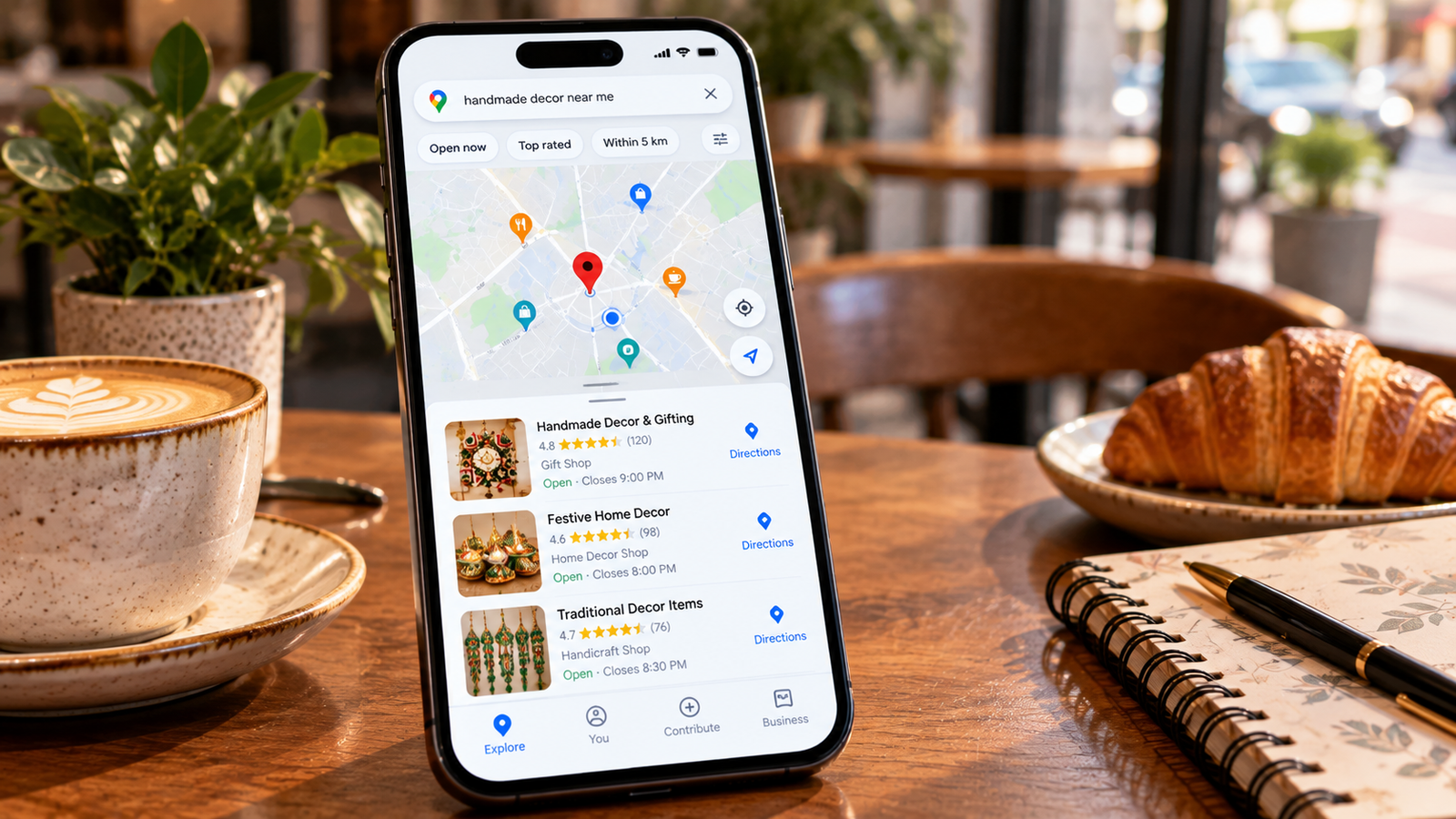

How to Create a Google Business Profile for Your Business
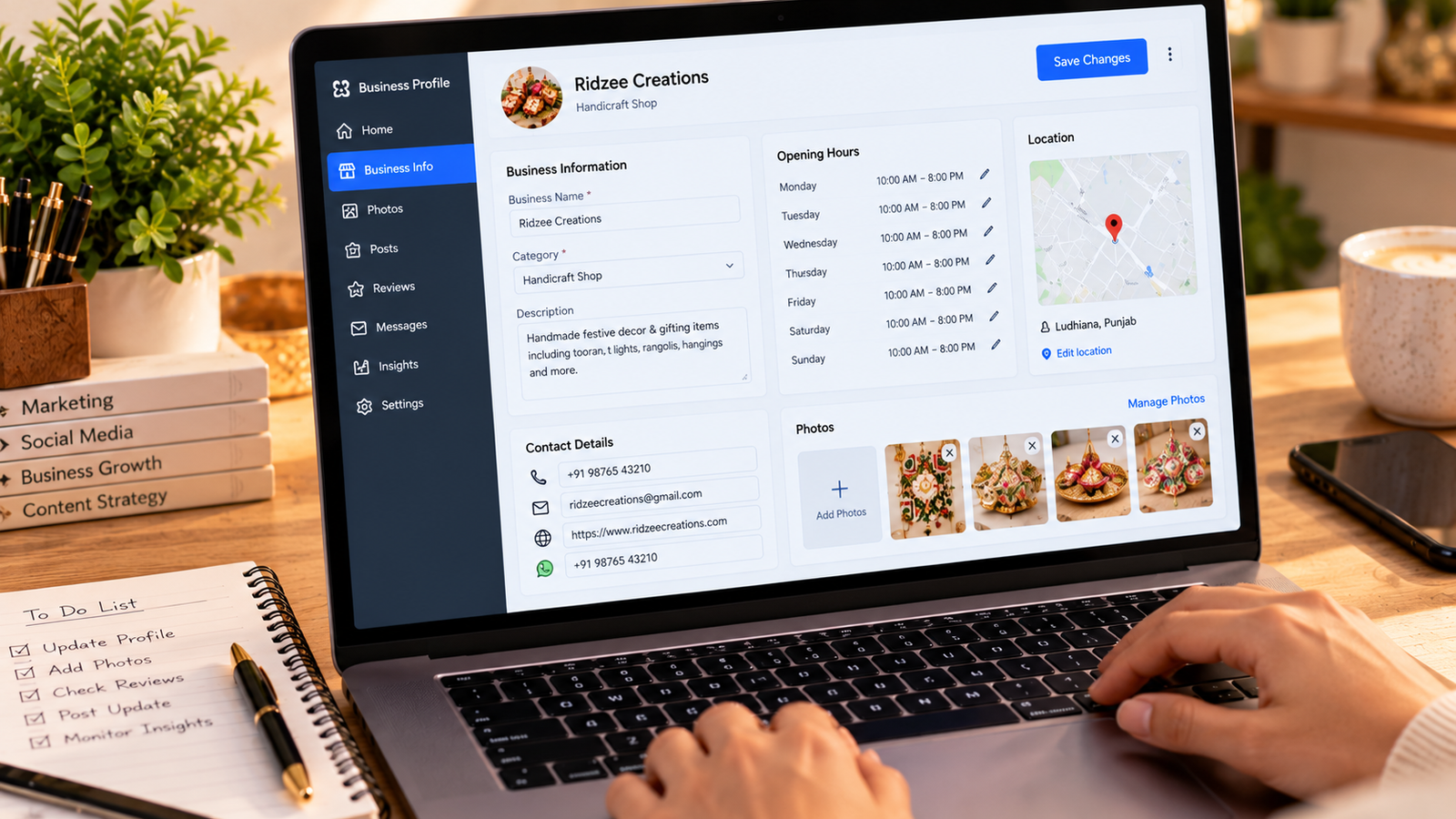
Introduction
A Google Business Profile helps eligible businesses manage how their information appears across Google Search and Maps.
It can be particularly useful for local shops, restaurants, service providers, and businesses that meet customers in person.
Step 1: Check Business Eligibility
Google Business Profiles are generally intended for businesses that have in-person contact with customers.
Online-only businesses without qualifying customer-facing operations may not be eligible.
Step 2: Sign In to Google
Visit the official Google Business Profile service and sign in using a Google account you are authorized to use for the business.
Step 3: Enter Your Business Name
Use the real business name as it is consistently represented in the real world.
Avoid adding unrelated keywords or promotional phrases.
Step 4: Choose the Correct Category
Select the category that best represents your primary business activity.
Accurate categorization helps Google understand the services you provide.
Step 5: Add Business Details
Provide the relevant address or service area, contact details, business hours, and website information.
Do not display a residential address if the business does not qualify to show it publicly.
Step 6: Complete Verification
Follow the verification method Google offers for your business.
The available method may vary, and approval is not guaranteed.
Step 7: Add Photos and Services
Upload genuine business photographs and describe your products or services accurately.
Keep opening hours and contact information updated.
Step 8: Manage Reviews Professionally
Encourage authentic customer feedback without offering prohibited incentives.
Respond respectfully to positive and negative reviews.
Conclusion
An accurate Google Business Profile can help eligible local businesses present reliable information to potential customers. Consistent maintenance is more valuable than keyword stuffing or artificial reviews.