

How to Schedule Instagram Posts for Free
Introduction
Consistent Instagram posting can be difficult for busy creators and business owners. Scheduling content in advance can help maintain a regular publishing routine.
Step 1: Prepare Your Content
Create your photographs, Reels, captions, and relevant hashtags before scheduling.
Check that every visual and caption is ready to publish.
Step 2: Use an Eligible Professional Account
Instagram’s scheduling features may depend on your account type and available app features.
Check whether your account supports scheduling directly.
Step 3: Explore Meta Business Suite
Meta Business Suite provides publishing and planning features for supported connected accounts.
Connect your eligible Instagram account and review the available scheduling options.
Step 4: Choose a Suitable Posting Time
Use audience insights to identify when followers are active.
Do not assume that one universal posting time works for every account.
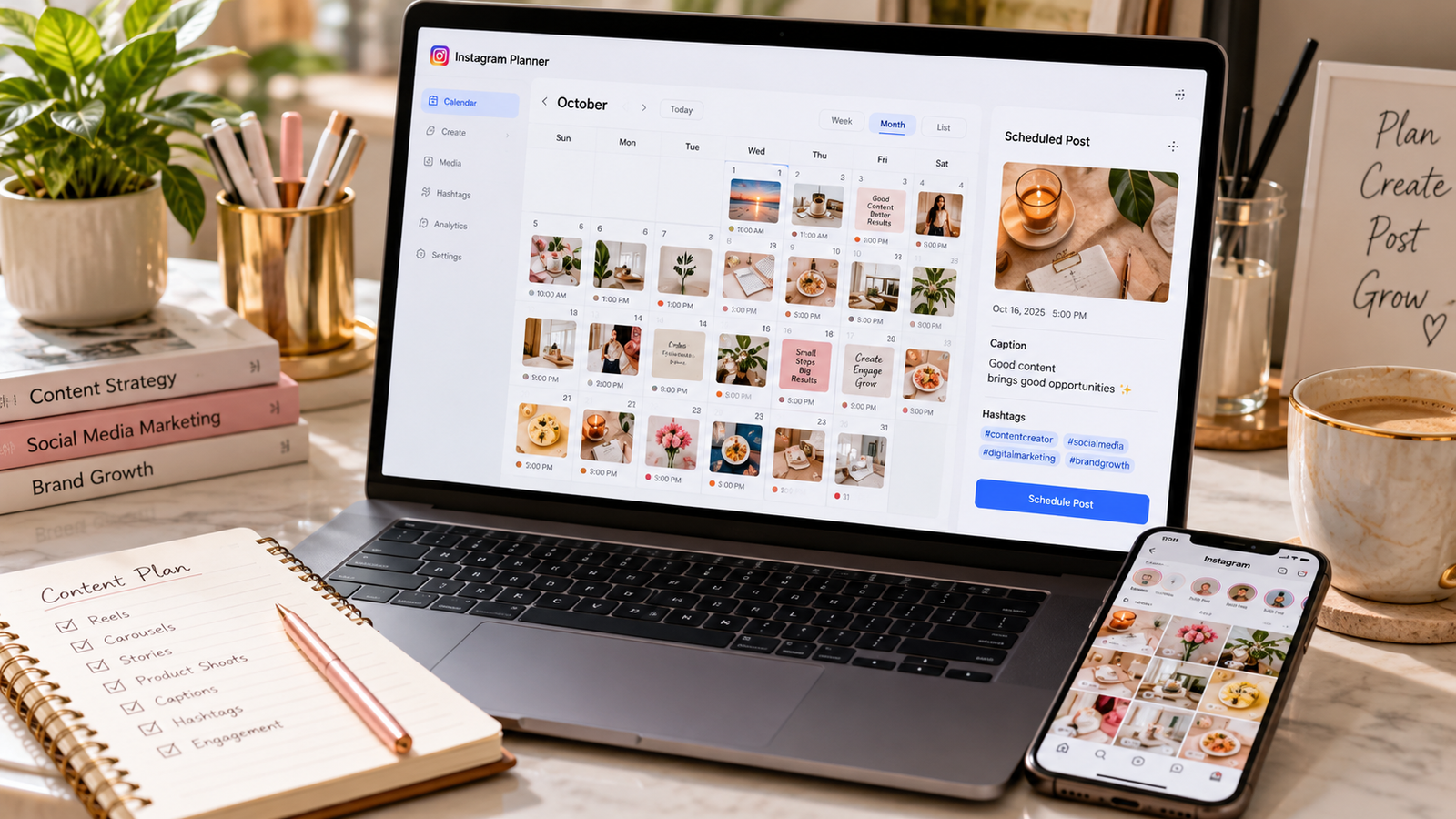
Step 5: Schedule Your Content
Select your prepared post, choose a date and time, and confirm the schedule.
Step 6: Review Your Calendar
Check scheduled posts regularly for outdated offers, incorrect information, or conflicts with other campaigns.
Step 7: Analyze Performance
Compare reach, engagement, profile visits, and meaningful customer inquiries.
Conclusion
Scheduling Instagram content can save time and improve consistency. Combine scheduling tools with audience research and a flexible content strategy.
