
Google Shopping ads show your products with image, price and store name directly in search results. For online stores they are often the most profitable ad format because shoppers see exactly what they will get before they click. Here is how to launch your first Shopping campaign properly.
Quick answer: To create a Google Shopping campaign, set up Google Merchant Center, verify your website, upload a high-quality product feed, fix feed errors, link Merchant Center with Google Ads, create a Shopping or Performance Max campaign, set budget and bidding, and track conversions with purchase values.
Why It Matters
Shopping ads attract buyers who are already comparing products, which usually leads to higher conversion rates than text ads. A well-optimised feed also improves your free product listings across Google, giving you extra visibility without extra spend.
Step-by-Step: How to Create a Google Shopping Ads Campaign for an Online Store
Step 1: Set up Google Merchant Center
Create a Merchant Center account, add your business information, verify and claim your website, and configure shipping and return policies. Accurate policies are required for approval.
Step 2: Create and upload your product feed
Add products through a spreadsheet, a direct integration such as WooCommerce or Shopify apps, or the content API. Each product needs an ID, title, description, link, image, price, availability, brand and GTIN where applicable.
Step 3: Optimise titles and images
Write titles that include brand, product type and key attributes like size or colour, because Google uses them to match searches. Use clean, high-resolution images on a white or neutral background without promotional text.
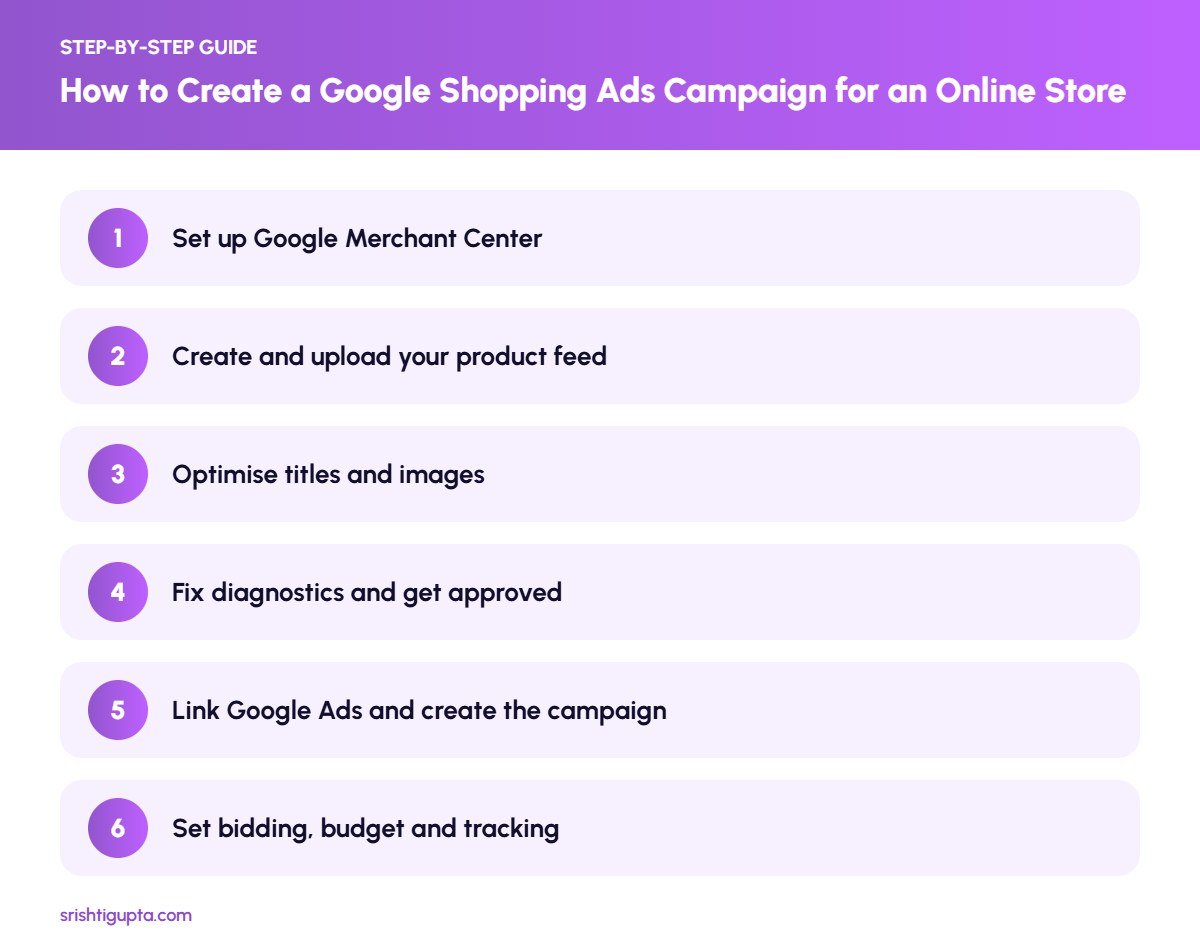
Step 4: Fix diagnostics and get approved
Check the Diagnostics section for disapproved products and errors such as price mismatches or missing identifiers. Resolve issues until most products are approved.
Step 5: Link Google Ads and create the campaign
Link your Google Ads account in Merchant Center, then create a new campaign with the sales objective. Choose Standard Shopping for more control or Performance Max for broader automated reach across Google channels.
Step 6: Set bidding, budget and tracking
Start with Maximise Clicks or Maximise Conversion Value once purchase tracking is installed. Track purchase revenue so you can measure return on ad spend and later move to target ROAS bidding.
Pro Tips
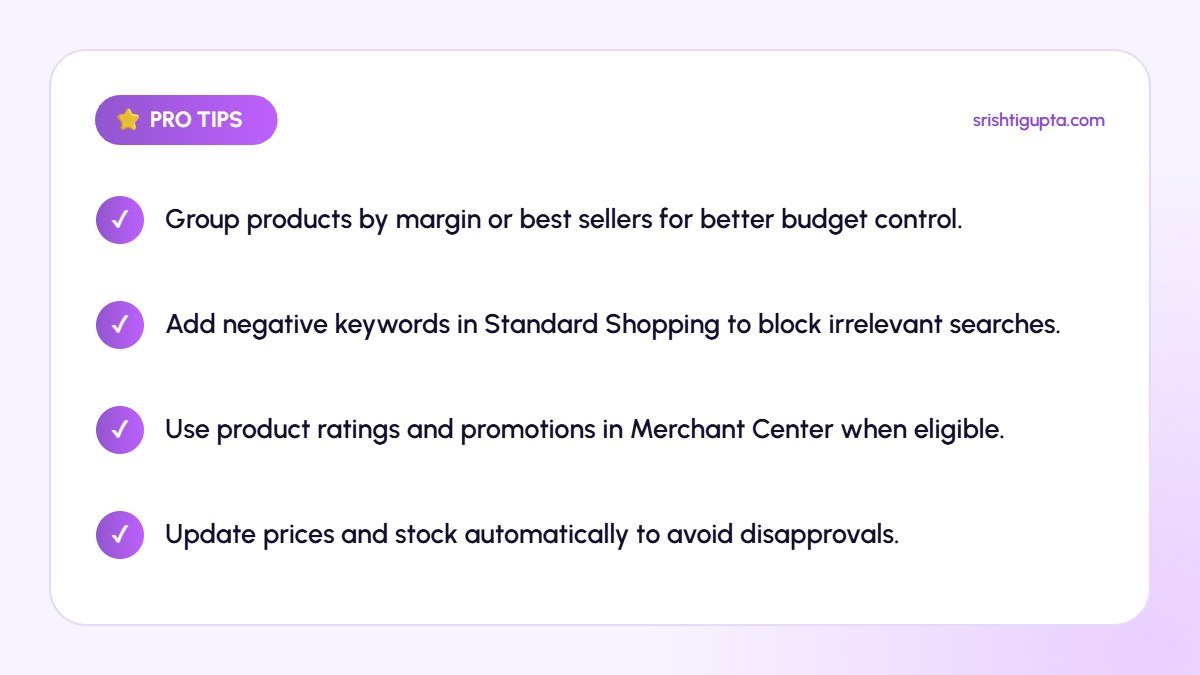
- Group products by margin or best sellers for better budget control.
- Add negative keywords in Standard Shopping to block irrelevant searches.
- Use product ratings and promotions in Merchant Center when eligible.
- Update prices and stock automatically to avoid disapprovals.
Common Mistakes to Avoid
- Using vague product titles like model numbers only.
- Ignoring feed errors that disapprove top products.
- Launching without purchase value tracking.
- Putting all products in one group with the same bid.
Frequently Asked Questions
How much does a Google Shopping campaign cost?
You set your own daily budget. Costs depend on competition and product category, so start with a test budget and scale the products that deliver profitable sales.
Do I need a website to run Shopping ads?
Yes. Products must link to a landing page on your verified website where customers can buy them.
What is the difference between Standard Shopping and Performance Max?
Standard Shopping gives manual control over products and search terms, while Performance Max uses automation to show products across Search, Shopping, YouTube, Display and Gmail.
Final Thoughts
Google Shopping ads connect your products with ready-to-buy shoppers. Build a clean feed, structure campaigns around your best products and track revenue carefully, and Shopping can become a reliable sales channel for your online store.
Need expert help? Srishti Gupta is a digital marketing expert in Ludhiana. Explore her Google Ads management or get in touch to discuss your project.