How to Create an AI Video From Text
Introduction
AI video generation tools allow creators to turn written descriptions into short video clips. These tools can help produce visual concepts, educational videos, social media content, and promotional ideas.
Results depend on the model, prompt quality, available features, and editing workflow.
Step 1: Choose an AI Video Generator
Explore currently available text-to-video tools and compare their features, pricing, commercial-use terms, and supported video lengths.
Some tools also support image-to-video generation, which can be useful when you already have a product photograph.
Step 2: Plan Your Video
Before writing a prompt, decide the subject, location, mood, camera movement, and duration.
A simple video concept is easier to control than a scene containing many unrelated actions.
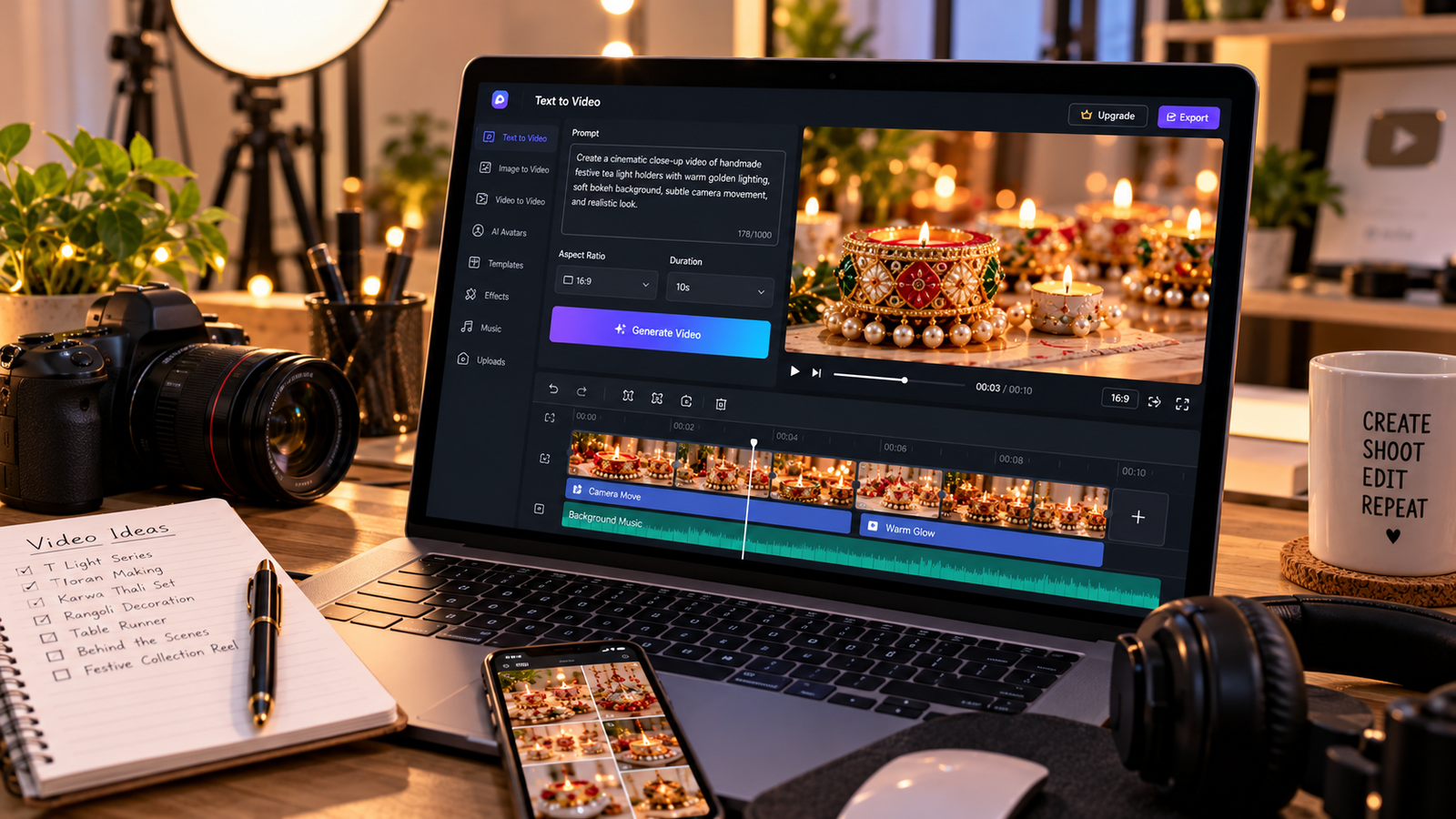
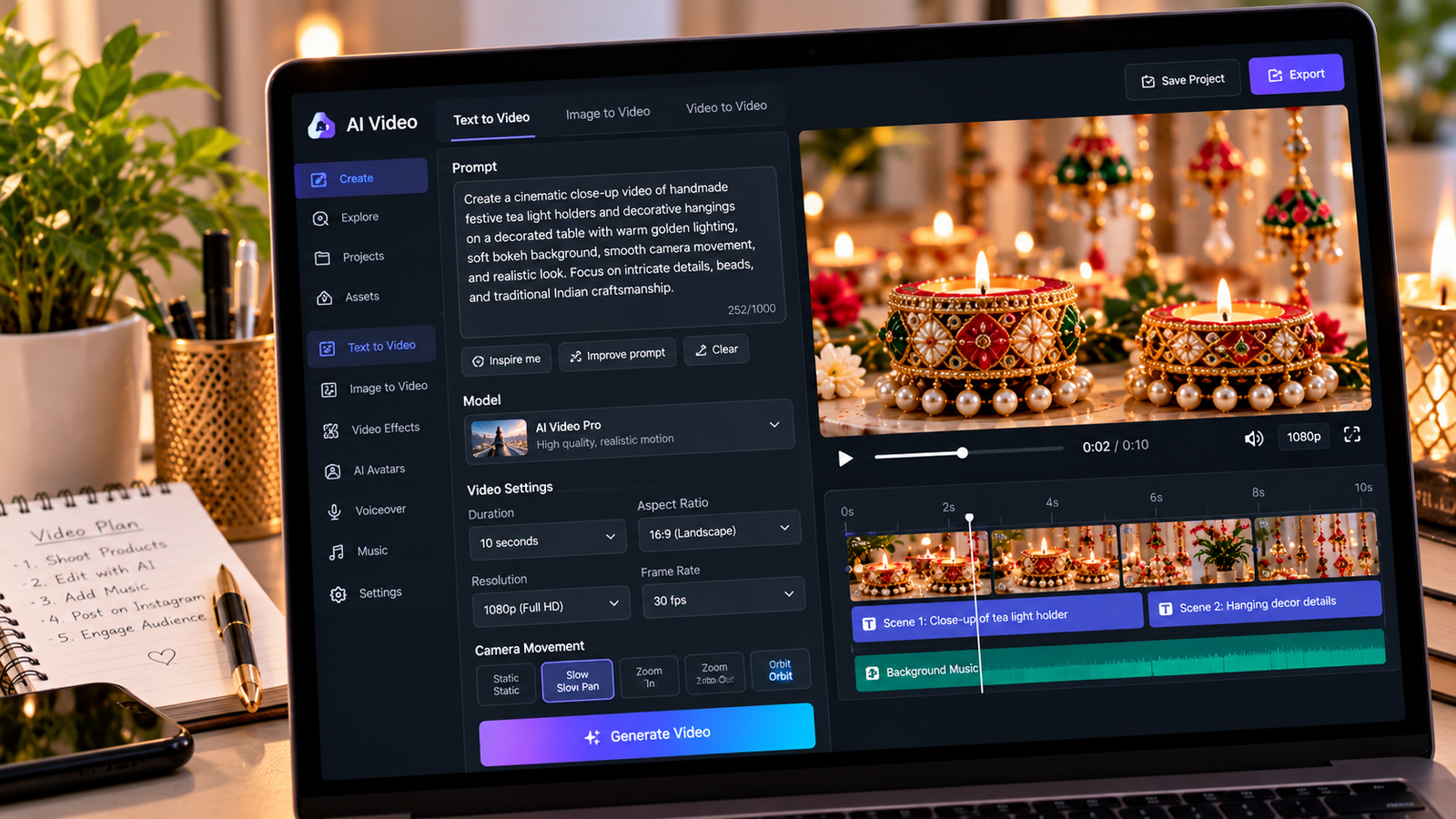
Step 3: Write a Detailed Prompt
A useful prompt should explain what appears in the scene and how it moves.
Example:
Create a realistic cinematic video of a handmade festive decoration displayed on an elegant cream table. Use soft golden lighting, a slow camera push-in, natural shadows, and detailed product textures.
Step 4: Specify Visual Requirements
Mention the aspect ratio, framing, and desired style.
For Instagram Reels, a vertical composition is usually appropriate. For a landscape website video, a 16:9 composition may be more suitable.
Step 5: Review the Generated Clip
Check whether the video contains distorted objects, unnatural movements, incorrect details, or inconsistent lighting.
If the clip features a real product, compare every important design element with the original photograph.
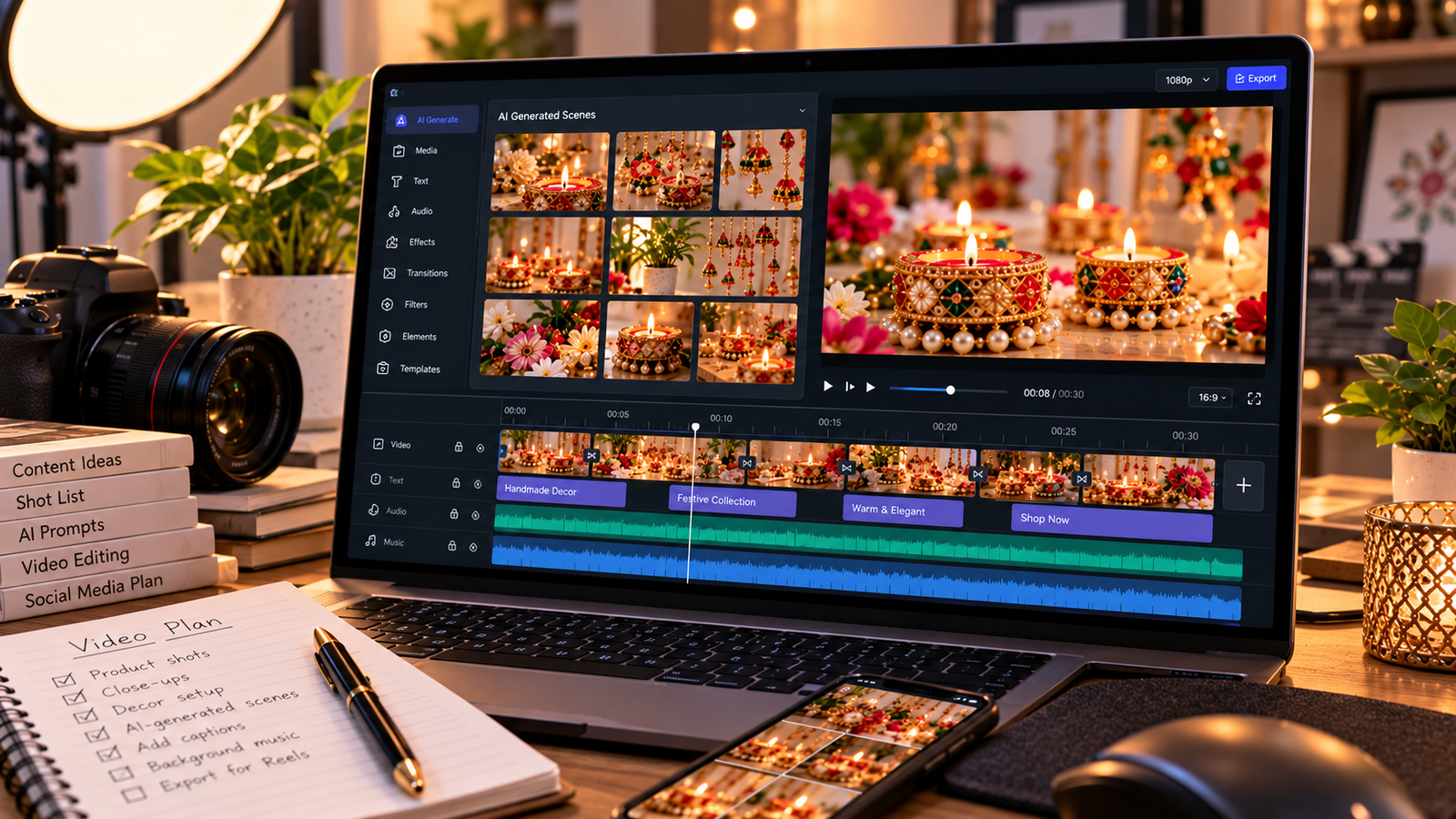
Step 6: Edit the Final Video
Use a video editor to combine clips, adjust timing, add authorized music, and create captions.
Review commercial-use permissions before publishing.
Conclusion
AI video creation becomes easier when you start with a focused concept and clear instructions. Careful review is essential, especially when visual accuracy matters for advertising.