
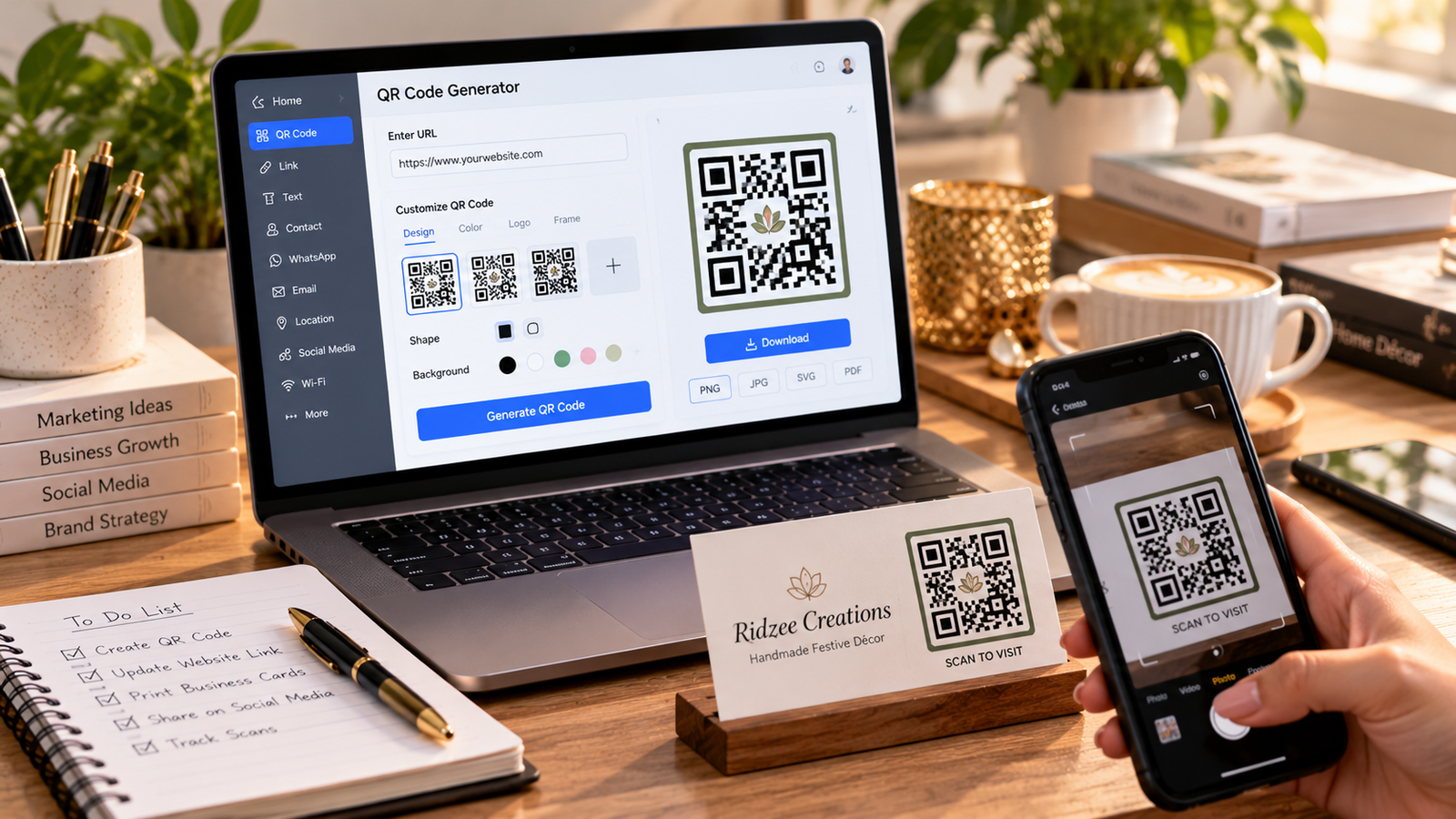
How to Make a QR Code for Free
Introduction
QR codes make it easier to share digital information without requiring people to type long web addresses.
Businesses use QR codes on packaging, posters, menus, event invitations, and promotional materials.
Step 1: Decide What You Want to Share
Choose the destination for your QR code.
Common examples include a website URL, digital menu, contact page, portfolio, or event registration form.
Step 2: Select a QR Code Generator
Use a reputable QR code generator that clearly explains its free and paid features.
Pay attention to whether it creates a static or dynamic QR code.
Step 3: Enter the Correct Information
Paste your destination URL carefully.
Check that the website opens correctly before generating the code.
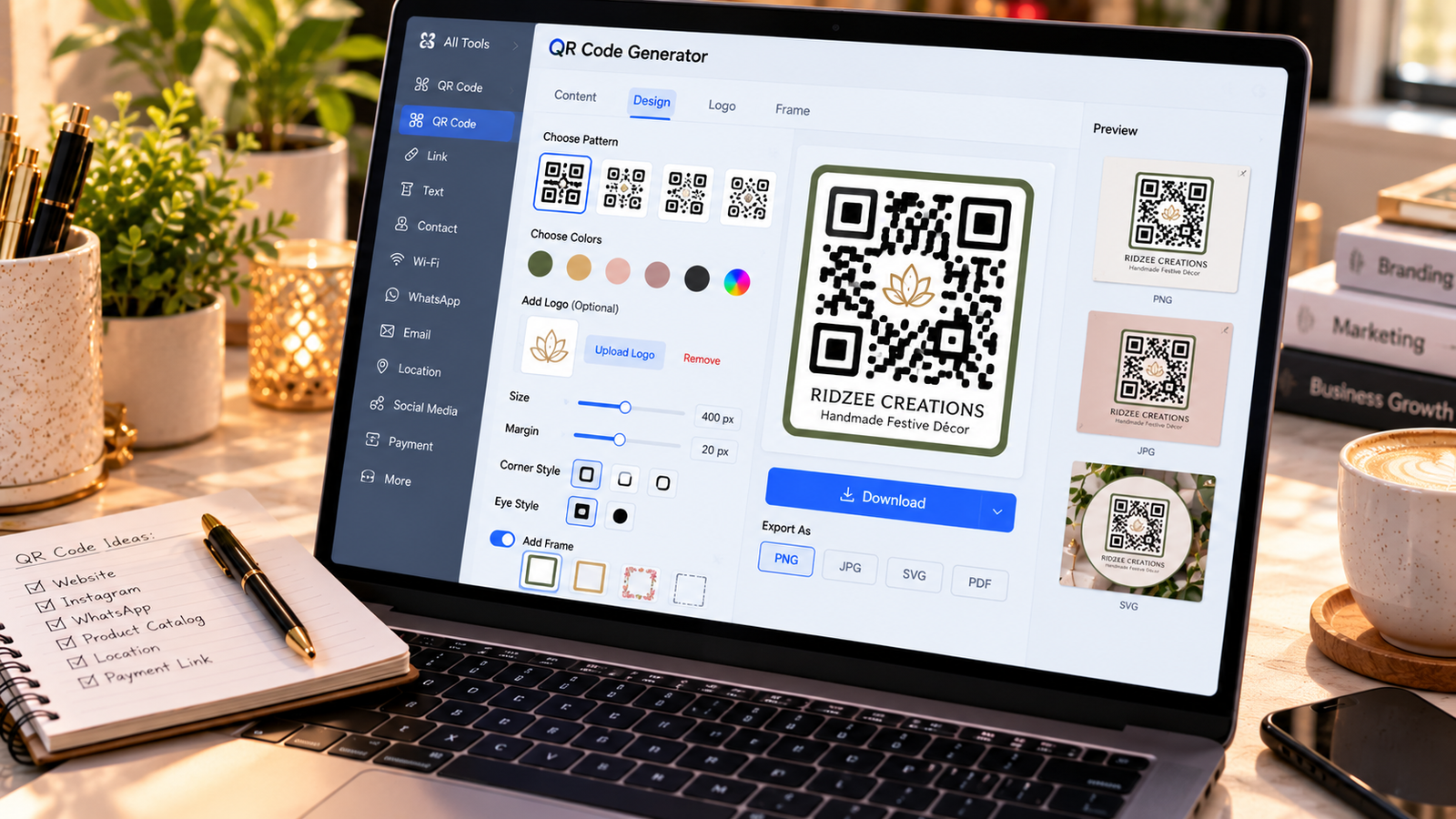
Step 4: Choose a Readable Design
Use sufficient contrast between the QR code and its background.
Avoid excessive decorative elements that may interfere with scanning.
Step 5: Download the QR Code
Save the code in an appropriate format.
For professional printing, a high-resolution image or vector file is preferable when available.
Step 6: Test Before Publishing
Scan the QR code using different smartphones.
Test it at the intended printed size and under realistic lighting conditions.
Step 7: Place It Strategically
Add the QR code to posters, packaging, brochures, or business cards.
Include a short instruction explaining what users will access after scanning.
Conclusion
Creating a QR code is straightforward, but usability matters. A properly tested code with a clear purpose can make business information more accessible.