
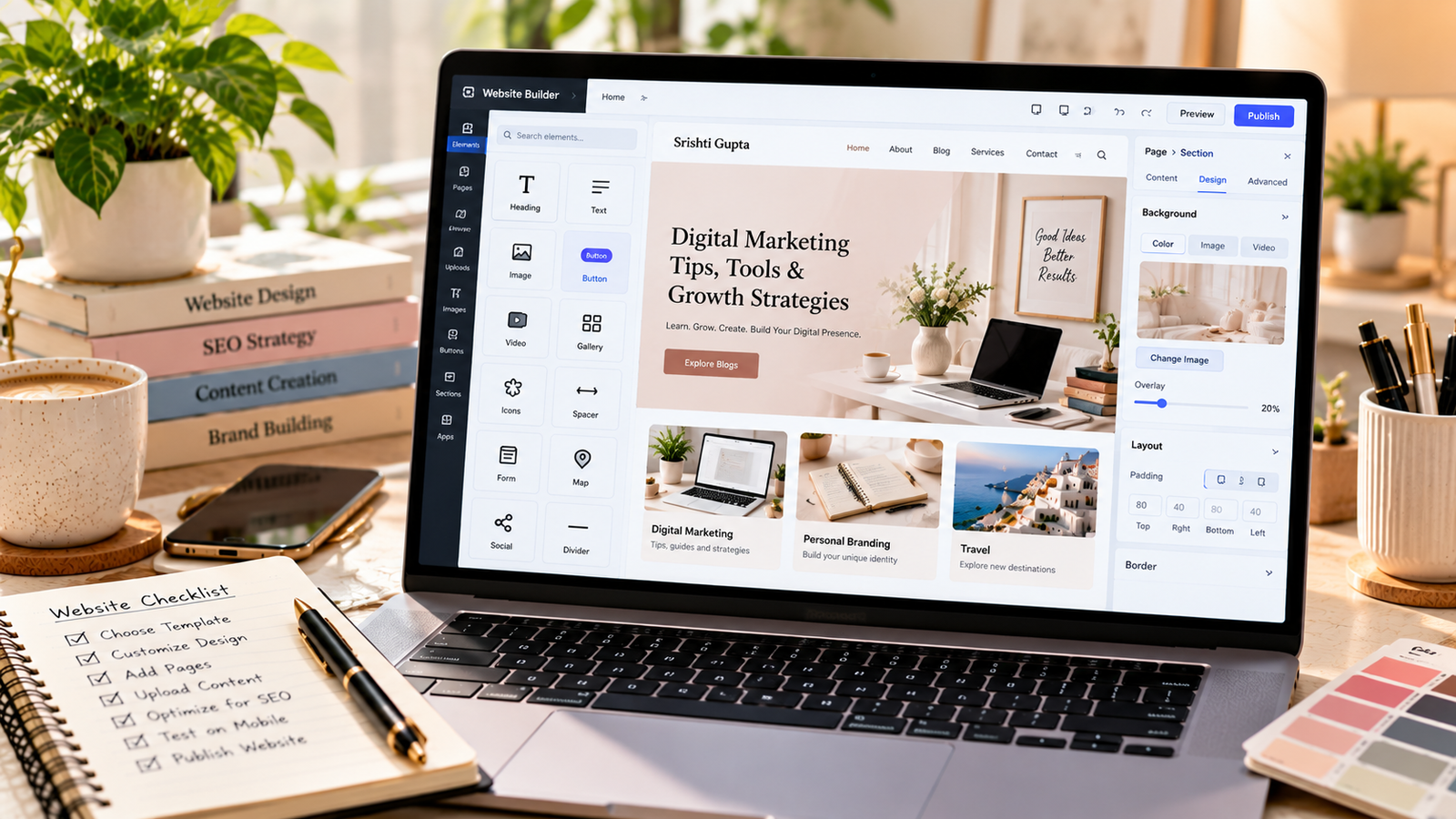
How to Create a Website for Free Without Coding
Introduction
Creating a website no longer requires advanced programming skills. Beginner-friendly platforms make it possible to publish a portfolio, blog, or basic business website using visual editors.
However, free plans usually come with limitations, such as branded subdomains, restricted storage, or limited customization.
Step 1: Decide Your Website’s Purpose
Determine whether you need a personal portfolio, blog, informational website, or business landing page.
This decision influences which platform and template will suit your needs.
Step 2: Choose a Website Builder
Consider platforms such as Google Sites, WordPress.com, or Wix, depending on their current free-plan features.
Compare editing flexibility, branding, SEO settings, and upgrade costs.
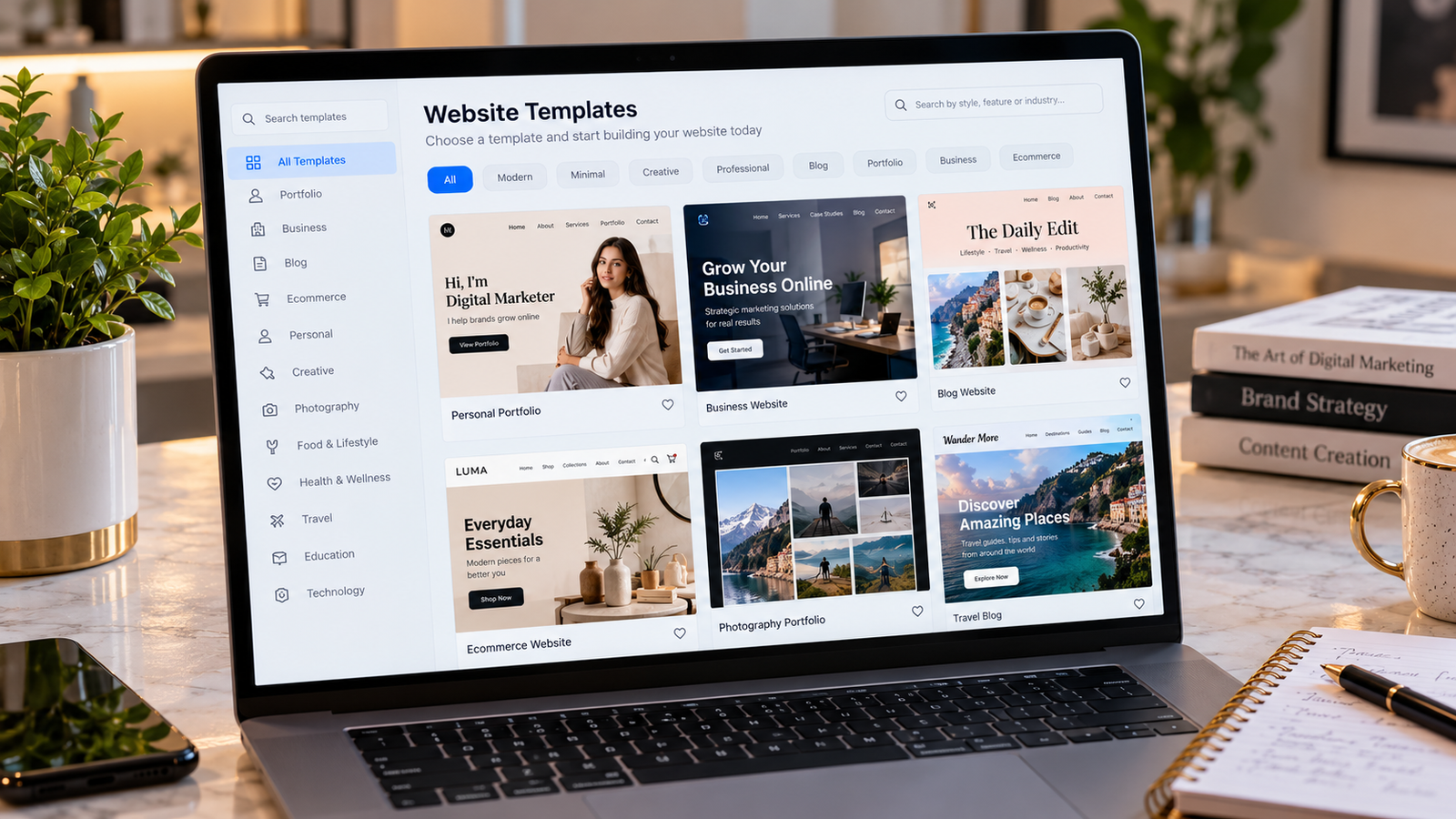
Step 3: Select a Template
Choose a clean, mobile-friendly design with readable typography and straightforward navigation.
Avoid adding unnecessary animations or visual elements that distract visitors.
Step 4: Create Essential Pages
Most websites benefit from a homepage, about page, contact page, and relevant content or service pages.
If you collect personal information, provide an appropriate privacy notice.
Step 5: Add Content and Images
Write original content explaining what visitors can expect.
Use relevant images, descriptive alternative text, and consistent branding.
Step 6: Configure Basic SEO
Add descriptive page titles, meaningful headings, and readable URLs wherever the platform allows.
Check whether your free plan supports search indexing and the SEO controls you need.
Step 7: Publish and Test
Preview your website on mobile and desktop before publishing.
Test navigation, forms, buttons, and links.
Conclusion
A free website is an accessible starting point for building an online presence. As your goals grow, you can evaluate whether a custom domain and paid hosting provide worthwhile benefits.