

How to Make a Professional Logo for Free
Introduction
A logo is an important part of business identity. It helps customers recognize a brand across websites, packaging, advertisements, and social media.
Small businesses can begin with free design tools, but a successful logo requires more than choosing an attractive template.
Step 1: Understand Your Brand
Identify your business name, target audience, values, and personality.
A handmade décor brand may prefer elegant typography and warm colors, while a technology company may choose a simpler modern style.
Step 2: Research Logo Styles
Explore wordmarks, lettermarks, symbols, and combination logos.
Study design principles without copying another brand’s identity.
Also read: How to Create a Complete Brand Identity Kit for a Startup
Step 3: Choose a Design Tool
Use a platform such as Canva or another suitable editor with free design features.
Review the platform’s licensing conditions before using templates or stock elements in a commercial logo.
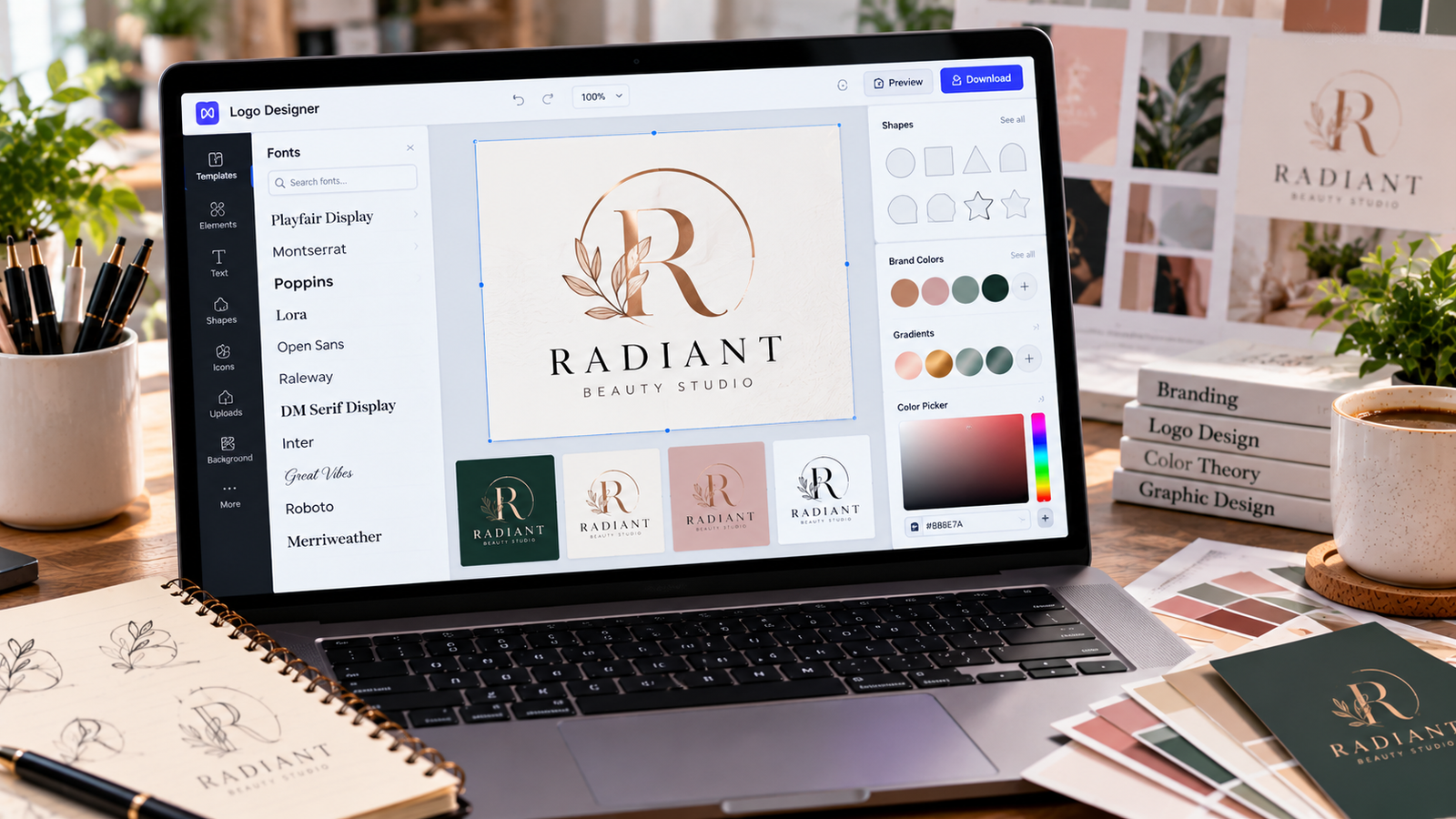
Step 4: Select Colors and Fonts
Choose a limited color palette and readable typography.
Make sure your logo remains recognizable in black and white.
Step 5: Create Multiple Concepts
Design several variations and compare them.
Avoid excessive gradients, tiny decorative elements, or complicated illustrations.
Step 6: Test Different Sizes
Preview your logo on a business card, Instagram profile, website header, and product label.
Step 7: Export Appropriate Files
Save transparent PNG versions where available and vector formats if supported.
Before using a logo commercially, check for confusing similarity with existing trademarks.
Conclusion
A professional logo should be simple, recognizable, and relevant to your business. Good typography, consistent colors, and careful testing are more important than unnecessary visual complexity.
1 Comment
[…] Also read: How to Make a Professional Logo for Free […]