
Keyword cannibalization happens when two or more pages on your website compete for the same search query. Instead of one strong page ranking well, Google keeps switching between weaker pages, and none of them reach their potential. This guide shows you how to spot cannibalization quickly and choose the right fix for each case.
Quick answer: To fix keyword cannibalization, find queries where multiple URLs rank using Google Search Console, decide which page should be the main one, then merge or redirect weaker pages, re-optimise overlapping pages for different intents, and point internal links to the preferred URL.
Why It Matters
When several pages target the same keyword, they split clicks, backlinks and internal link value. Rankings fluctuate, the wrong page may appear for a commercial query, and conversions drop. Fixing cannibalization often produces quick ranking gains because you consolidate authority that already exists on your site.
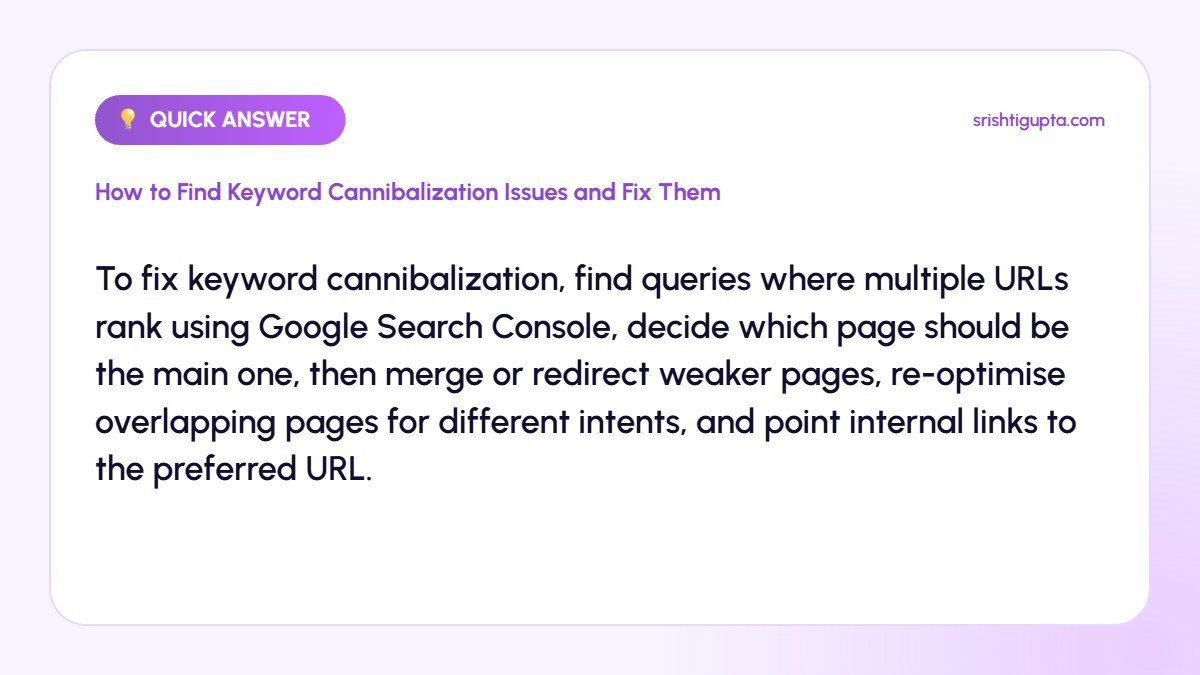
Step-by-Step: How to Find Keyword Cannibalization Issues and Fix Them
Step 1: Export query and page data from Search Console
In the Performance report, filter by a target query and open the Pages tab. If two or more URLs receive impressions for the same query, note them. Repeat for your most valuable keywords, or use a Looker Studio report to list queries with multiple ranking pages.
Step 2: Confirm with a site search
Search Google for site:yourdomain.com followed by the keyword. If several pages appear with very similar titles and topics, you probably have overlapping content. Check whether those pages target the same search intent or genuinely different needs.
Also read: How to Perform a Complete Technical SEO Audit for Your Website
Step 3: Choose the primary page
Pick the page with the best combination of rankings, backlinks, conversions and content quality. This becomes the canonical destination for that topic. The other pages will be merged, redirected or repositioned.
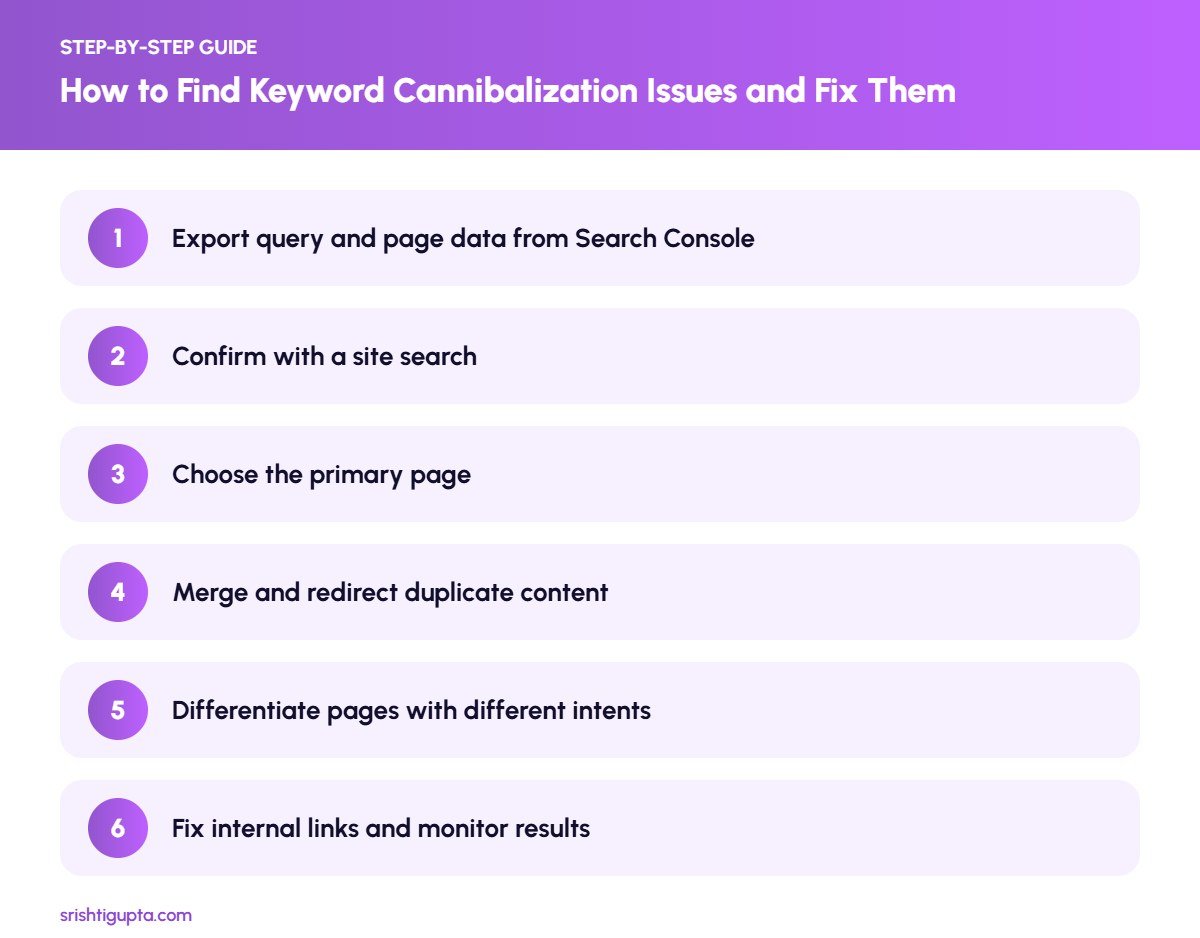
Step 4: Merge and redirect duplicate content
If two pages cover the same intent, combine the best parts into the primary page and add a 301 redirect from the weaker URL. Update the merged page so it is more complete than either original version.
Step 5: Differentiate pages with different intents
Sometimes both pages should stay, for example a service page and a how-to guide. Re-optimise titles, headings and content so each targets a distinct query, such as a commercial keyword for the service page and an informational keyword for the blog post.
Step 6: Fix internal links and monitor results
Update internal links and anchor text so they point to the primary page for the main keyword. Then track the query in Search Console over the next four to eight weeks to confirm that one URL now ranks consistently.
Pro Tips
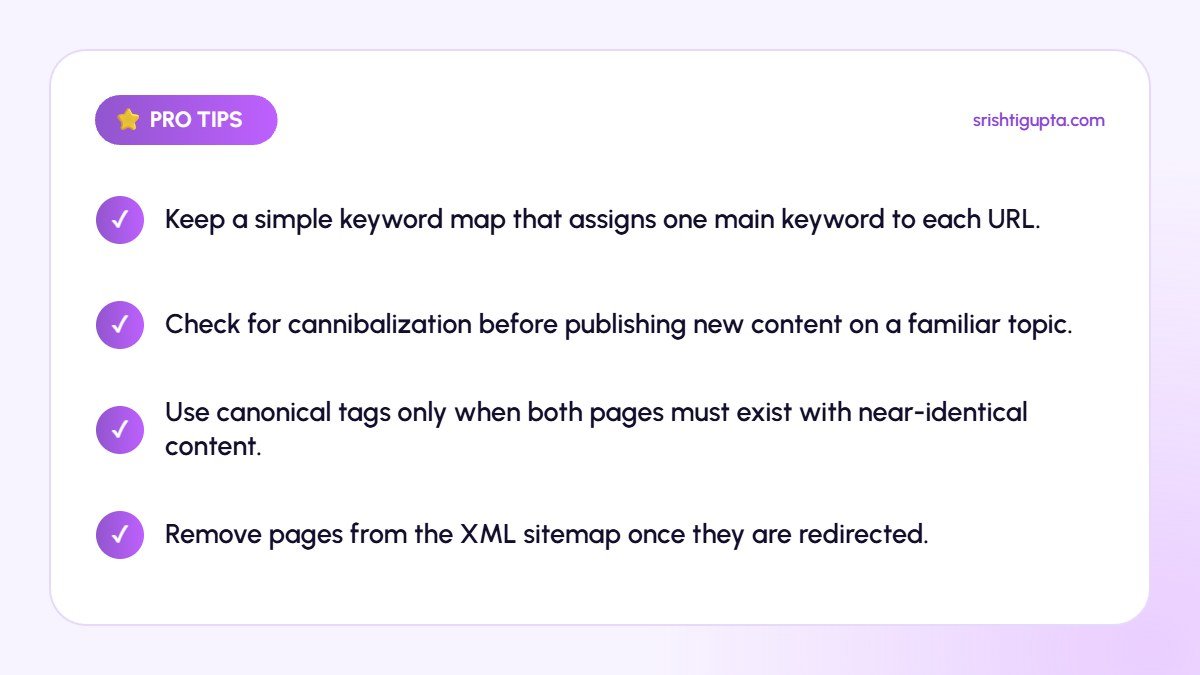
- Keep a simple keyword map that assigns one main keyword to each URL.
- Check for cannibalization before publishing new content on a familiar topic.
- Use canonical tags only when both pages must exist with near-identical content.
- Remove pages from the XML sitemap once they are redirected.
Common Mistakes to Avoid
- Deleting a page without a redirect and losing its backlinks.
- Treating every shared keyword as cannibalization even when intents differ.
- Merging content but forgetting to update internal links.
- Expecting immediate results before Google recrawls the changes.
Frequently Asked Questions
Is keyword cannibalization always bad?
No. If two pages serve different intents and both rank well, it can be fine. It becomes a problem when pages compete for the same intent and rankings fluctuate or stay low.
Should I use canonical tags or 301 redirects?
Use a 301 redirect when the weaker page is no longer needed. Use a canonical tag when both pages must remain accessible, such as filtered product pages with near-identical content.
How long does it take to see results after fixing cannibalization?
Most sites see changes within a few weeks once Google recrawls the pages, although competitive keywords can take longer.
Final Thoughts
Keyword cannibalization is one of the easiest SEO problems to overlook and one of the most rewarding to fix. With a clear keyword map, regular Search Console checks and decisive merging, your website sends a single strong signal for every important topic.
Need expert help? Srishti Gupta is a digital marketing expert in Ludhiana. Explore her SEO services or get in touch to discuss your project.