
Core Web Vitals are Google’s metrics for real-world page experience: how fast the main content loads, how quickly the page responds to interaction and how stable the layout is. Improving them makes your website feel faster, keeps visitors engaged and supports better search visibility.
Quick answer: To improve Core Web Vitals, measure LCP, INP and CLS in PageSpeed Insights and Search Console, then compress and preload hero images, use caching and a CDN, remove or defer heavy JavaScript, reserve space for images and ads, and re-test key templates after each change.
Why It Matters
Slow, jumpy pages frustrate users and reduce conversions, especially on mobile networks. Core Web Vitals are part of Google’s page experience signals, so poor scores can hold back pages in competitive results. Most fixes also reduce hosting load and improve the overall quality of your site.
Step-by-Step: How to Improve Core Web Vitals for Better Website Performance
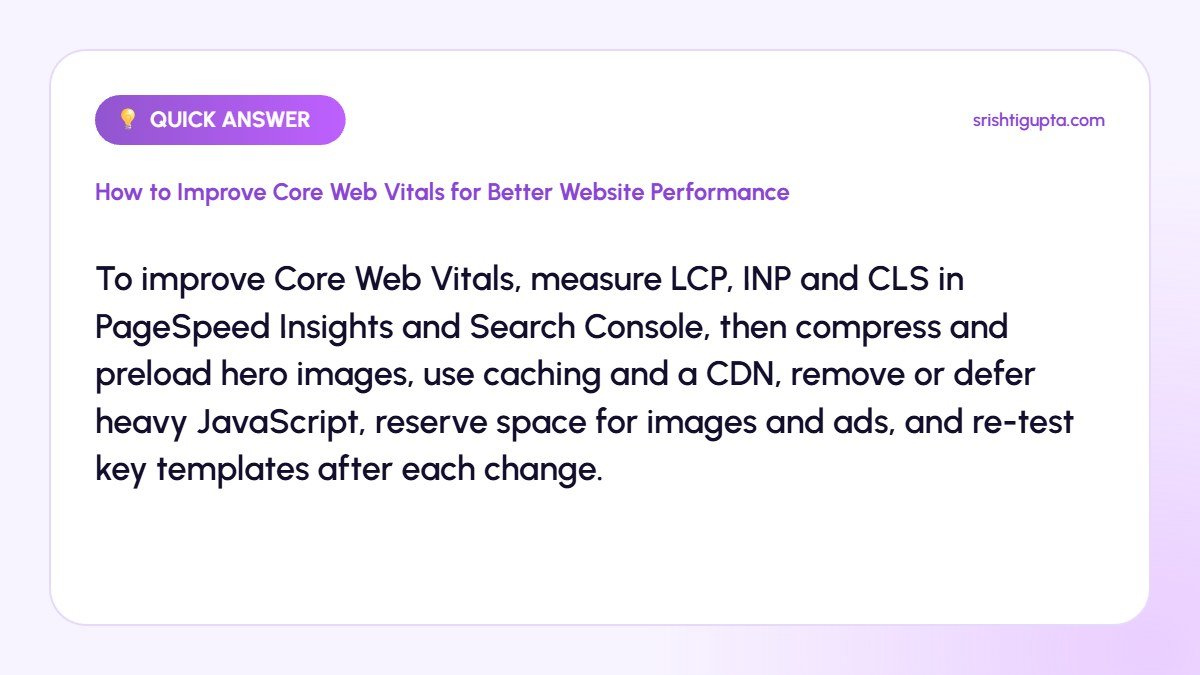
Step 1: Measure current performance
Open the Core Web Vitals report in Search Console to see which URL groups fail on mobile and desktop. Then test a representative page from each group in PageSpeed Insights, focusing on field data from real users where available.
Step 2: Fix Largest Contentful Paint (LCP)
LCP measures how fast the main content appears. Compress and resize hero images, serve WebP or AVIF, preload the LCP image, and avoid lazy loading images that appear above the fold. Faster hosting and server caching also reduce time to first byte.
Step 3: Improve Interaction to Next Paint (INP)
INP measures responsiveness to clicks and taps. Reduce long JavaScript tasks, remove unused plugins and third-party scripts, defer non-critical code and avoid heavy sliders or chat widgets that run on page load.
Step 4: Reduce Cumulative Layout Shift (CLS)
CLS measures unexpected movement. Always set width and height on images and videos, reserve space for ads and embeds, and load web fonts with font-display swap so text does not jump when fonts arrive.
Step 5: Use caching and a CDN
A caching plugin or server cache serves pages faster, and a content delivery network delivers files from locations closer to your visitors. Together they improve LCP for users across different cities and countries.
Step 6: Re-test and monitor
After each change, re-run PageSpeed Insights and use the Validate Fix button in Search Console. Field data updates over a 28-day window, so track progress over several weeks.
Pro Tips
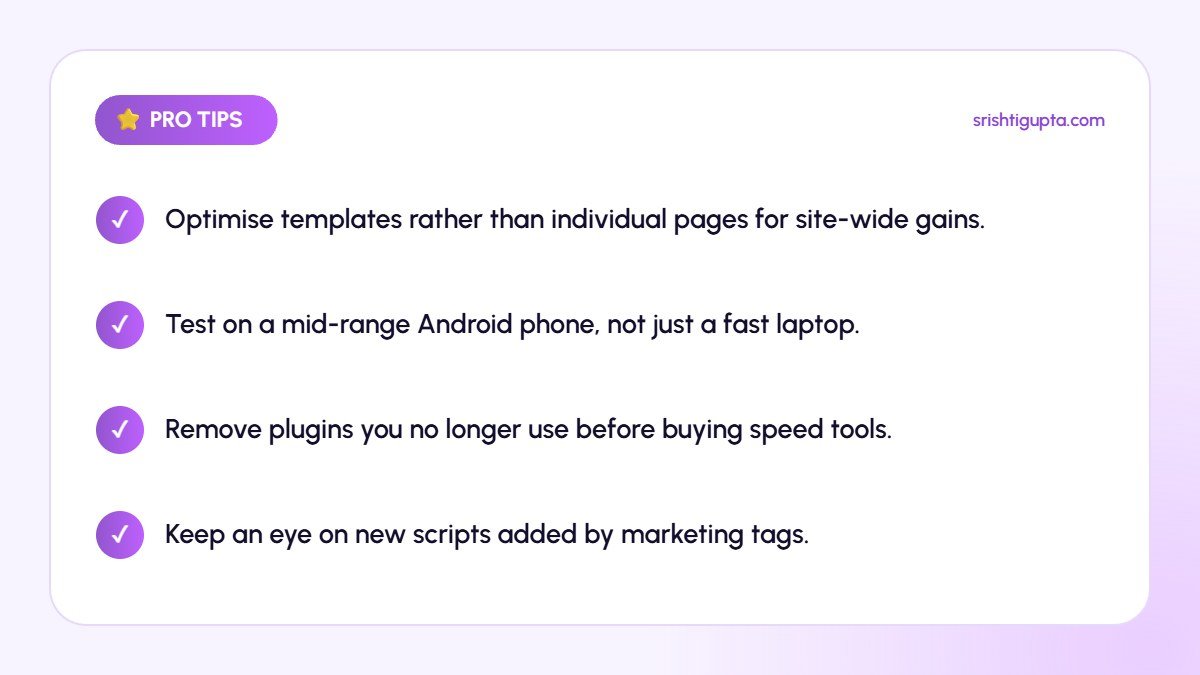
- Optimise templates rather than individual pages for site-wide gains.
- Test on a mid-range Android phone, not just a fast laptop.
- Remove plugins you no longer use before buying speed tools.
- Keep an eye on new scripts added by marketing tags.
Common Mistakes to Avoid
- Lazy loading the hero image, which delays LCP.
- Installing several optimisation plugins that conflict with each other.
- Focusing only on lab scores and ignoring real-user field data.
- Adding large animations and sliders above the fold.
Frequently Asked Questions
What are good Core Web Vitals scores?
Google considers LCP under 2.5 seconds, INP under 200 milliseconds and CLS under 0.1 as good, measured at the 75th percentile of page loads.
Do Core Web Vitals affect SEO rankings?
Yes, they are part of page experience signals. They rarely outweigh relevance, but they can make a difference between similar pages and strongly affect user behaviour.
Why does Search Console still show poor URLs after I fixed them?
Search Console uses 28 days of real user data, so improvements appear gradually after visitors experience the faster version.
Final Thoughts
Improving Core Web Vitals is about giving every visitor a fast, smooth experience. Start with the templates that matter most, fix images and scripts first, and monitor field data until your pages consistently pass.
Need expert help? Srishti Gupta is a digital marketing expert in Ludhiana. Explore her SEO services or get in touch to discuss your project.