
The same content can often be reached through several URLs: with and without www, with tracking parameters, through filters or in print versions. Search engines may treat these as duplicates and split ranking signals between them. Canonical tags solve this by telling Google which version is the main one.
Quick answer: Add a rel=”canonical” link in the head of each page pointing to the preferred URL. Every indexable page should have a self-referencing canonical, while duplicate or parameter versions should point to the main version. Keep canonicals consistent with internal links, sitemaps and redirects.
Why It Matters
Duplicate URLs waste crawl budget and can cause Google to show the wrong version in search results. Canonical tags consolidate links and ranking signals into one URL, keep reports cleaner in Search Console and protect you when content is syndicated on other websites.
Step-by-Step: How to Use Canonical Tags to Prevent Duplicate URL Problems
Step 1: Find duplicate URL patterns
Crawl your site and look for pages with identical titles or content. Common sources include URL parameters, sorting and filter options, session IDs, trailing slash variations and HTTP versus HTTPS versions.
Step 2: Decide on the preferred version
Choose one format for every page, such as HTTPS, non-www and a trailing slash. This preferred version should be the one used in internal links, sitemaps and marketing campaigns.
Step 3: Add self-referencing canonicals
Each indexable page should include a canonical tag pointing to itself. Most SEO plugins such as Yoast and Rank Math add this automatically on WordPress, but verify it in the page source.
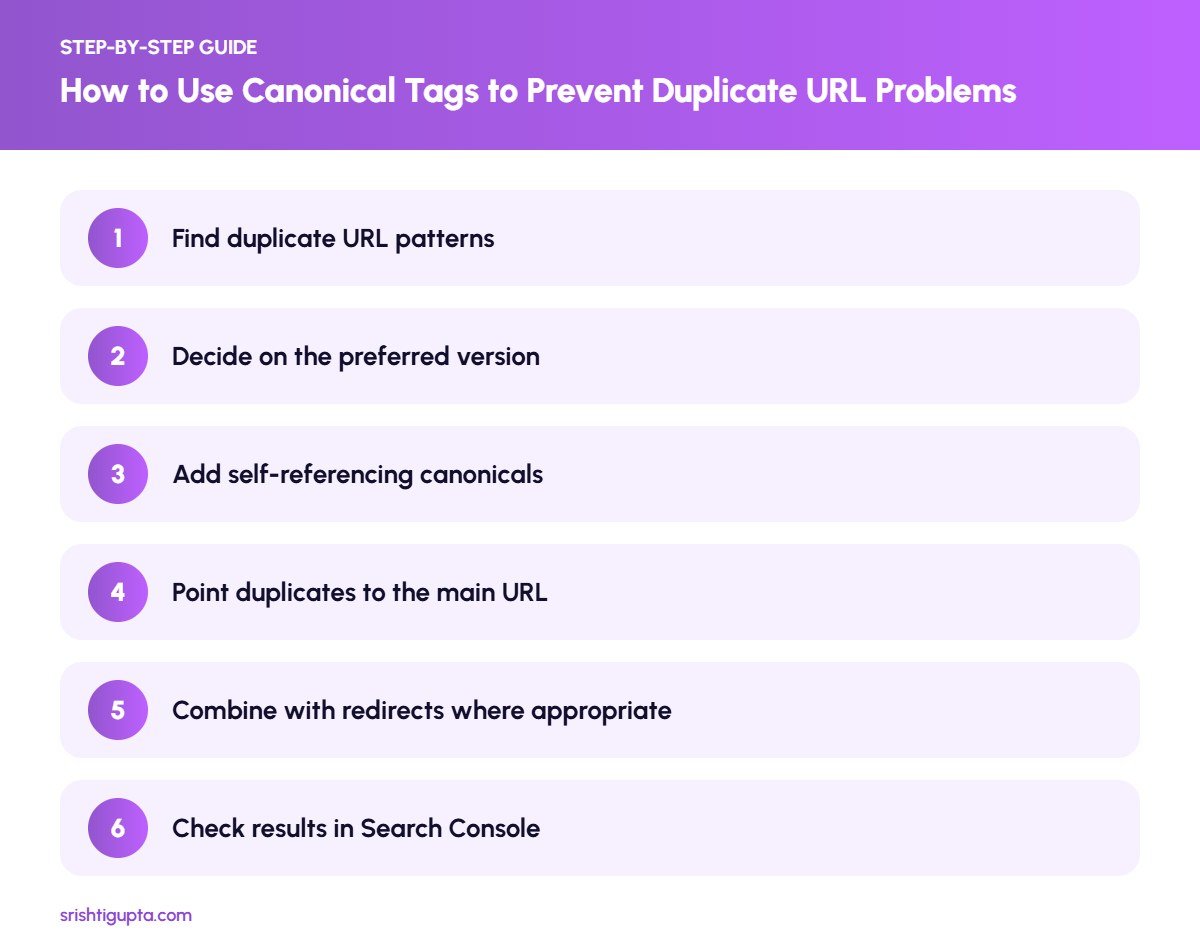
Step 4: Point duplicates to the main URL
For parameter or filter pages that create near-identical content, set the canonical to the clean main URL. Make sure the main URL returns a 200 status code and is not blocked or noindexed.
Step 5: Combine with redirects where appropriate
If a duplicate URL does not need to exist, a 301 redirect is stronger than a canonical. Use redirects for HTTP to HTTPS and www to non-www, and canonicals for variations users still need.
Step 6: Check results in Search Console
Use the URL Inspection tool to compare the user-declared canonical with the Google-selected canonical. If Google picks a different URL, review internal links, sitemaps and content similarity to send clearer signals.
Pro Tips
- Always use absolute URLs in canonical tags.
- Ask sites that republish your articles to add a canonical back to your original post.
- Keep only canonical URLs in your XML sitemap.
- Re-check canonicals after theme or plugin changes.
Common Mistakes to Avoid
- Pointing every page’s canonical to the homepage.
- Canonicalising to a URL that redirects or returns a 404.
- Using noindex and a canonical to another page at the same time.
- Adding multiple canonical tags to one page through different plugins.
Frequently Asked Questions
Is a canonical tag a directive or a hint?
It is a strong hint. Google usually follows it, but may choose another URL if other signals such as internal links or sitemaps contradict it.
Do I need canonical tags on every page?
Yes, a self-referencing canonical on every indexable page is a best practice that protects against unexpected duplicate URLs.
Can canonical tags work across different domains?
Yes. Cross-domain canonicals are useful when your content is syndicated on another website and you want the original to receive the credit.
Final Thoughts
Canonical tags are a simple line of code with a big impact on how search engines understand your site. Set a clear preferred URL format, keep signals consistent and verify Google’s choice in Search Console to avoid duplicate URL problems.
Need expert help? Srishti Gupta is a digital marketing expert in Ludhiana. Explore her SEO services or get in touch to discuss your project.