

How to Create a Ghibli-Style Photo Using AI
Introduction
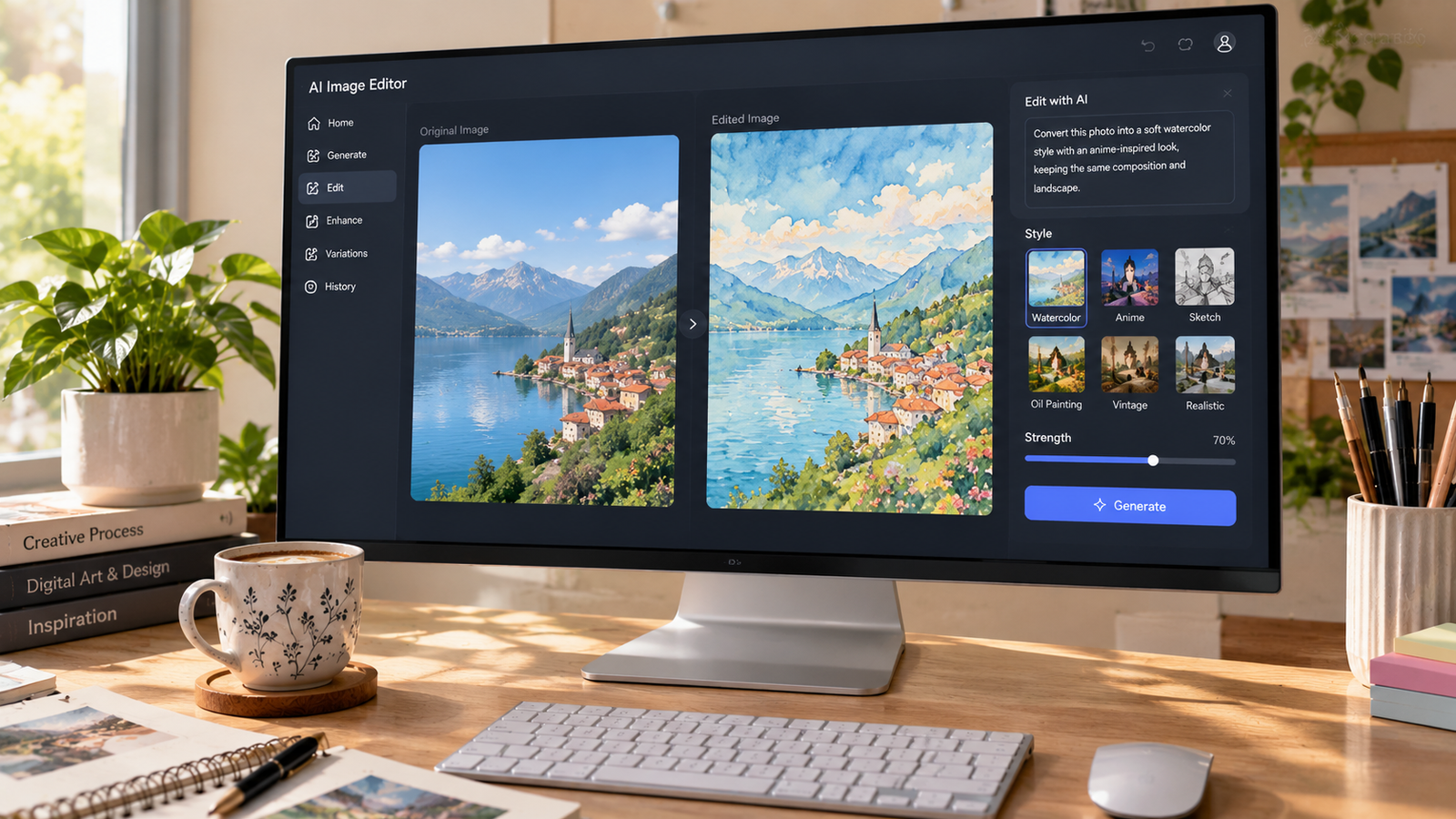
AI photo transformations allow people to turn ordinary photographs into illustrated portraits inspired by different animation aesthetics.
Soft watercolor backgrounds, expressive characters, warm colors, and whimsical landscapes are especially popular in Japanese animation-inspired artwork.
Step 1: Select a Suitable Photograph
Choose a clear image with good lighting and a recognizable subject. Photos with simple backgrounds often provide better results.
Step 2: Choose an AI Image Editor
Use an AI image editing tool that supports uploading photographs and applying visual transformations.
Check its privacy settings before uploading personal or family photographs.
Also read: How to Create AI Images Using Google Gemini
Step 3: Write Your Transformation Prompt
Describe the visual characteristics you want instead of relying only on a style name.
Example prompt:
Transform this photograph into a hand-painted Japanese animation-inspired illustration. Use soft watercolor textures, gentle pastel colors, expressive eyes, warm sunlight, and a whimsical countryside background. Preserve the original person's recognizable features and pose.
Step 4: Preserve Important Details
Ask the tool to retain the original clothing, hairstyle, number of people, and overall composition.
Check the generated result for changes to facial features and accessories.
Step 5: Refine the Background
Experiment with illustrated gardens, peaceful streets, magical forests, or cozy interiors.
Step 6: Save the Final Image
Export the highest suitable resolution and review it before sharing.
Conclusion
AI can transform everyday photographs into charming illustrated artwork. The best results come from clear source photographs and prompts that describe the desired appearance precisely.
1 Comment
[…] Also read: How to Create a Ghibli-Style Photo Using AI […]