

Navigation is more than a menu. It tells visitors where to go next and tells search engines which pages are most important. A clear, crawlable navigation structure helps Google discover pages faster, spreads authority to key sections and keeps users exploring instead of bouncing. Here is how to optimise it step by step.
Quick answer: Optimise navigation for SEO by planning a logical page hierarchy, keeping main menus short and descriptive, using HTML links that search engines can crawl, adding breadcrumbs, linking important pages within three clicks of the homepage and making the menu easy to use on mobile.
Why It Matters
Pages that are buried deep in your site or only reachable through JavaScript filters receive less crawl attention and less internal link equity. A well-structured navigation improves crawl efficiency, helps Google understand topical relationships between pages and improves user signals such as time on site and pages per session.
Step-by-Step: How to Optimize Website Navigation for Search Engines
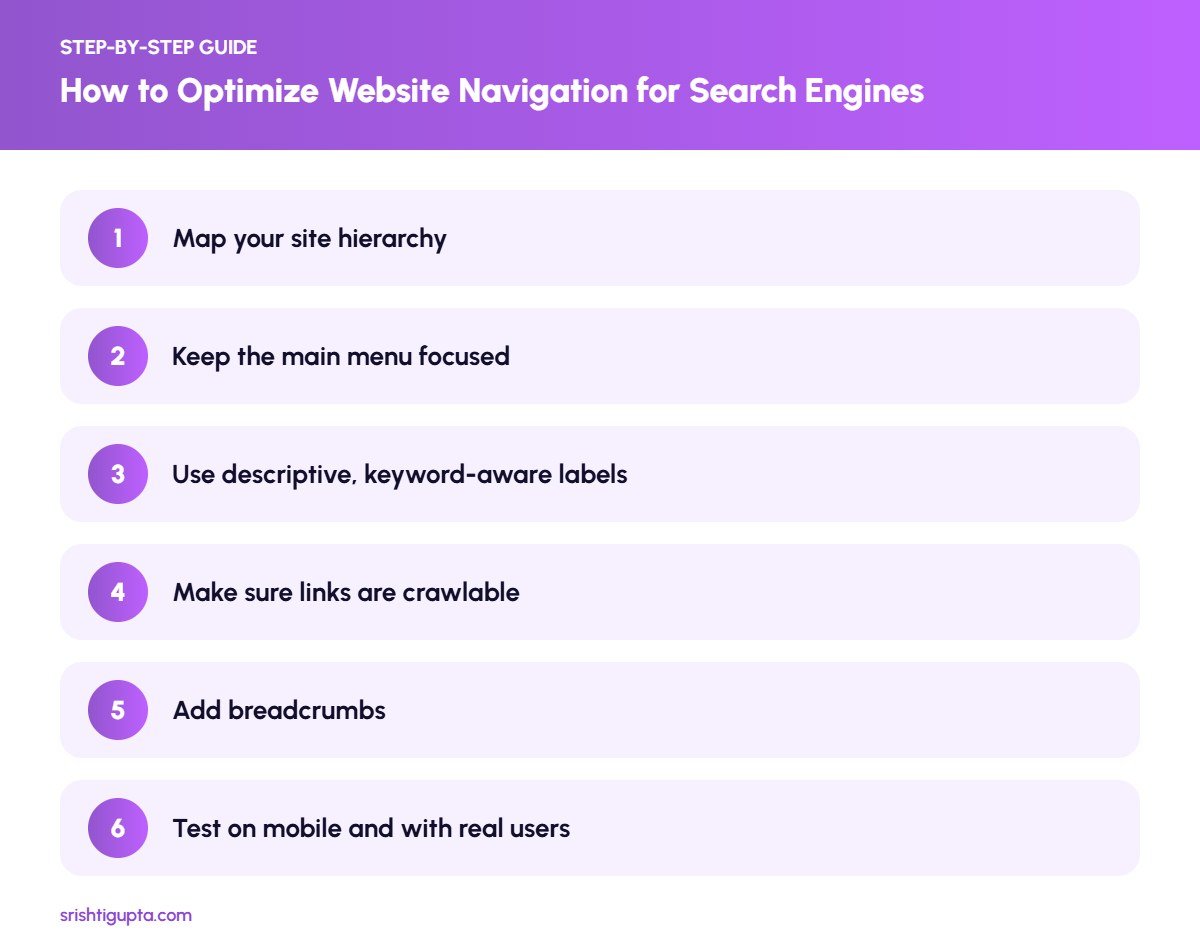
Step 1: Map your site hierarchy
List every important page and group them into categories, such as services, resources and company pages. Aim for a pyramid: homepage at the top, main categories next, then individual pages. This map becomes the blueprint for your menus and URL structure.
Step 2: Keep the main menu focused
Limit the top-level menu to around five to seven items that reflect what visitors look for most. Use dropdowns for subpages but avoid mega menus with hundreds of links, which dilute the importance of each one.
Step 3: Use descriptive, keyword-aware labels
Labels such as “SEO Services” or “Google Ads Management” are clearer than vague words like “Solutions”. Descriptive anchor text helps users and gives search engines context about the destination page.
Step 4: Make sure links are crawlable
Navigation should use standard HTML anchor links with real URLs. Avoid menus that only work through JavaScript click events or hide links until a user interacts, because crawlers may not follow them.
Step 5: Add breadcrumbs
Breadcrumbs show where a page sits in the hierarchy and create helpful internal links back to category pages. Add BreadcrumbList schema so Google can display the path in search results.
Step 6: Test on mobile and with real users
Check that the mobile menu opens easily, links are tappable and important pages are not hidden. Use heatmaps or analytics to see which menu items are used and adjust labels or order accordingly.
Pro Tips
- Keep important pages within three clicks of the homepage.
- Use footer links for secondary pages such as policies and service areas.
- Match menu labels with the H1 of the destination page for consistency.
- Review navigation whenever you add a new service or content section.
Common Mistakes to Avoid
- Using images or icons without text as menu items.
- Linking to every page from the main menu, creating clutter.
- Hiding key pages behind search forms or filters only.
- Different menus on desktop and mobile that confuse users and crawlers.
Frequently Asked Questions
Does navigation affect SEO rankings?
Yes, indirectly. Navigation influences how pages are discovered, how internal link value flows and how users interact with your site, all of which support rankings.
Are dropdown menus bad for SEO?
No. Dropdown menus built with HTML links are crawlable. Problems only arise when dropdowns rely on scripts that hide links from crawlers.
Should I include blog categories in the main menu?
Include a single Blog or Resources link in the main menu and show categories on the blog page itself, unless one content category is central to your business.
Final Thoughts
Good navigation is invisible to users because it simply works. By planning a clear hierarchy, using descriptive crawlable links and supporting it with breadcrumbs, you make your website easier to explore for both people and search engines.
Need expert help? Srishti Gupta is a digital marketing expert in Ludhiana. Explore her SEO services or get in touch to discuss your project.