
A brand identity kit is a single set of guidelines and assets that keeps your startup looking and sounding consistent everywhere. Instead of designing from scratch every time, your team, freelancers and agencies can use the kit to create materials that instantly feel like your brand.
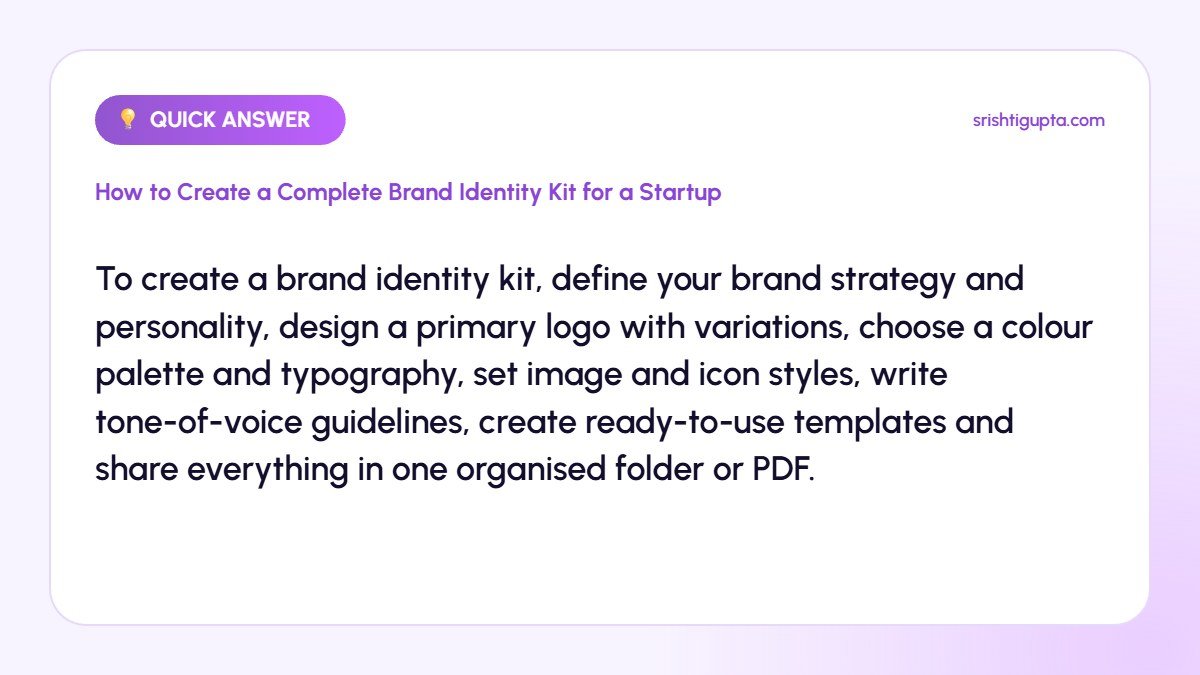
Quick answer: To create a brand identity kit, define your brand strategy and personality, design a primary logo with variations, choose a colour palette and typography, set image and icon styles, write tone-of-voice guidelines, create ready-to-use templates and share everything in one organised folder or PDF.
Why It Matters
Consistent branding builds recognition and trust faster, which matters when a startup is unknown. A brand kit also saves time and money, reduces design back-and-forth and makes your business look more established to investors, partners and customers.
Step-by-Step: How to Create a Complete Brand Identity Kit for a Startup
Step 1: Define your brand foundation
Write down your mission, target audience, positioning and three to five brand personality traits, such as friendly, bold or premium. Every visual and verbal decision should reflect this foundation.
Step 2: Design the logo and its variations
Create a primary logo plus horizontal, stacked and icon-only versions, and versions for dark and light backgrounds. Specify minimum sizes and clear space so the logo always looks sharp.
Also read: How to Make a Professional Logo for Free
Step 3: Choose a colour palette
Select one or two primary colours, a few secondary colours and neutrals. Record HEX, RGB and CMYK values, and check contrast so text remains readable and accessible.
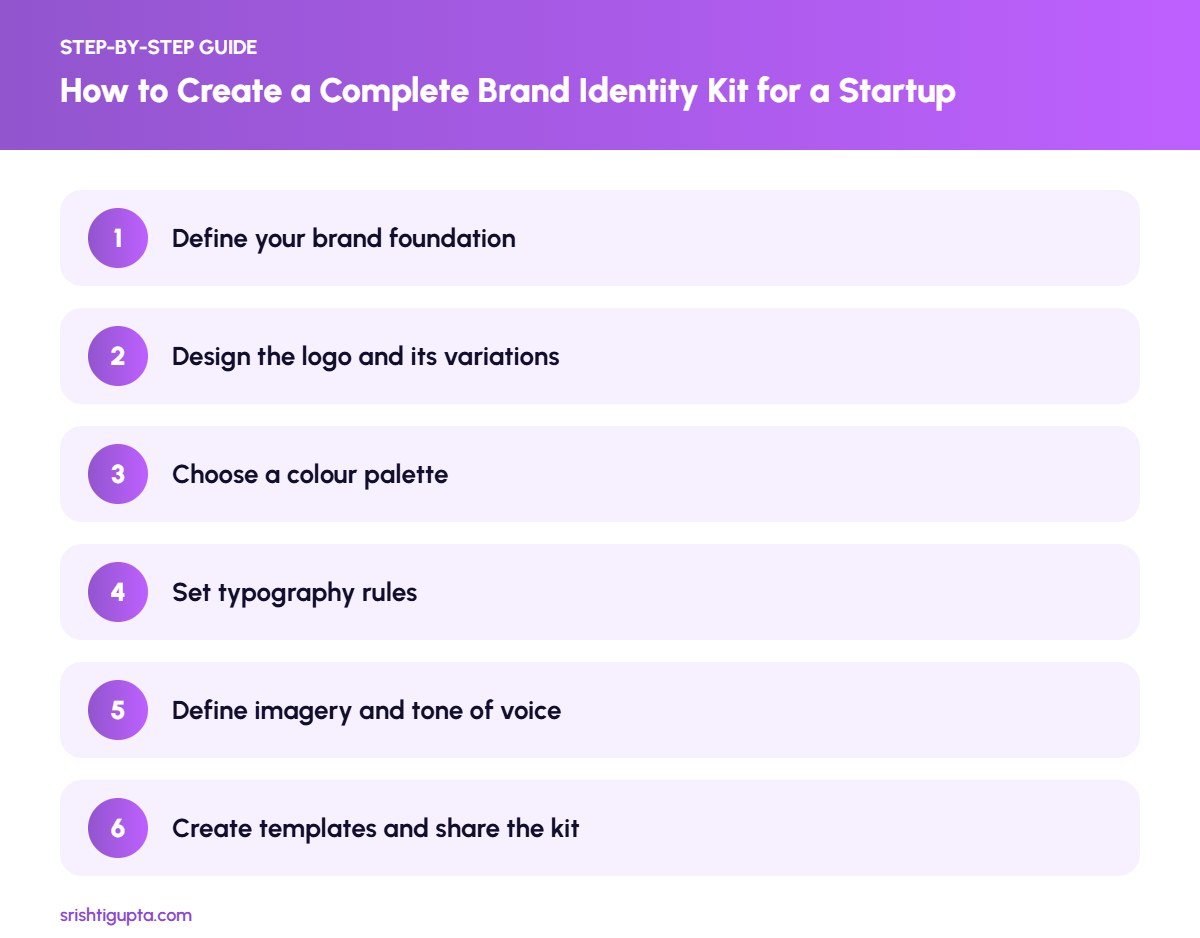
Step 4: Set typography rules
Pick a heading font and a body font that match your personality, and define sizes and weights for headings, subheadings and paragraphs. Use web-safe or Google Fonts for easy use across tools.
Step 5: Define imagery and tone of voice
Describe the photo style, illustration style and icon set you will use. Add tone-of-voice guidelines with examples of words and phrases you use and avoid.
Step 6: Create templates and share the kit
Design templates for social posts, presentations, letterheads and email signatures in tools like Canva or Figma. Compile everything into a brand guidelines PDF and a shared folder.
Pro Tips
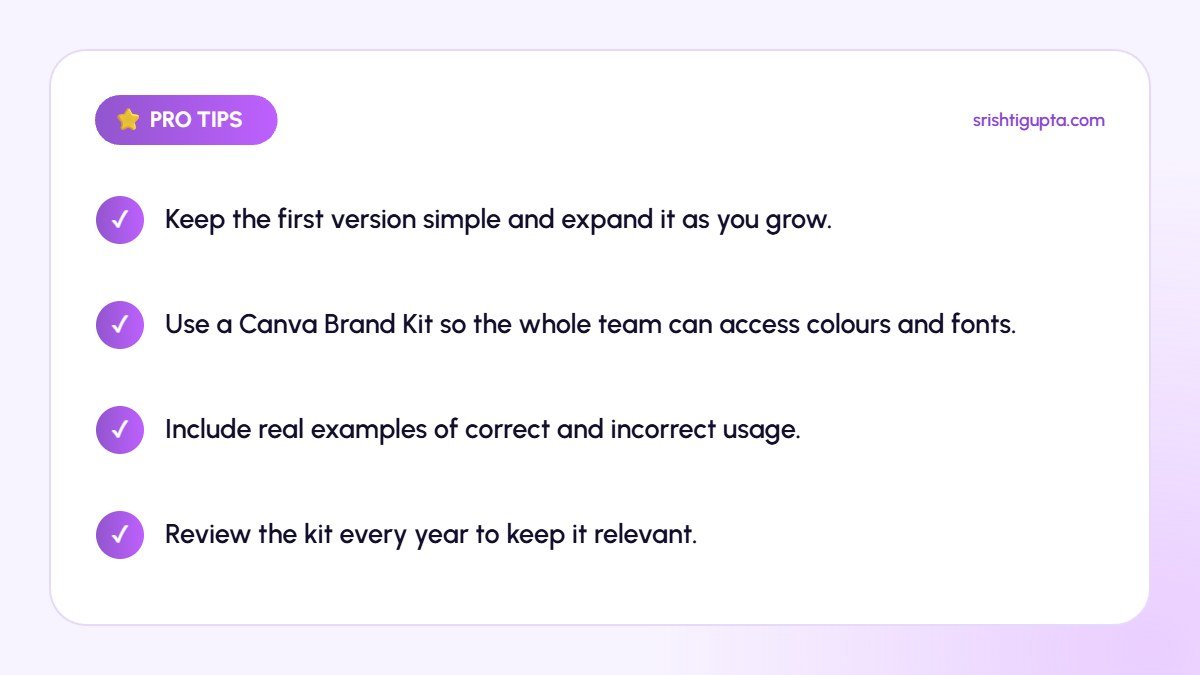
- Keep the first version simple and expand it as you grow.
- Use a Canva Brand Kit so the whole team can access colours and fonts.
- Include real examples of correct and incorrect usage.
- Review the kit every year to keep it relevant.
Common Mistakes to Avoid
- Choosing trendy colours that do not fit your audience.
- Using too many fonts and colours.
- Designing only a logo and calling it a brand identity.
- Storing brand files in scattered personal folders.
Frequently Asked Questions
What should a startup brand kit include?
At minimum: logo files and variations, colour codes, fonts, imagery guidelines, tone of voice notes and a few key templates.
Can I create a brand identity kit in Canva?
Yes. Canva Pro includes Brand Kits where you can store logos, colours and fonts, plus templates your team can reuse.
How long does it take to build a brand identity kit?
A basic kit can be created in one to three weeks, depending on research, logo design rounds and the number of templates required.
Final Thoughts
A brand identity kit turns your startup’s personality into clear, reusable rules. Build a strong foundation, keep the visual system simple and make the kit easy to access, and every touchpoint will reinforce your brand.
Need expert help? Srishti Gupta is a digital marketing expert in Ludhiana. Explore her graphic designing services or get in touch to discuss your project.