
Responsive search ads let you provide up to 15 headlines and four descriptions, and Google combines them to match each search. When your assets reflect what customers are actually looking for, your ads become more relevant, earn more clicks and convert better.
Quick answer: To create effective responsive search ads, research the search intent behind your keywords, write 10 to 15 distinct headlines covering keywords, benefits, offers and calls to action, add four varied descriptions, pin only when necessary, include extensions, and improve ad strength using performance data.
Why It Matters
Search ads compete for attention in a few seconds. Ads that echo the user’s query and address their exact need get higher click-through rates and Quality Scores, which lowers your cost per click and improves your position.
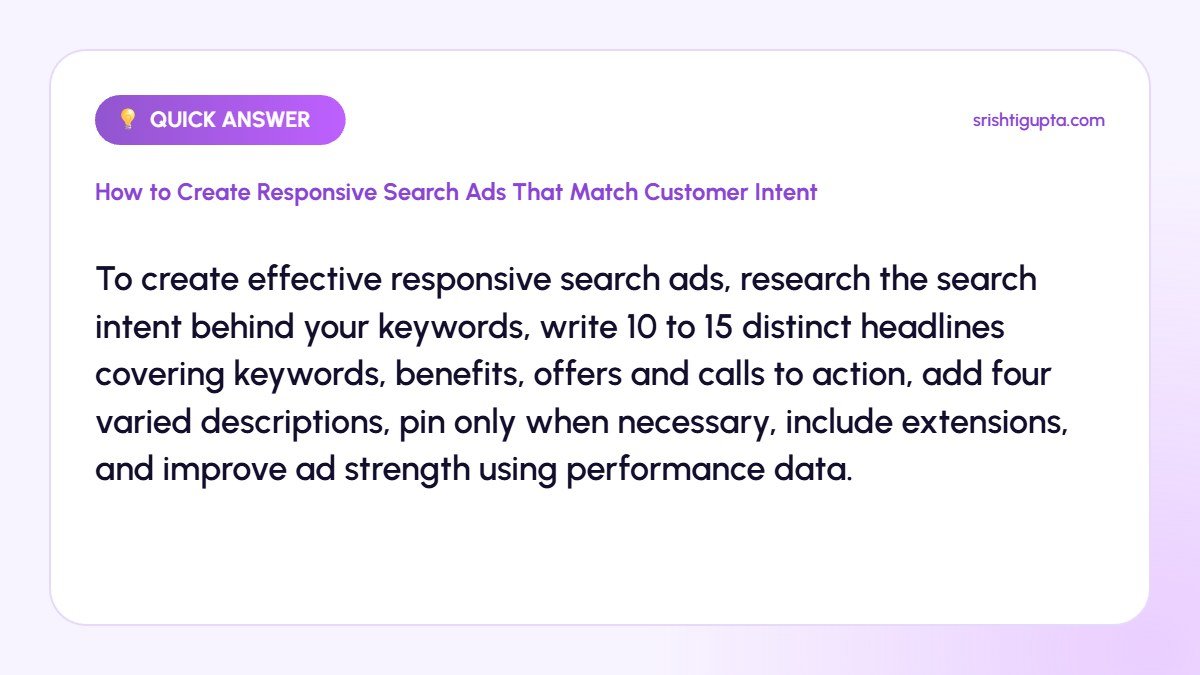
Step-by-Step: How to Create Responsive Search Ads That Match Customer Intent
Step 1: Understand the intent behind keywords
Group keywords by intent, such as research, comparison or ready to buy. Check the search terms report to see the exact words customers use.
Step 2: Write headlines with variety
Create headlines that include the main keyword, key benefits, unique selling points, prices or offers, trust signals and calls to action. Avoid repeating the same message in different words.
Step 3: Write clear descriptions
Use descriptions to expand on benefits, handle objections and explain next steps, such as free consultation or same-day delivery. Each description should work on its own.
Step 4: Use pinning carefully
Pin only essential elements, such as a brand name or legal disclaimer, to specific positions. Excessive pinning reduces the combinations Google can test.
Step 5: Add assets and extensions
Add sitelinks, callouts, structured snippets, call and location assets. They increase ad size and give users more reasons to click.
Step 6: Review performance and refine
Check ad strength and the asset report after a few weeks. Replace low-performing headlines and test new angles based on the combinations that perform best.
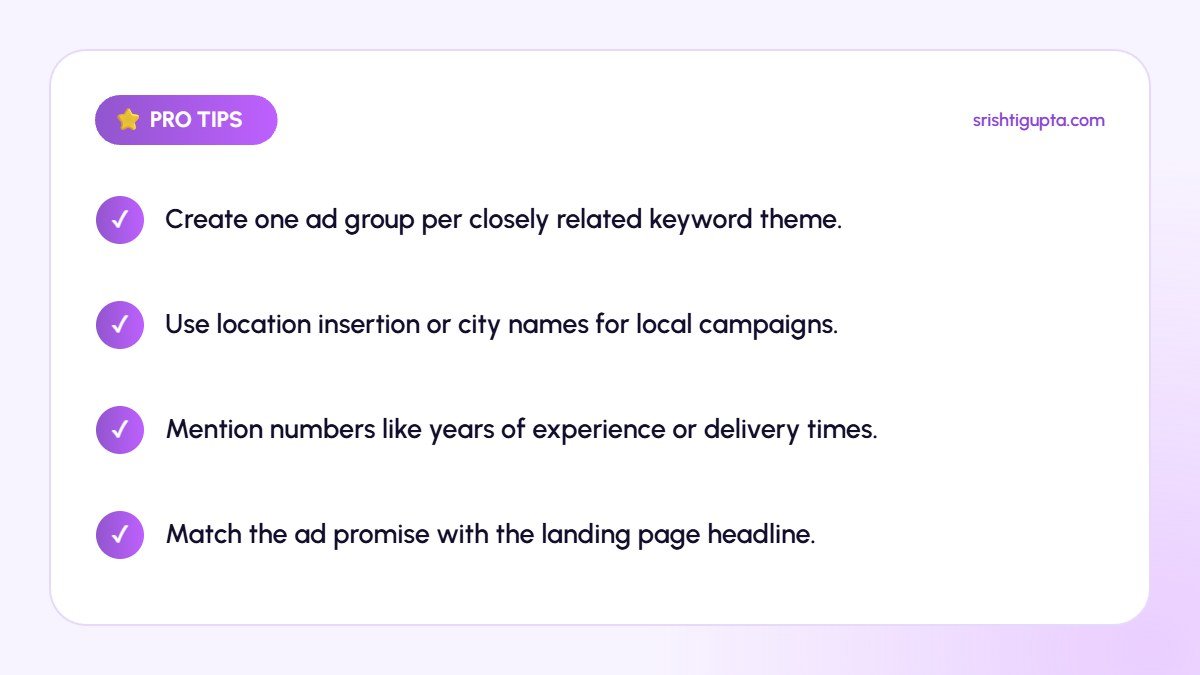
Pro Tips
- Create one ad group per closely related keyword theme.
- Use location insertion or city names for local campaigns.
- Mention numbers like years of experience or delivery times.
- Match the ad promise with the landing page headline.
Common Mistakes to Avoid
- Writing generic headlines that could fit any business.
- Pinning every headline and description.
- Using the same RSA for unrelated keywords.
- Ignoring ad strength suggestions completely.
Frequently Asked Questions
How many headlines should a responsive search ad have?
Aim for at least 10 and up to 15 unique headlines to give Google enough options to match different searches.
Does ad strength affect performance?
Ad strength is a guide to asset variety and relevance. It is not a direct ranking factor, but improving it often leads to better performance.
Should I still use expanded text ads?
No. Expanded text ads can no longer be created, so responsive search ads are the standard format for search campaigns.
Final Thoughts
Responsive search ads perform best when every asset speaks to real customer intent. Research what people want, write varied and specific messages, and keep refining based on data.
Need expert help? Srishti Gupta is a digital marketing expert in Ludhiana. Explore her Google Ads management or get in touch to discuss your project.