
Instagram broadcast channels are one-to-many messaging spaces where creators and brands can share updates directly in followers’ inboxes. Members can react and vote in polls, making channels a simple way to build a closer community beyond the feed.
Quick answer: To use Instagram broadcast channels, create a channel from your inbox or profile, give it a clear name, invite followers through a story or post, share exclusive tips, behind-the-scenes content, polls and early offers on a regular schedule, and track engagement to refine what you send.
Why It Matters
Feed posts compete with algorithms, but channel messages arrive in the inbox of people who chose to join. This makes channels useful for announcements, launches and building loyalty with your most engaged followers.
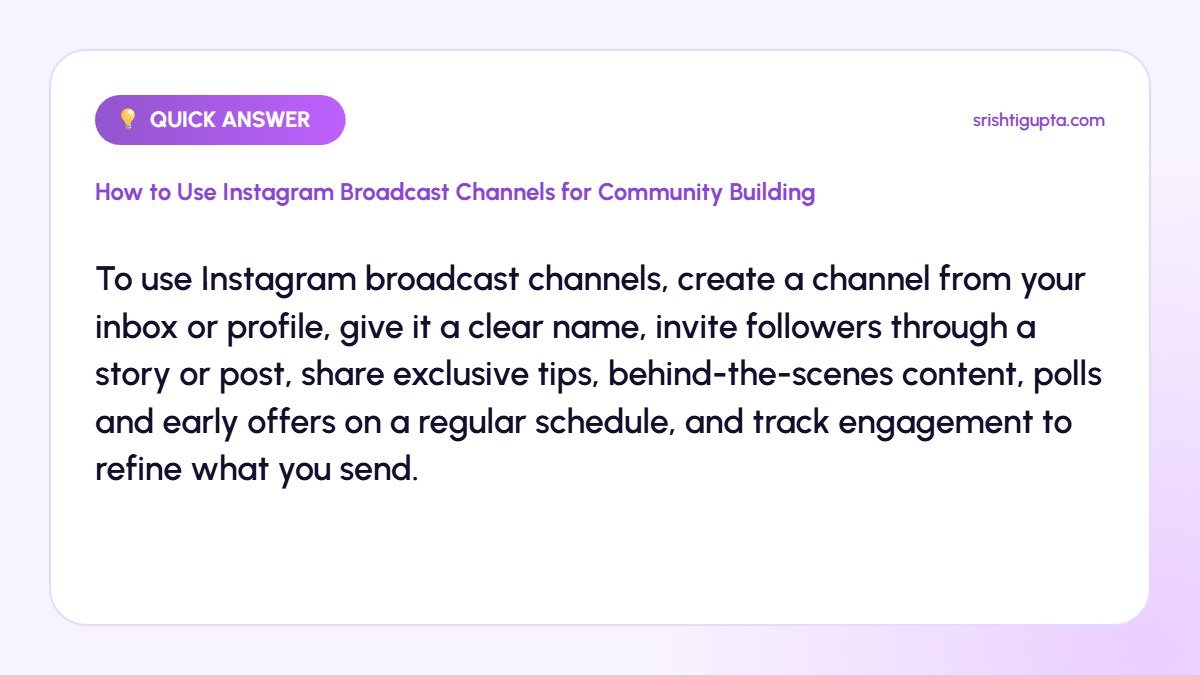
Step-by-Step: How to Use Instagram Broadcast Channels for Community Building
Step 1: Check eligibility and create the channel
Open your inbox, tap the compose icon and choose Create broadcast channel, or use the option on your profile. Professional accounts in supported regions can create channels.
Step 2: Name and describe it clearly
Choose a name that tells people what they get, such as “Weekly Marketing Tips with Srishti”. Set audience, keep the channel visible on your profile and pin a welcome message.
Step 3: Invite your followers
When you send the first message, Instagram notifies followers once. Promote the channel in stories with a link sticker, mention it in reels and add it to your highlights.
Step 4: Share exclusive value
Post content followers cannot find elsewhere: quick tips, behind-the-scenes updates, sneak peeks, early discounts or short voice notes. Exclusivity is the main reason people stay.
Step 5: Use polls and questions
Run polls to involve members in decisions such as next video topics or product colours. Ask for reactions and use prompts to collect feedback.
Step 6: Keep a consistent rhythm
Send two to four messages per week at predictable times. Review reactions and poll responses to see what members value most.
Pro Tips
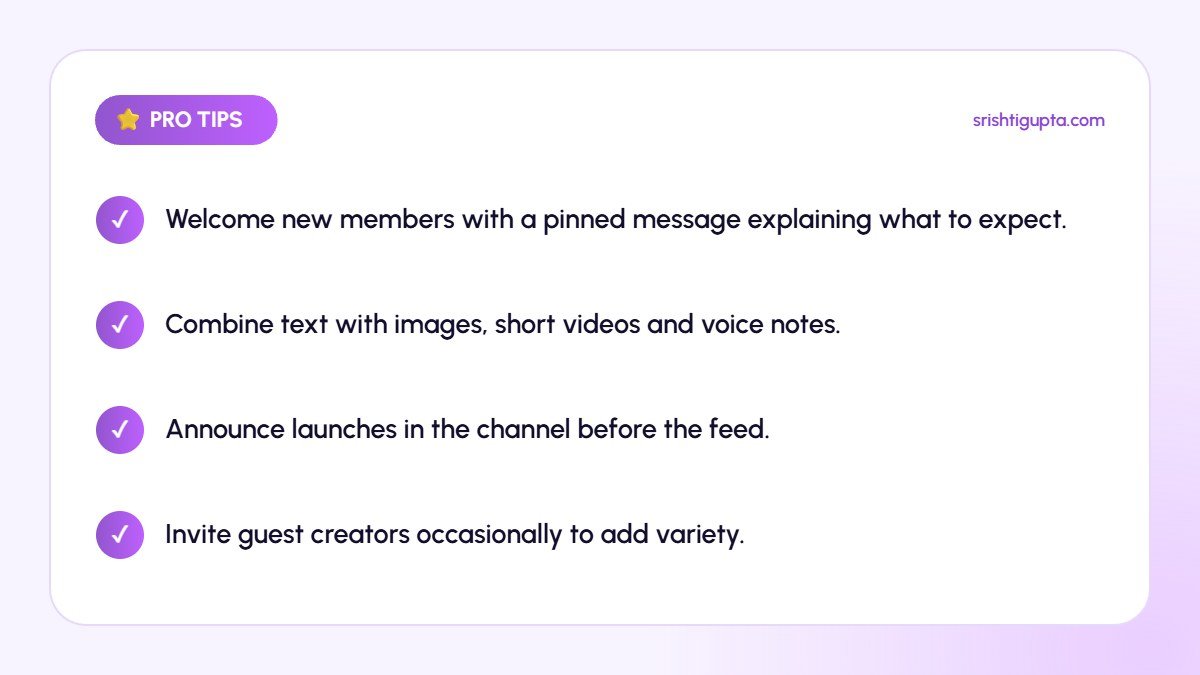
- Welcome new members with a pinned message explaining what to expect.
- Combine text with images, short videos and voice notes.
- Announce launches in the channel before the feed.
- Invite guest creators occasionally to add variety.
Common Mistakes to Avoid
- Using the channel only for sales messages.
- Posting too often and causing members to mute it.
- Creating a channel and then going silent.
- Copying the same content as the feed.
Frequently Asked Questions
Can followers reply in Instagram broadcast channels?
Members can react to messages and vote in polls, but they cannot send messages in the channel, which keeps it focused.
Are broadcast channels available for business accounts?
Yes, most creator and business accounts can create channels, subject to regional availability.
How do broadcast channels help marketing?
They give direct inbox access to your most interested followers, which improves reach for announcements and strengthens loyalty.
Final Thoughts
Instagram broadcast channels are a simple, personal way to build community. Offer exclusive value, involve members with polls and post consistently, and your channel will become a loyal audience you can rely on.
Need expert help? Srishti Gupta is a digital marketing expert in Ludhiana. Explore her social media marketing or get in touch to discuss your project.