
Welcome emails get some of the highest open rates of any email you will send because new subscribers are curious and engaged. An automated welcome sequence uses that moment to build trust, deliver value and guide people toward their first purchase or enquiry.
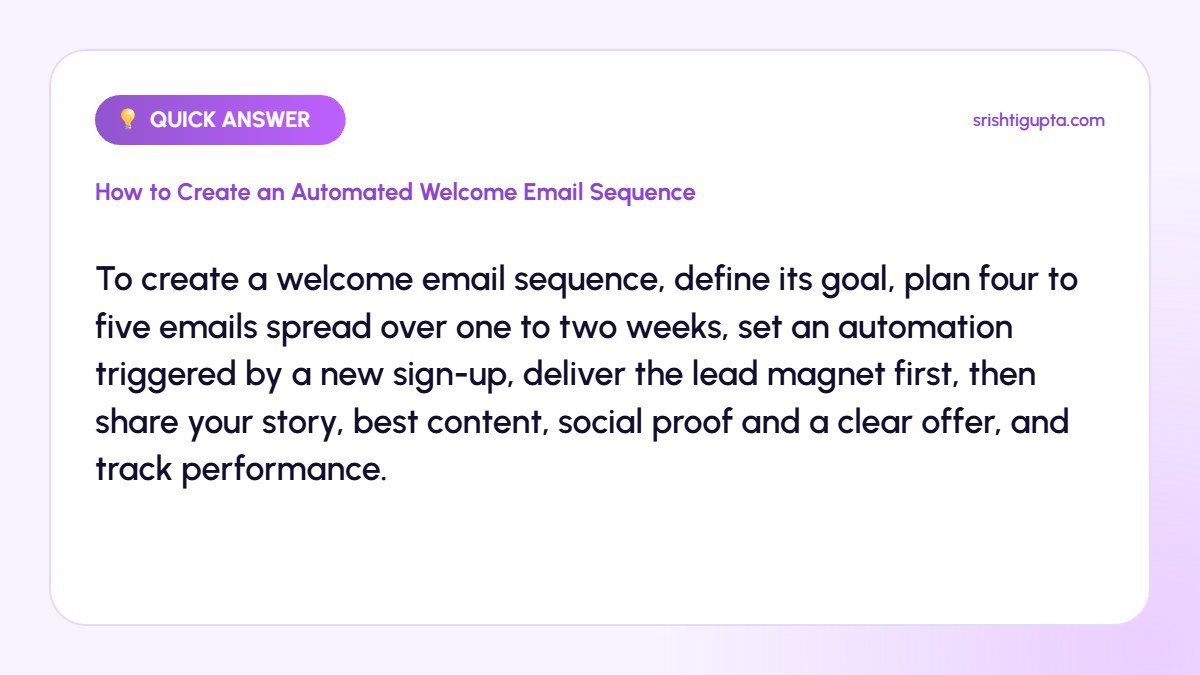
Quick answer: To create a welcome email sequence, define its goal, plan four to five emails spread over one to two weeks, set an automation triggered by a new sign-up, deliver the lead magnet first, then share your story, best content, social proof and a clear offer, and track performance.
Why It Matters
First impressions shape how subscribers see every future email. A thoughtful sequence sets expectations, introduces your brand personality and turns cold subscribers into warm prospects automatically, even while you focus on other work.
Step-by-Step: How to Create an Automated Welcome Email Sequence
Step 1: Set the goal of the sequence
Decide what success looks like: a first purchase, a consultation booking or simply engagement. Each email should move subscribers one step closer to that goal.
Step 2: Plan the emails
A simple structure is: email 1 delivers the lead magnet, email 2 shares your story, email 3 provides your best tips, email 4 shows results or testimonials and email 5 makes an offer.
Step 3: Write in a personal tone
Use the subscriber’s first name, a friendly voice and short paragraphs. Every email needs one clear call to action, such as reading a guide or booking a call.
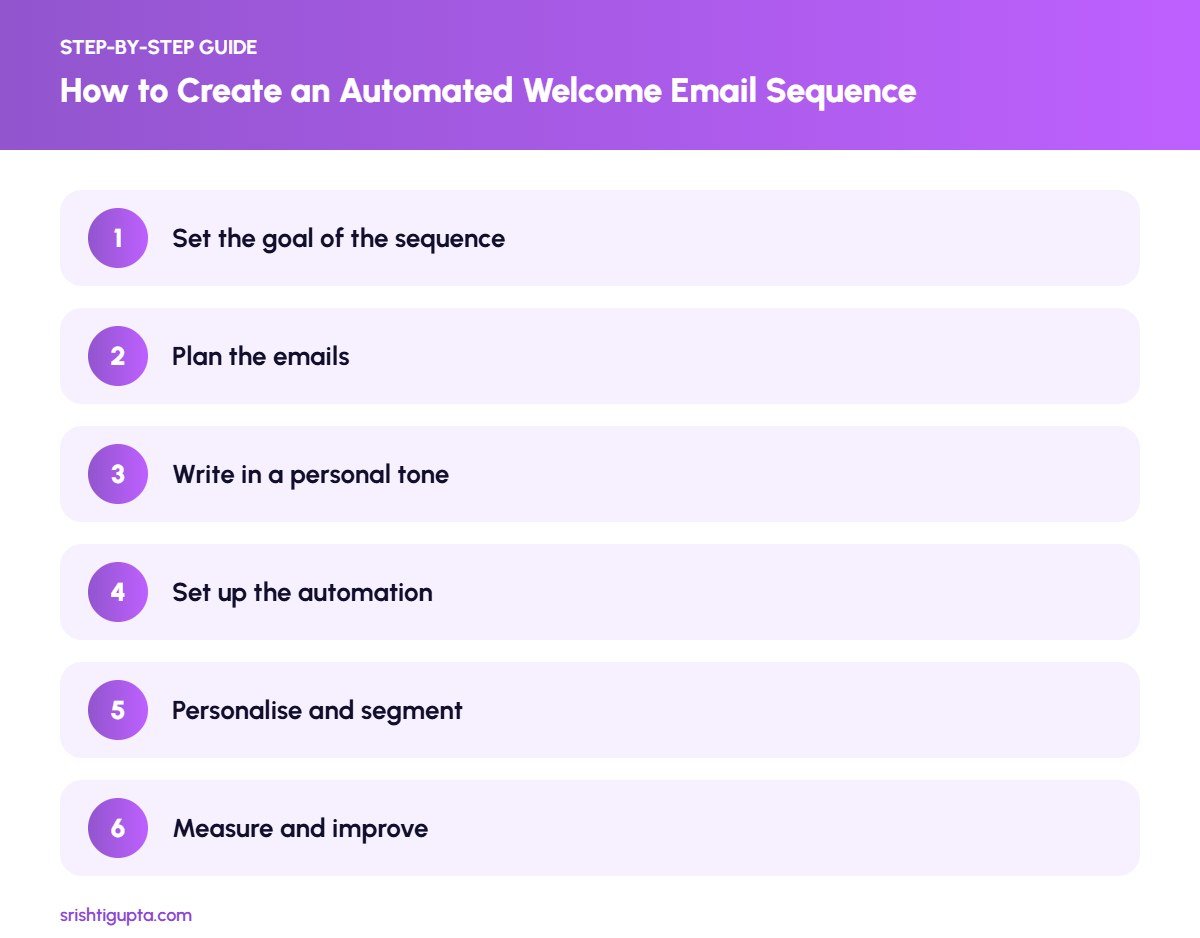
Step 4: Set up the automation
In your email platform, create an automation triggered when someone joins a list or submits a form. Add delays such as immediately, day 2, day 4, day 7 and day 10.
Step 5: Personalise and segment
Use tags based on the sign-up source or interests to adjust content. For example, someone who downloaded an SEO checklist should receive SEO-focused examples.
Step 6: Measure and improve
Track open rates, click rates, replies and conversions for each email. Rewrite subject lines or content of the weakest emails and test new offers over time.
Pro Tips
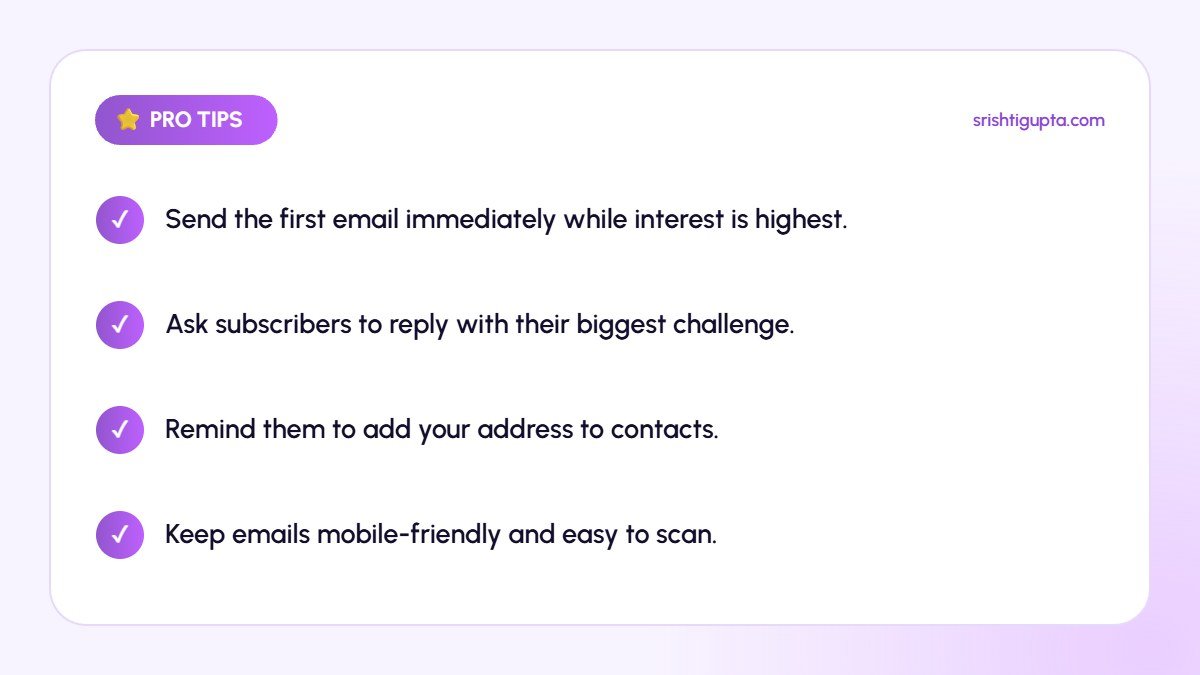
- Send the first email immediately while interest is highest.
- Ask subscribers to reply with their biggest challenge.
- Remind them to add your address to contacts.
- Keep emails mobile-friendly and easy to scan.
Common Mistakes to Avoid
- Sending only one generic welcome email.
- Leading with a hard sales pitch in email 1.
- Using a no-reply address that blocks responses.
- Never reviewing performance after setup.
Frequently Asked Questions
How many emails should a welcome sequence have?
Most effective sequences have three to seven emails. Four or five is a good starting point for small businesses.
How often should welcome emails be sent?
Send the first immediately and space the rest one to three days apart over the first one to two weeks.
Which tools can automate welcome emails?
Tools like Mailchimp, Brevo, MailerLite, ConvertKit, Zoho Campaigns and HubSpot all support automated welcome sequences.
Final Thoughts
An automated welcome sequence works for you every day, greeting new subscribers and building trust. Plan it around a clear goal, write like a person and keep improving it with data.
Need expert help? Srishti Gupta is a digital marketing expert in Ludhiana. Explore her digital marketing services or get in touch to discuss your project.