
WordPress with WooCommerce and Shopify are two of the most popular ways to build an online store. Both can power successful businesses, but they suit different needs. This guide walks you through the key factors so you can choose with confidence.
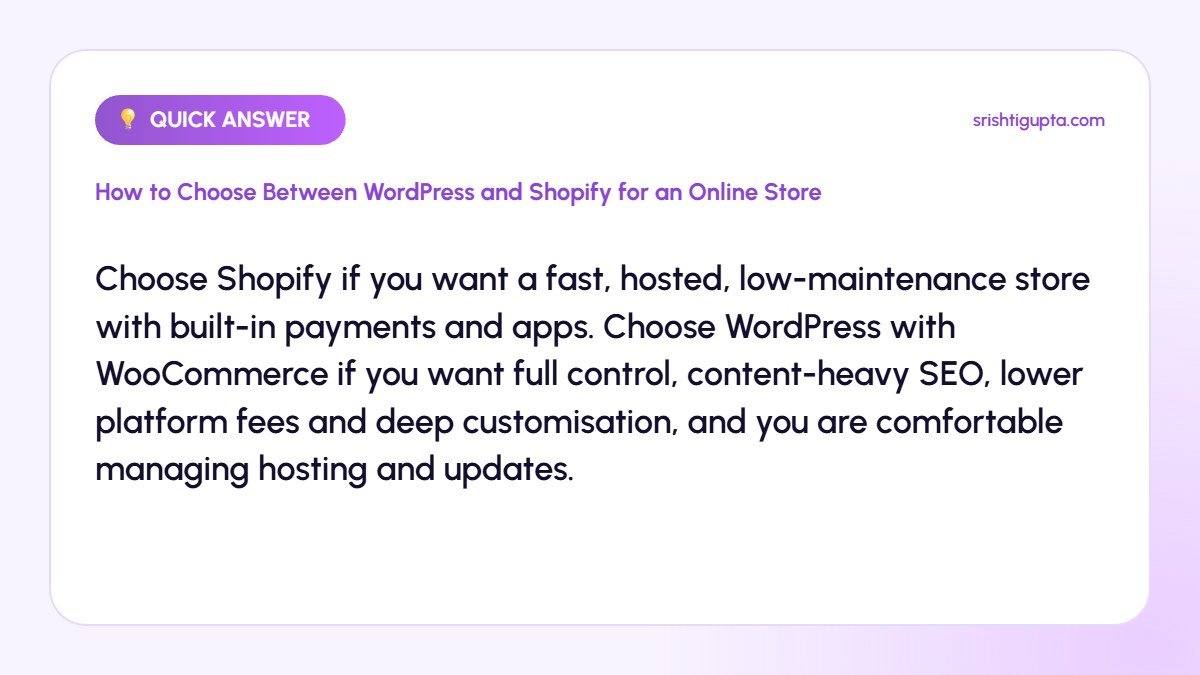
Quick answer: Choose Shopify if you want a fast, hosted, low-maintenance store with built-in payments and apps. Choose WordPress with WooCommerce if you want full control, content-heavy SEO, lower platform fees and deep customisation, and you are comfortable managing hosting and updates.
Why It Matters
Switching platforms later is expensive and can affect SEO and customer experience. Choosing the right platform at the start saves money, reduces technical headaches and gives your store a foundation that can grow with your business.
Step-by-Step: How to Choose Between WordPress and Shopify for an Online Store
Step 1: List your business requirements
Write down product count, variants, payment gateways, shipping needs, content plans, budget and how much technical work you can handle. These requirements guide the comparison.
Step 2: Compare total costs
Shopify charges a monthly plan plus app fees and possibly transaction fees. WooCommerce is free, but you pay for hosting, a theme, premium plugins and maintenance. Estimate yearly totals for both.
Step 3: Evaluate ease of use
Shopify is easier for beginners with hosting, security and updates handled for you. WordPress requires more setup but offers familiar content editing and endless flexibility.
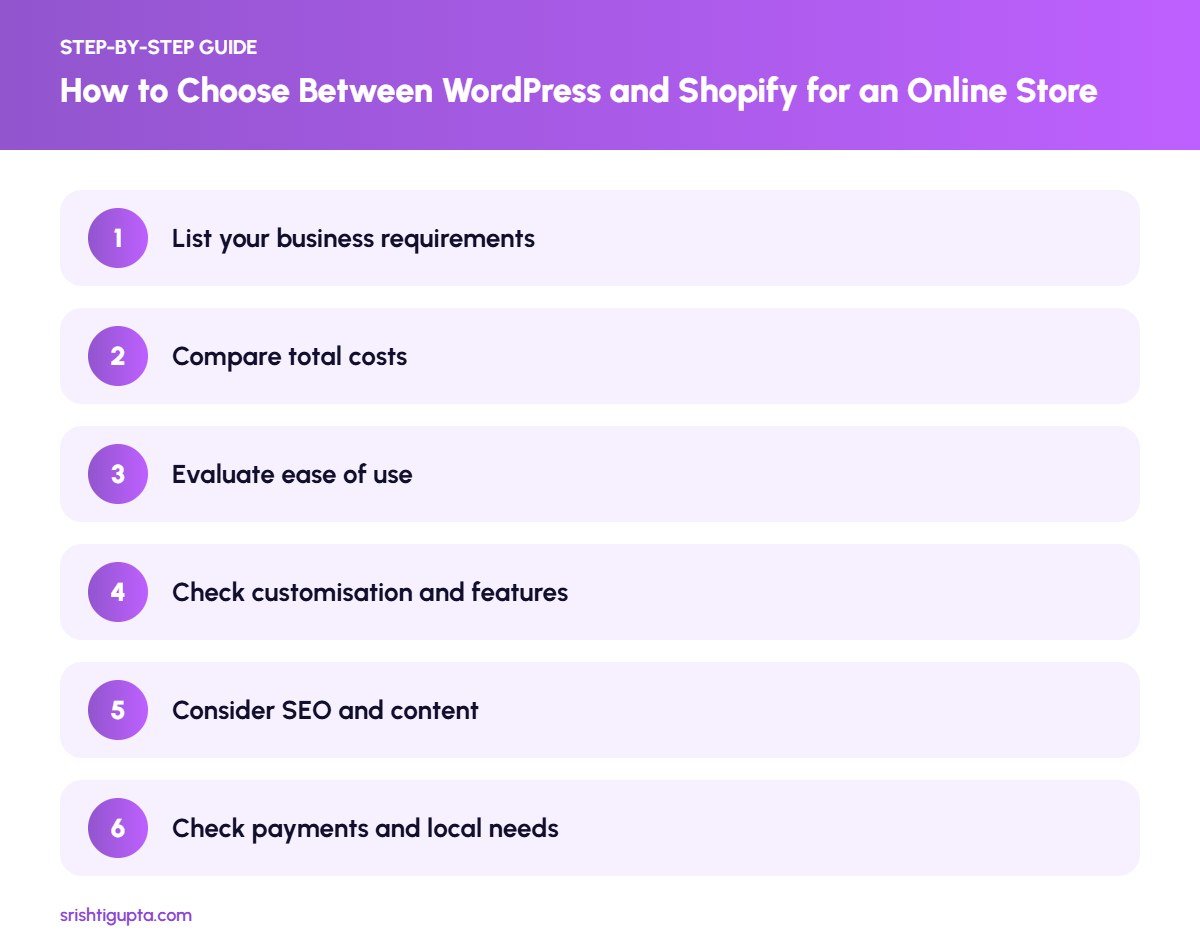
Step 4: Check customisation and features
WooCommerce can be customised almost without limits through plugins and code. Shopify has a strong app store but some changes depend on its structure and plan level.
Step 5: Consider SEO and content
Both platforms can rank well. WordPress is especially strong for blogging and content marketing, while Shopify covers essential SEO features with a simpler setup.
Step 6: Check payments and local needs
Confirm support for Indian payment gateways like Razorpay, PayU or Cashfree, GST invoicing, COD and shipping integrations such as Shiprocket on the platform you prefer.
Pro Tips
- Build a quick demo store on both platforms using free trials.
- Factor in the cost of a developer for ongoing changes.
- Choose themes that are fast and mobile-first.
- Plan your product URL structure before importing products.
Common Mistakes to Avoid
- Choosing only based on the cheapest monthly price.
- Installing too many plugins or apps that slow the store.
- Ignoring security and backups on WordPress.
- Not checking payment gateway support before building.
Frequently Asked Questions
Is Shopify better than WooCommerce for beginners?
Generally yes. Shopify is easier to set up and maintain, while WooCommerce gives more control but needs more technical management.
Which is better for SEO, WordPress or Shopify?
Both can rank well. WordPress offers more flexibility and stronger blogging features, while Shopify covers the basics and is easier to manage.
Can I move from WooCommerce to Shopify later?
Yes, migration tools exist, but you must handle redirects, product data and design carefully to avoid losing traffic.
Final Thoughts
There is no universal winner between WordPress and Shopify. Match the platform to your budget, skills and growth plans, test both if possible and choose the one that lets you focus on selling.
Need expert help? Srishti Gupta is a digital marketing expert in Ludhiana. Explore her website development or get in touch to discuss your project.