AI avatar tools let you create videos with a realistic presenter speaking your script, without cameras, studios or editing skills. Businesses use them for training, product explainers, onboarding and multilingual marketing videos.
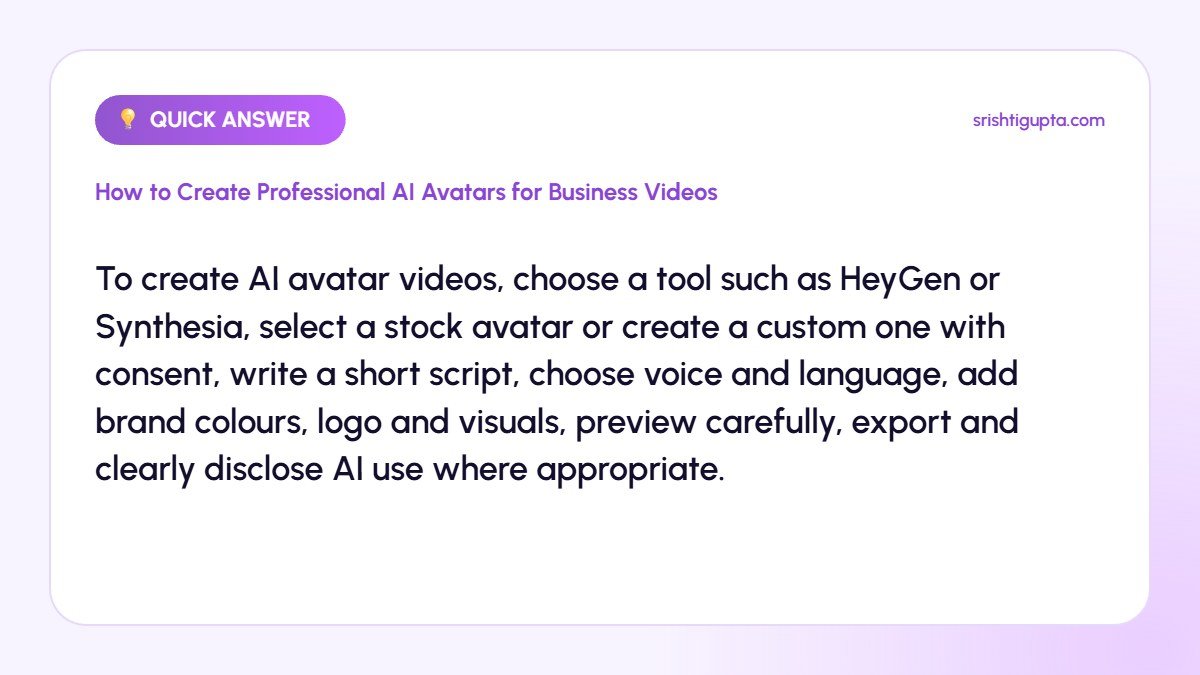
Quick answer: To create AI avatar videos, choose a tool such as HeyGen or Synthesia, select a stock avatar or create a custom one with consent, write a short script, choose voice and language, add brand colours, logo and visuals, preview carefully, export and clearly disclose AI use where appropriate.
Why It Matters
Video production can be expensive and slow. AI avatars make it possible to update training videos quickly, produce content in several languages and maintain a consistent presenter, which is especially useful for small teams.
Step-by-Step: How to Create Professional AI Avatars for Business Videos
Step 1: Choose the right AI avatar tool
Compare tools such as HeyGen, Synthesia, D-ID and Colossyan for avatar quality, languages, pricing, templates and commercial usage rights.
Step 2: Select or create an avatar
Pick a stock avatar that suits your brand or record a custom avatar of yourself following the tool’s instructions. Only create avatars of people who have given clear consent.
Step 3: Write a clear script
Keep videos short, one to three minutes, and write in a conversational tone. Break the script into scenes with a hook, key points and a call to action.
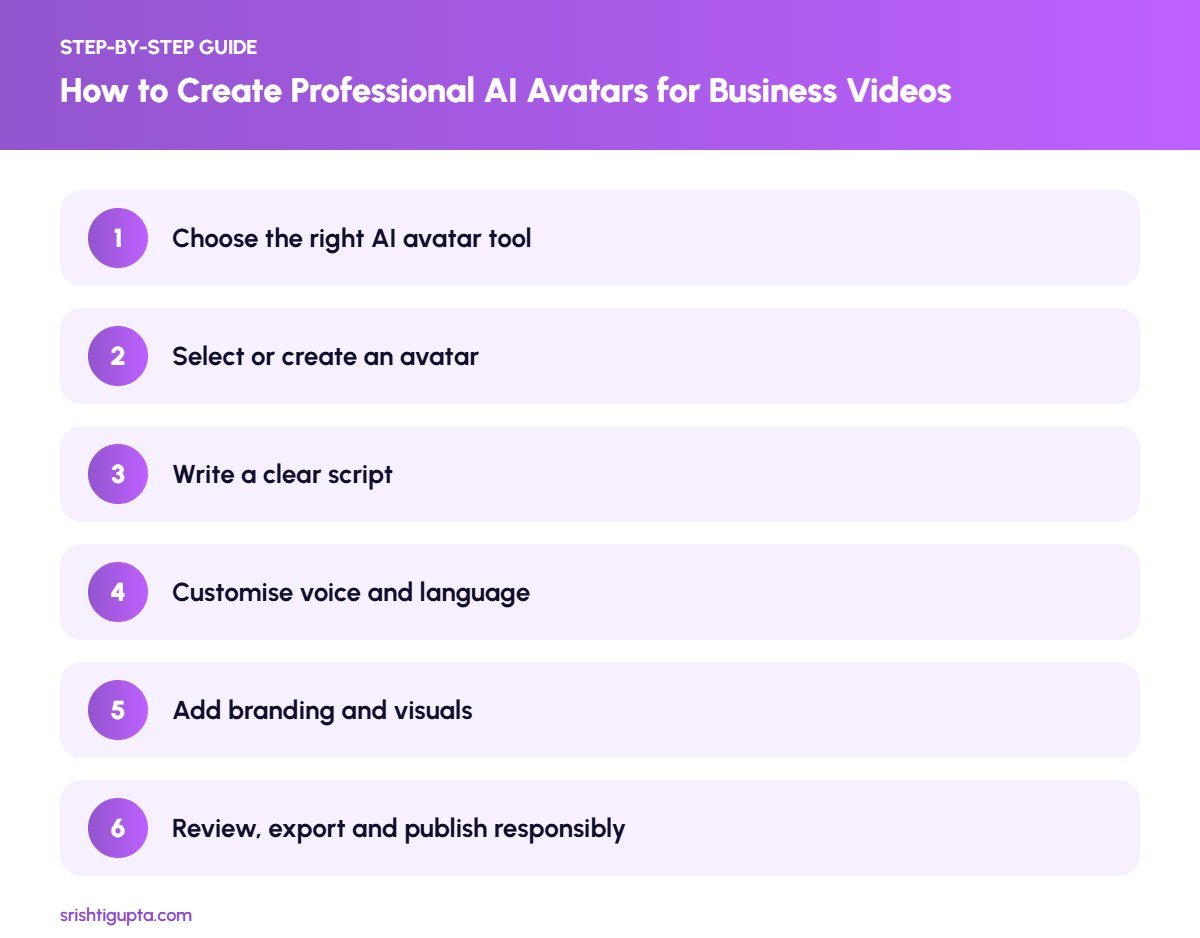
Step 4: Customise voice and language
Choose a natural voice, adjust speed and pronunciation, and translate the script for other languages. Check names and technical terms carefully.
Step 5: Add branding and visuals
Use your brand colours, logo, background, screen recordings, images and captions so the video looks professional and on-brand.
Step 6: Review, export and publish responsibly
Preview the full video for lip sync and accuracy, export in the right format and add captions. Be transparent that the presenter is AI-generated when it matters to viewers.
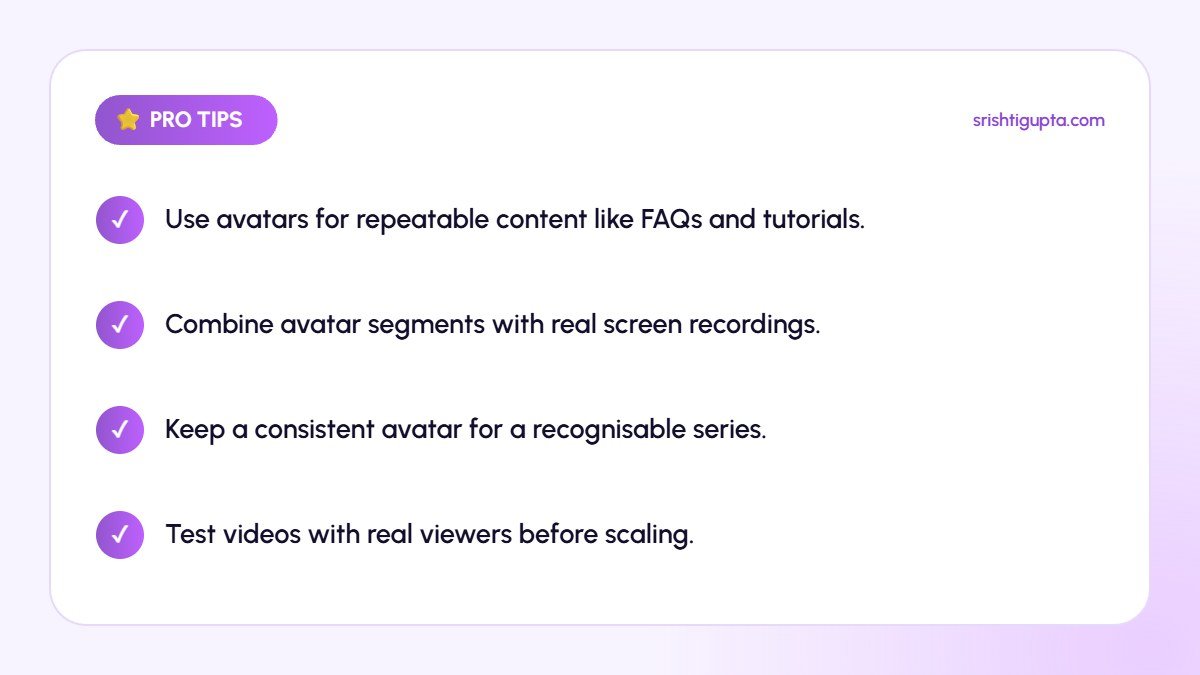
Pro Tips
- Use avatars for repeatable content like FAQs and tutorials.
- Combine avatar segments with real screen recordings.
- Keep a consistent avatar for a recognisable series.
- Test videos with real viewers before scaling.
Common Mistakes to Avoid
- Using a real person’s likeness without permission.
- Writing long, formal scripts that sound robotic.
- Ignoring pronunciation errors in brand or product names.
- Misleading viewers about who is speaking.
Frequently Asked Questions
Are AI avatar videos good for marketing?
They work well for explainers, training and multilingual content. For trust-sensitive messages, real human videos often perform better.
Can I create an AI avatar of myself?
Yes. Most tools offer custom avatars where you record sample footage and consent statements to create a digital version of yourself.
Are AI avatar videos expensive?
Most tools offer monthly plans based on video minutes, which are usually much cheaper than traditional video production.
Final Thoughts
AI avatars can make professional video production fast and affordable. Choose a reliable tool, write natural scripts, brand your videos and use the technology transparently to build trust with your audience.
Need expert help? Srishti Gupta is a digital marketing expert in Ludhiana. Explore her AI-powered digital marketing or get in touch to discuss your project.