
Negative keywords stop your ads from showing for searches that will never become customers. Without them, broad and phrase match keywords can trigger ads for irrelevant queries such as jobs, free versions or unrelated products, quietly draining your budget.
Quick answer: To set up negative keywords, review the search terms report, identify irrelevant queries, add them as negatives using the right match type, build shared negative keyword lists for common exclusions like jobs or free, apply them at campaign or account level, and review search terms weekly.
Why It Matters
Every irrelevant click costs money and lowers conversion rates. Negative keywords improve ad relevance, increase click-through and conversion rates, and send cleaner signals to smart bidding.
Step-by-Step: How to Set Up Google Ads Negative Keywords to Reduce Wasted Spend
Step 1: Review the search terms report
In Google Ads, open Insights and reports, then Search terms. Sort by cost and look for queries that do not match your products, location or intent.
Step 2: Brainstorm common exclusions
Before launching, list obvious negatives such as jobs, careers, salary, free, course, DIY, second hand or competitor names you do not want, depending on your business.
Step 3: Choose the right match type
Negative broad match blocks searches containing all the words in any order, negative phrase blocks the exact phrase within a search and negative exact blocks only that exact query.
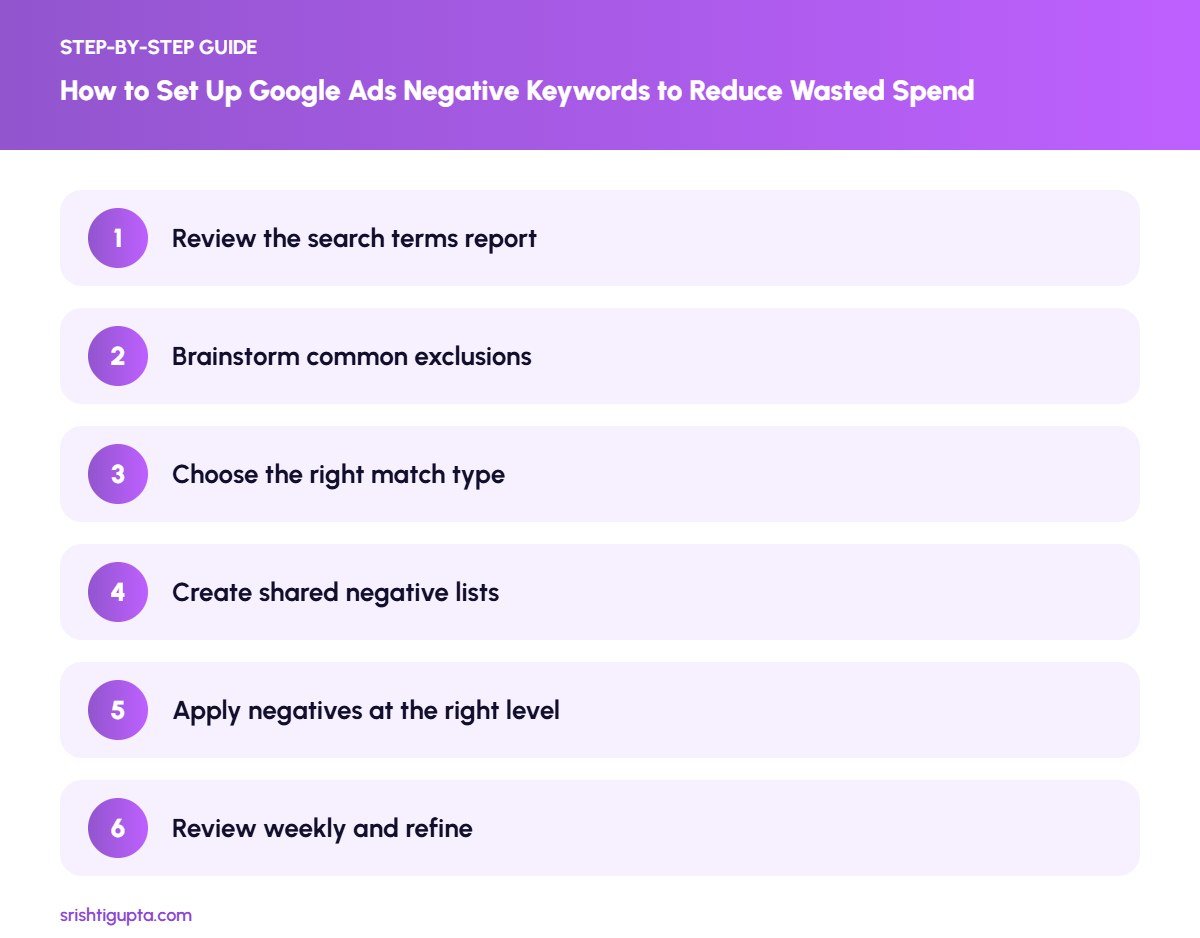
Step 4: Create shared negative lists
In Tools, Shared library, create lists such as “Job seekers” or “Irrelevant services” and apply them to multiple campaigns to save time.
Step 5: Apply negatives at the right level
Use account or campaign-level negatives for universal exclusions, and ad group-level negatives to direct queries to the most relevant ad group.
Step 6: Review weekly and refine
Check search terms at least weekly for new campaigns and monthly for mature ones. Be careful not to block valuable searches by adding overly broad negatives.
Pro Tips
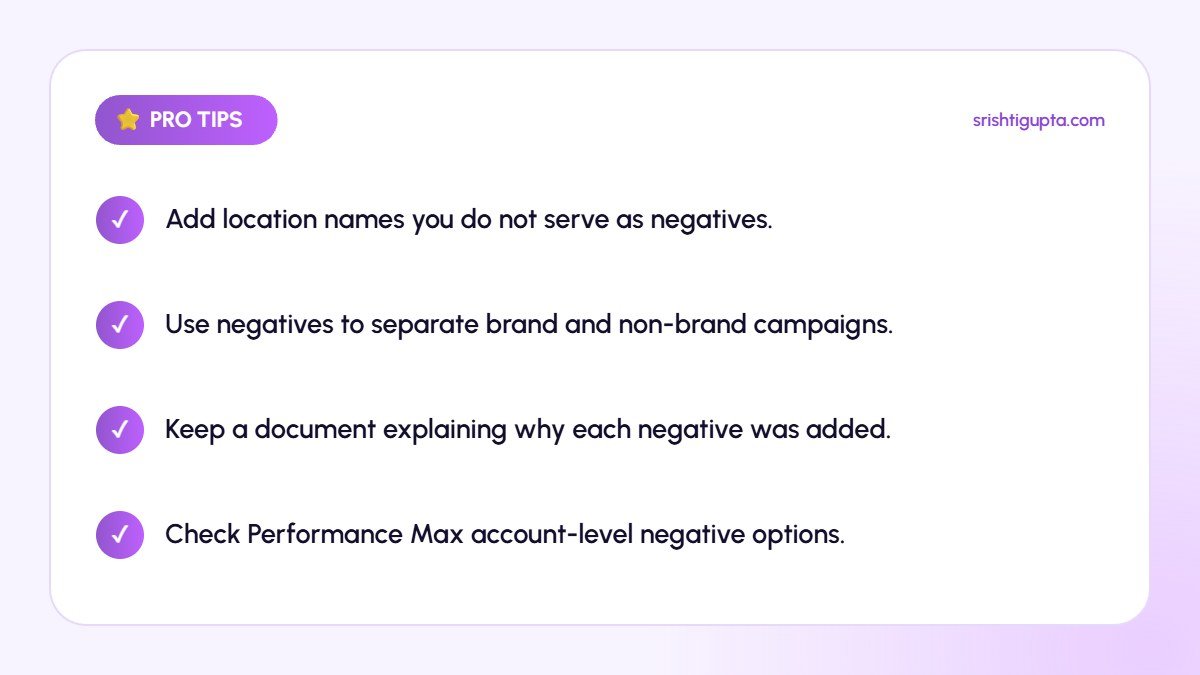
- Add location names you do not serve as negatives.
- Use negatives to separate brand and non-brand campaigns.
- Keep a document explaining why each negative was added.
- Check Performance Max account-level negative options.
Common Mistakes to Avoid
- Adding single generic words that block good traffic.
- Never reviewing the search terms report.
- Assuming negative keywords include close variants automatically.
- Applying the same negatives to every campaign without thinking.
Frequently Asked Questions
How many negative keywords should I have?
There is no fixed number. Most campaigns start with a basic list and grow it over time based on actual search terms.
Do negative keywords work with Performance Max?
Yes, Google now supports negative keywords for Performance Max campaigns, along with brand exclusions.
Can negative keywords hurt my campaign?
Yes, if they are too broad they can block valuable searches, so always review the impact after adding them.
Final Thoughts
Negative keywords are one of the simplest ways to make Google Ads more profitable. Build them before launch, review search terms regularly and you will spend more of your budget on people who are ready to buy.
Need expert help? Srishti Gupta is a digital marketing expert in Ludhiana. Explore her Google Ads management or get in touch to discuss your project.