
A landing page is a focused page designed for one action, such as booking a call or downloading a guide. WordPress makes it easy to build high-converting landing pages without coding, especially with page builders like Elementor or the block editor.
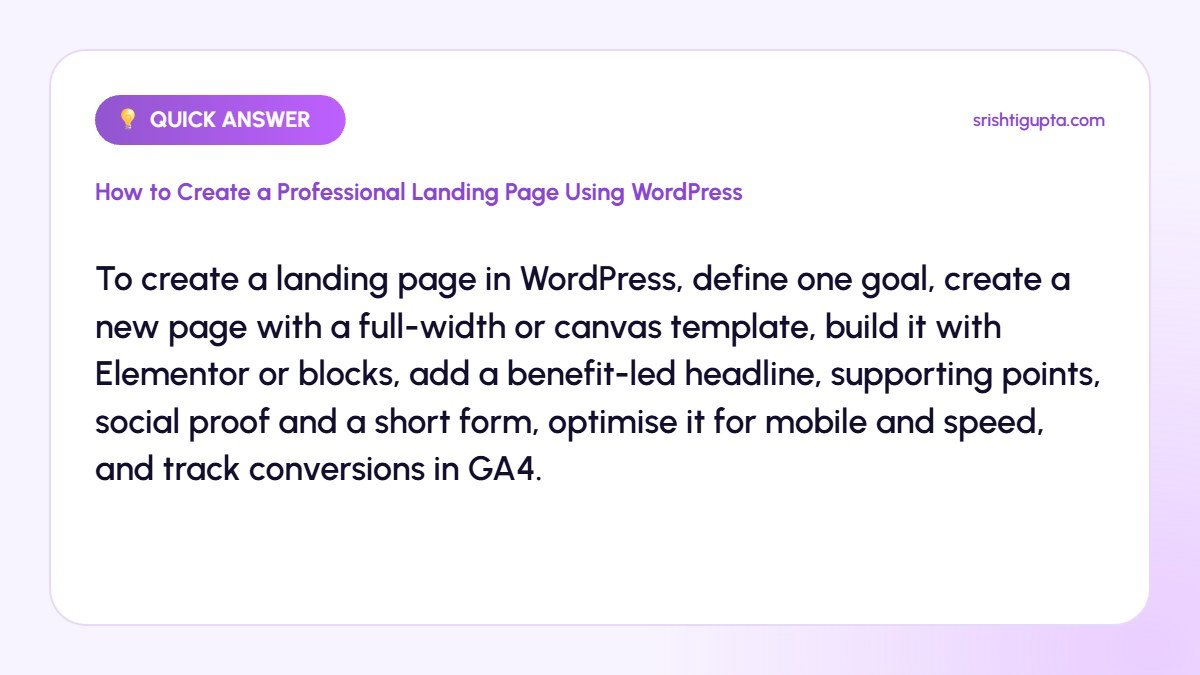
Quick answer: To create a landing page in WordPress, define one goal, create a new page with a full-width or canvas template, build it with Elementor or blocks, add a benefit-led headline, supporting points, social proof and a short form, optimise it for mobile and speed, and track conversions in GA4.
Why It Matters
Sending ad or email traffic to a general homepage spreads attention across many options. A dedicated landing page removes distractions and speaks directly to one audience, which usually increases conversion rates and lowers your cost per lead.
Step-by-Step: How to Create a Professional Landing Page Using WordPress
Step 1: Define the goal and audience
Decide the single action you want visitors to take and who the page is for. Everything on the page, from the headline to the images, should support that one action.
Step 2: Create the page with a clean template
Add a new page in WordPress and choose a canvas or full-width template that hides the main menu. This keeps visitors focused on your offer.
Also read: How to Fix a Slow WordPress Website
Step 3: Write a strong hero section
Use a headline that states the main benefit, a short subheadline that explains how, and a clear call-to-action button. Add a relevant image or short video that shows the result.
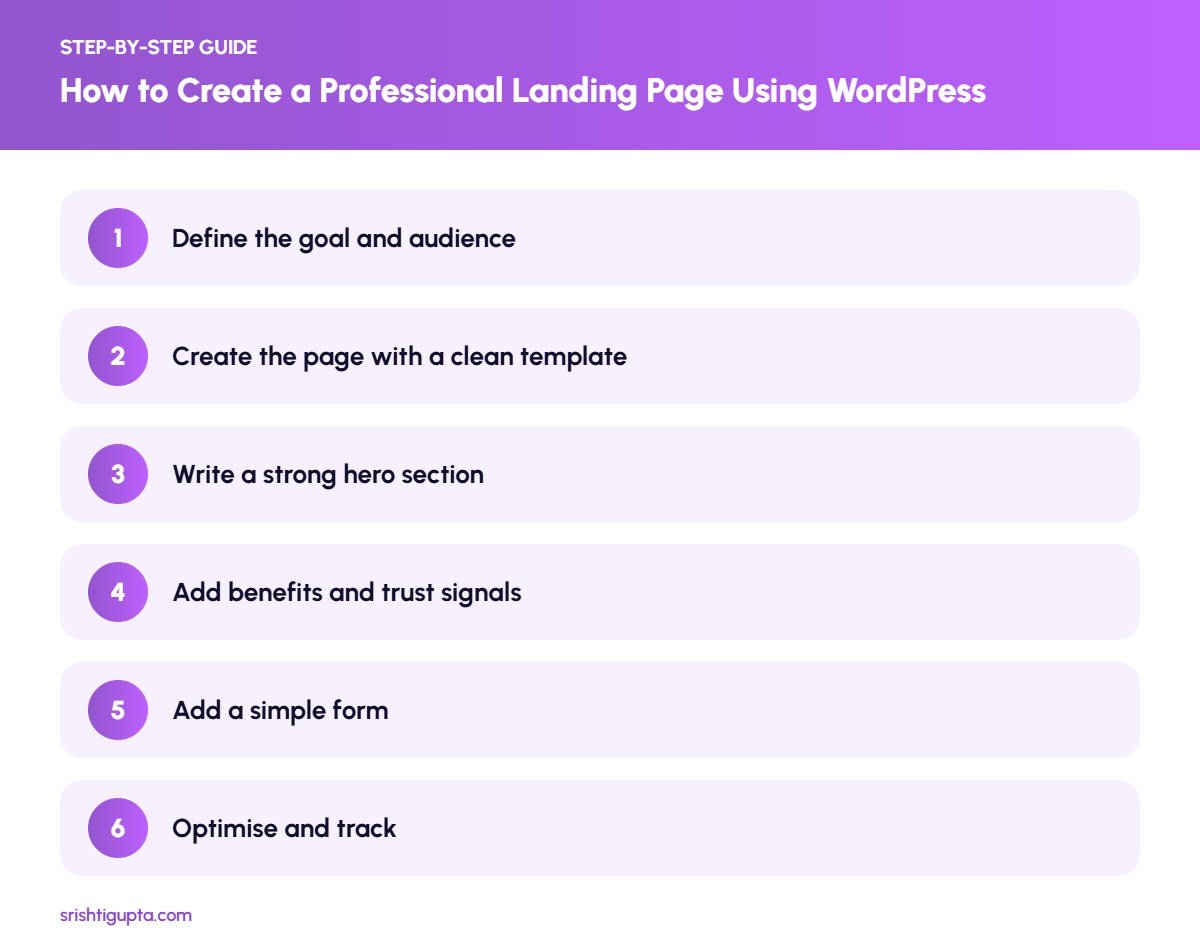
Step 4: Add benefits and trust signals
List three to five benefits, explain how the process works and include testimonials, client logos, ratings or certifications. Real proof reduces doubt.
Step 5: Add a simple form
Use a form plugin such as Contact Form 7, WPForms or Elementor Forms. Ask only for essential details, add a clear button label like “Get My Free Audit” and show a thank-you message or page.
Step 6: Optimise and track
Compress images, test on mobile and check speed in PageSpeed Insights. Set up GA4 and ad platform tracking for form submissions so you can measure conversion rate.
Pro Tips
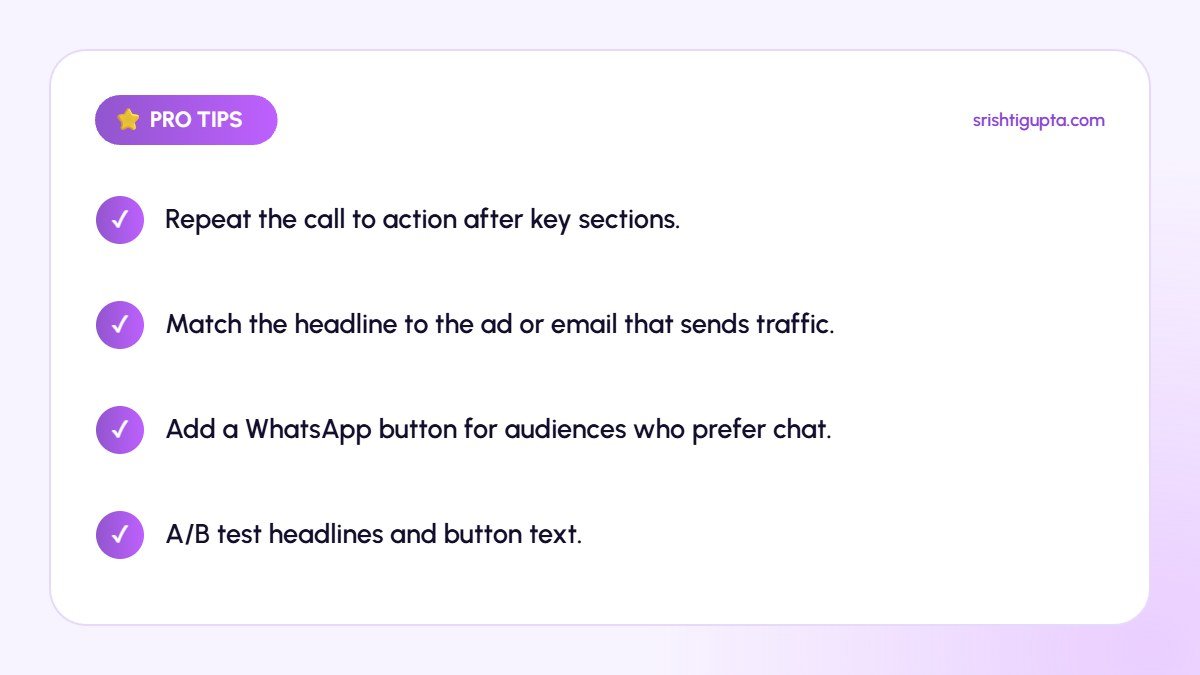
- Repeat the call to action after key sections.
- Match the headline to the ad or email that sends traffic.
- Add a WhatsApp button for audiences who prefer chat.
- A/B test headlines and button text.
Common Mistakes to Avoid
- Including the full site navigation and many exit links.
- Writing about features instead of customer benefits.
- Using long forms that ask for unnecessary details.
- Forgetting to set the page to noindex if it is only for ads.
Frequently Asked Questions
Do I need Elementor to build a landing page in WordPress?
No. The block editor can build good landing pages, but Elementor and similar builders make design faster and more flexible.
How long should a landing page be?
Simple offers can use short pages, while expensive or complex services usually need longer pages that answer objections and show more proof.
Should landing pages be indexed by Google?
Pages created for organic search should be indexed. Pages made only for paid campaigns can be noindexed to avoid thin or duplicate content.
Final Thoughts
A professional landing page in WordPress is focused, fast and persuasive. Define one goal, communicate the benefit clearly and track results, and you will turn more visitors into leads.
Need expert help? Srishti Gupta is a digital marketing expert in Ludhiana. Explore her website development or get in touch to discuss your project.